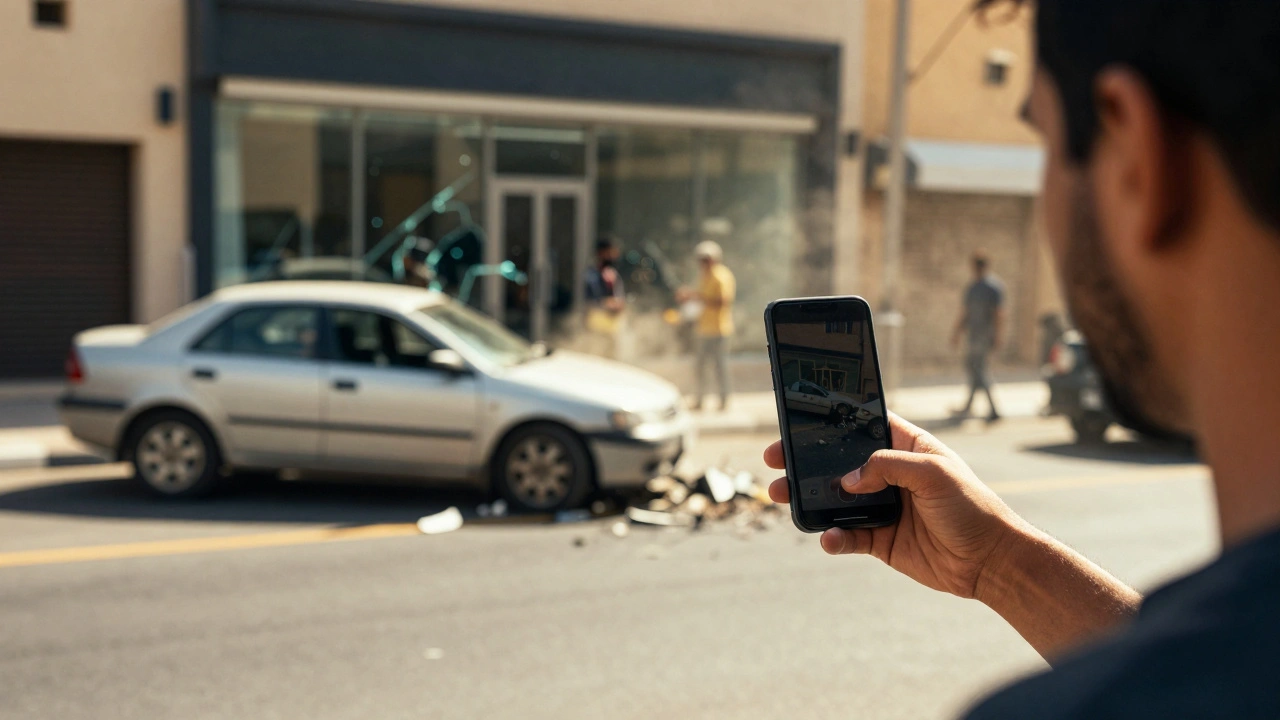
You are standing on a sidewalk. A car crashes into a storefront. Someone pulls out their phone and starts recording. That video might decide who goes to jail, who pays damages, or whether an officer faces disciplinary action. But here is the catch: just because you have the footage does not mean a judge will let it into court.
Smartphone cameras have become the default witness for emergencies. From high-speed chases to domestic disputes, these devices capture raw, unfiltered reality. Yet, in the world of scene imaging, a shaky clip from a bystander’s pocket faces a gauntlet of legal hurdles. If the file is altered, the audio violates wiretap laws, or the chain of custody breaks, that crucial evidence can vanish before it ever reaches the jury.
The Core Hurdle: Authenticity and Authentication
In any courtroom, relevance is usually easy to prove. If the video shows the event in question, it is relevant. The real battle happens at the door of authenticity. Under Federal Rule of Evidence (FRE) 901, you must prove that the recording is what it claims to be. It cannot be a doctored GIF, a cropped segment that hides context, or a download from TikTok that has been compressed beyond recognition.
Courts look for a clear link between the device and the event. This typically requires a witness-often the person who held the phone-to testify that they captured the footage themselves and that it has not been edited. As noted by the Bureau of Justice Assistance (BJA) in their primer for prosecutors, authentication is satisfied when a witness confirms the recording "fairly and accurately" depicts the scene. Without that testimony, or without forensic proof of the file's integrity, the video is just pixels on a screen with no evidentiary weight.
The problem gets worse when social media enters the mix. Platforms like Instagram, Facebook, and X (formerly Twitter) automatically compress videos, strip metadata, and sometimes apply filters. These changes destroy the original data structure. Legal experts consistently warn that a social media version is rarely sufficient for trial. To preserve admissibility, investigators must obtain the native file directly from the device or cloud backup using a subpoena or warrant, ensuring the cryptographic hash matches the original capture.
Audio vs. Video: The Wiretrap Trap
Here is where many people get caught off guard. In the United States, video and audio are treated as two completely different legal entities. You might have a perfectly valid visual record of an assault, but if your phone also recorded a private conversation without consent, that audio could be illegal-and potentially inadmissible.
Federal law allows "one-party consent," meaning only one person in the conversation needs to agree to the recording. However, twelve states-including California, Florida, and Pennsylvania-require "all-party consent." In these jurisdictions, recording a private discussion without everyone’s permission can violate state wiretap statutes.
This creates a split verdict scenario. A court might admit the silent video to show who threw the first punch, but suppress the audio where threats were made. Worse, in strict two-party consent states, the act of recording itself could expose the bystander to criminal liability. For scene imagers and investigators, this means checking local laws immediately. If you are in a public park, the rules are looser; if you are inside a home or a hospital room, the expectation of privacy is high, and the risk of suppression skyrockets.
Chain of Custody: The Digital Paper Trail
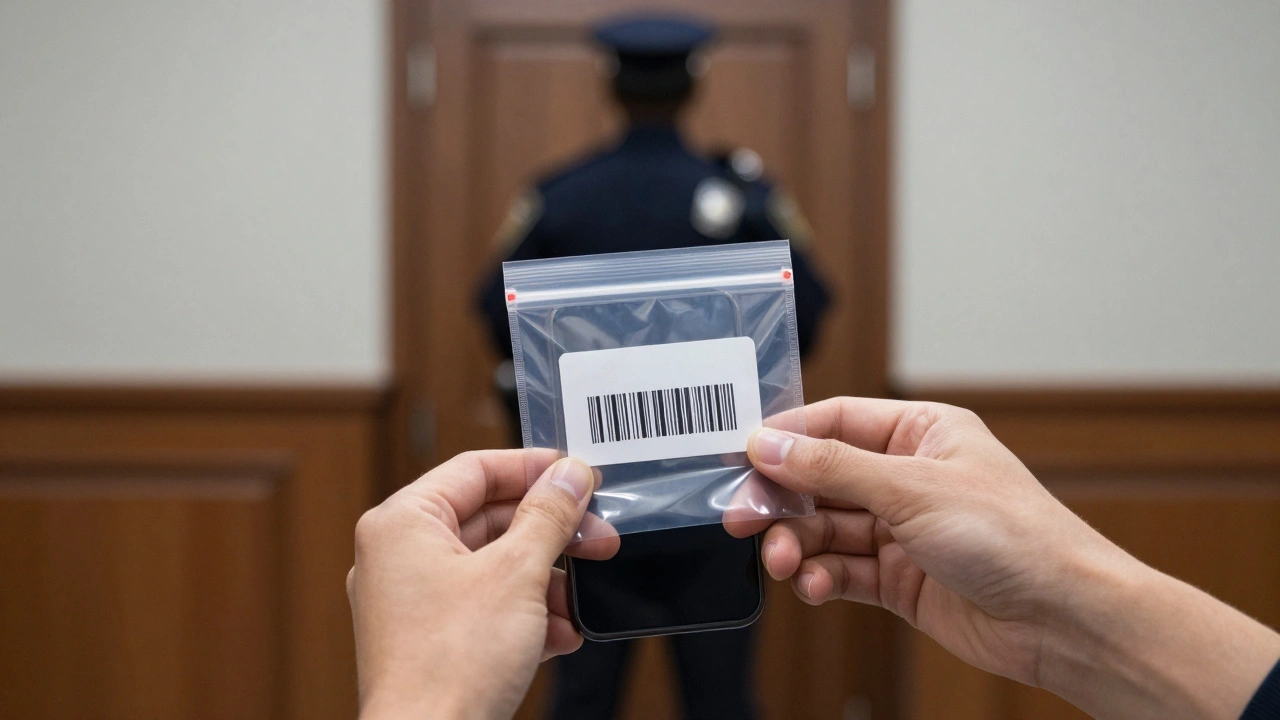
Imagine finding a bloody knife at a crime scene. You wouldn’t just hand it to the prosecutor in a grocery bag. You would bag it, tag it, log who touched it, and store it securely. Smartphone video demands the same rigor. The "chain of custody" tracks the evidence from the moment of capture to its presentation in court.
If an officer uses their personal phone to document a crash scene, that image becomes case evidence. According to guidelines from Americans for Effective Law Enforcement (AELE), agencies must have policies requiring immediate transfer of such files to secure evidence management systems. Leaving critical evidence on a personal device invites accusations of spoliation (destruction of evidence) or tampering. Did the officer delete other photos? Did they edit the timestamp?
For civilian witnesses, the chain of custody starts with preservation. Best practices include:
- Do not edit: Never crop, trim, or add captions to the original file.
- Backup immediately: Upload the raw file to a secure cloud service or external drive to prevent loss if the phone is damaged or seized.
- Document the source: Note the time, location, and device model used for recording.
- Avoid sharing publicly: Posting to social media can alter the file and complicate the chain of custody.
Digital evidence vendors like Axon now offer portals where citizens can upload video directly into police evidence systems. This bypasses the messy middleman of texting clips to officers’ personal phones, creating an automated audit trail that holds up under scrutiny.
Privacy Rights and the Fourth Amendment
What happens if the police want to see the video on your phone? Or worse, what if they seize your phone to find the video? The Supreme Court’s ruling in Riley v. California (2014) changed the game. It established that police generally need a warrant to search the digital contents of a cell phone, even if the owner is arrested. Smartphones contain a "digital record of nearly every aspect of their owners’ lives," making them far more intrusive than a physical wallet or diary.
There is an exception for "exigent circumstances"-emergencies where evidence might be destroyed or public safety is at immediate risk. However, this exception is narrow. Officers cannot use an emergency as an excuse to scroll through your entire gallery looking for incriminating material unrelated to the immediate threat. If they do, defense attorneys will likely move to suppress all evidence found during that unauthorized search.
Conversely, citizens have strong rights to record police in public. Cases like Glik v. Cunniffe and ACLU of Illinois v. Alvarez affirm that filming on-duty officers in public spaces is protected by the First Amendment. You do not need consent to film police performing their duties in open view. These recordings often serve as vital checks on power, providing unbiased scene imaging of use-of-force incidents. Just remember: while you can film, you must not interfere with police operations. Stand back, stay safe, and keep the lens rolling.
Technical Quality and Judicial Perception
Not all smartphone footage is created equal. Modern phones shoot in 4K or even 8K resolution with advanced stabilization. Early 2000s phones shot blurry, low-light nightmares. Courts consider technical quality when deciding if a video helps the jury or just confuses them.
If the lighting is poor, the subject is distant, or the frame rate is too low to discern actions, a judge may exclude the video as "prejudicial" or "cumulative." Why show a blurry mess when a witness can describe what happened clearly? The BJA advises prosecutors to have forensic analysts explain technical limitations to the jury. Don’t overstate what the pixels show. If the video doesn’t clearly identify a suspect’s face, don’t claim it does. Honesty about limitations builds credibility; exaggeration destroys it.
| Source Type | Authentication Ease | Chain of Custody | Key Risk |
|---|---|---|---|
| Fixed CCTV/Traffic Cam | High (Automated timestamps) | Strong (Third-party maintained) | Overwriting due to short retention periods |
| Body-Worn Camera (BWC) | High (Integrated system) | Very Strong (Auto-upload & hashing) | Officer failure to activate/record |
| Smartphone (Civilian) | Medium (Requires witness testimony) | Weak (Prone to editing/sharing) | Metadata stripping via social media |
| Smartphone (Officer Personal) | Low (Policy violations common) | Poor (Mixed with personal data) | Spoliation claims & privacy issues |
Best Practices for Capturing Admissible Emergency Footage
If you find yourself documenting an emergency, your goal is to make your footage as robust as possible. Here is how to think like a forensic investigator:
- Start early: Begin recording before the main event if possible. Context matters. Showing the seconds leading up to a crash or altercation establishes intent and sequence.
- Keep it steady: Use both hands. Shaky footage makes it hard to identify details. If your phone has optical stabilization, ensure it’s active.
- Zoom with your feet: Digital zoom degrades quality. Move closer safely rather than pinching the screen.
- Record continuously: Do not stop and start. Continuous footage proves nothing was cut out.
- Protect the device: After the event, put the phone in airplane mode to prevent remote wiping or accidental cloud syncs that might alter metadata. Back it up physically as soon as you can.
For law enforcement and private investigators, the protocol is stricter. Never rely on personal devices for official documentation unless policy explicitly allows it and provides a secure upload path. Always verify the hash value of received files. And always, always check the local wiretap laws before assuming audio is admissible.
Can police take my phone to look for video evidence?
Generally, no. Under the Supreme Court ruling in Riley v. California, police need a warrant to search the digital contents of your phone, including photos and videos. They can seize the physical phone, but they cannot unlock it and browse through files without a warrant, unless there is an immediate emergency (exigent circumstance) threatening life or imminent destruction of evidence. Even then, the search must be limited to that specific emergency.
Is video from TikTok or Instagram admissible in court?
Rarely, on its own. Social media platforms compress videos, remove metadata (like GPS and time stamps), and allow editing. Courts require the "native" or original file from the device to ensure authenticity. While a social media clip might be used to locate the original source, the platform version itself is often considered unreliable for evidentiary purposes due to potential alterations.
Do I need consent to record police in public?
No. Multiple federal circuit courts have ruled that citizens have a First Amendment right to record police officers performing their duties in public spaces. You do not need their consent. However, you must not interfere with their work, block their path, or shout commands. You should stand in a safe, public area and film openly.
What if I record a private conversation in a two-party consent state?
If you are in a state like California or Pennsylvania, recording a private conversation without the consent of all parties involved is illegal. This can lead to criminal charges against you and the exclusion of the audio portion of your video in court. The visual part of the video might still be admissible, but the audio will likely be suppressed, and you could face fines or jail time.
How do I preserve the chain of custody for a video I recorded?
To preserve the chain of custody, do not edit, crop, or filter the video. Immediately back up the original file to a secure location (like a cloud service or external hard drive). Document when and where you took the video. If handing it to authorities, provide the original file via a secure method or submit the device itself under seal, avoiding informal transfers like text messages which can compromise metadata.