You snap a photo at a crime scene. It looks perfect. The lighting is right, the angle captures the blood spatter pattern, and the timestamp says it happened when you said it did. But if you upload that JPEG to your cloud storage or email it to the DA before processing, you might have just destroyed its legal value. Why? Because EXIF data is fragile, and without a strict chain of custody, that image becomes hearsay rather than hard evidence.
Digital photography has made documenting scenes faster and cheaper, but it has also introduced a layer of complexity that many investigators still underestimate. Metadata isn't just technical trivia; it's the digital fingerprint of the photograph. If you can't prove where the file came from, who touched it, and that it hasn't been altered since capture, a defense attorney will tear it apart in court. This guide breaks down how to keep your scene images admissible by protecting their metadata and maintaining an unbroken chain of custody.
The Hidden Layer: What Is EXIF Data?
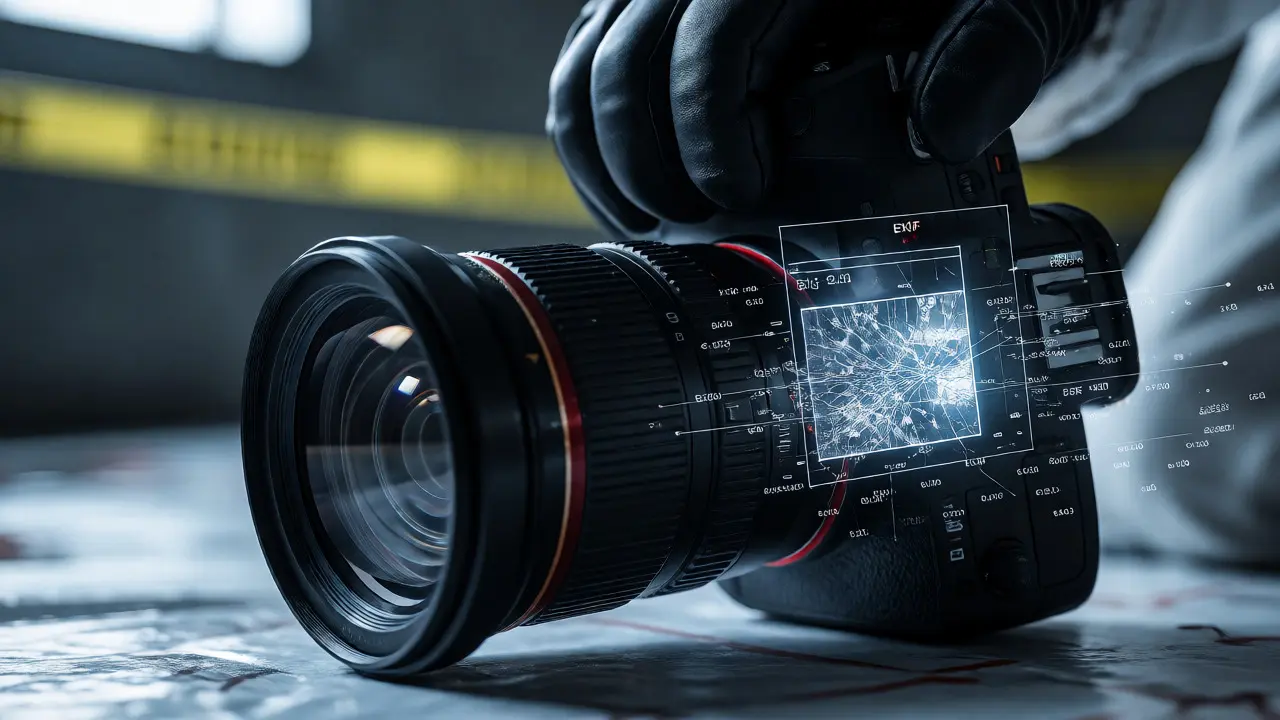
Exchangeable Image File Format (EXIF) is a standard that stores information inside image files like JPEGs and TIFFs. Think of it as the shipping label on a package. When your camera takes a picture, it doesn't just save pixels; it saves a log of exactly what happened when the shutter clicked. This includes the date and time, GPS coordinates, camera model, lens settings, and even the serial number of the device.
For forensic purposes, this data is critical because it provides independent verification of the image's origin. If you claim a photo was taken at a specific address at 10:45 AM, the EXIF GPS tag and timestamp should corroborate that claim. However, here is the trap: most standard software-like Windows Photo Viewer, macOS Preview, or social media apps-strips this data out to save space. Once stripped, the link between the image and its real-world context is severed unless you have documented it elsewhere.
Why Chain of Custody Matters More Than Ever
In traditional forensics, chain of custody means logging every person who handled a physical object. With digital evidence, the concept expands. You aren't just tracking who held the camera; you're tracking who accessed the file, what software opened it, and whether any edits were applied. A break in this chain creates doubt. Did the investigator crop the image to hide something? Was the color balance adjusted to make a stain look darker?
Without rigorous documentation, these questions become reasonable doubts. The National Institute of Standards and Technology (NIST) guidelines emphasize that digital evidence must be preserved in its original state. Any modification requires a clear audit trail showing what changed, why, and who did it. If you cannot produce this trail, the evidence may be ruled inadmissible under rules like Federal Rule of Evidence 901, which requires authentication of exhibits.
Pitfalls That Destroy Metadata Integrity
Most investigators lose metadata not through malice, but through convenience. Here are the most common mistakes:
- Emailing Images: Most email clients compress attachments, often stripping EXIF headers entirely. Sending a raw JPEG via Outlook or Gmail usually results in a "dumb" file with no location or time data.
- Cloud Auto-Optimization: Services like Dropbox or Google Drive sometimes re-render images for preview thumbnails, altering the file structure and removing non-essential metadata tags.
- Screen Captures: Taking a screenshot of a photo destroys all original metadata. The new file inherits the system time of the capture, not the original event time.
- Smartphone Apps: Many third-party camera apps overwrite standard EXIF fields with proprietary formats or omit GPS data for privacy reasons by default.
To avoid these pitfalls, treat the original file as read-only. Never edit the master copy. Work on duplicates, and always verify that the duplicate retains the original metadata headers before submitting it to lab reports.
Best Practices for Preserving Digital Evidence
Protecting metadata integrity starts before you press the shutter. Use cameras that support full EXIF recording and ensure GPS is enabled if location accuracy matters. After capture, follow a strict workflow:
- Immediate Backup: Copy the original files to a write-protected medium or a secure server immediately after the scene. Do not wait until you return to the station.
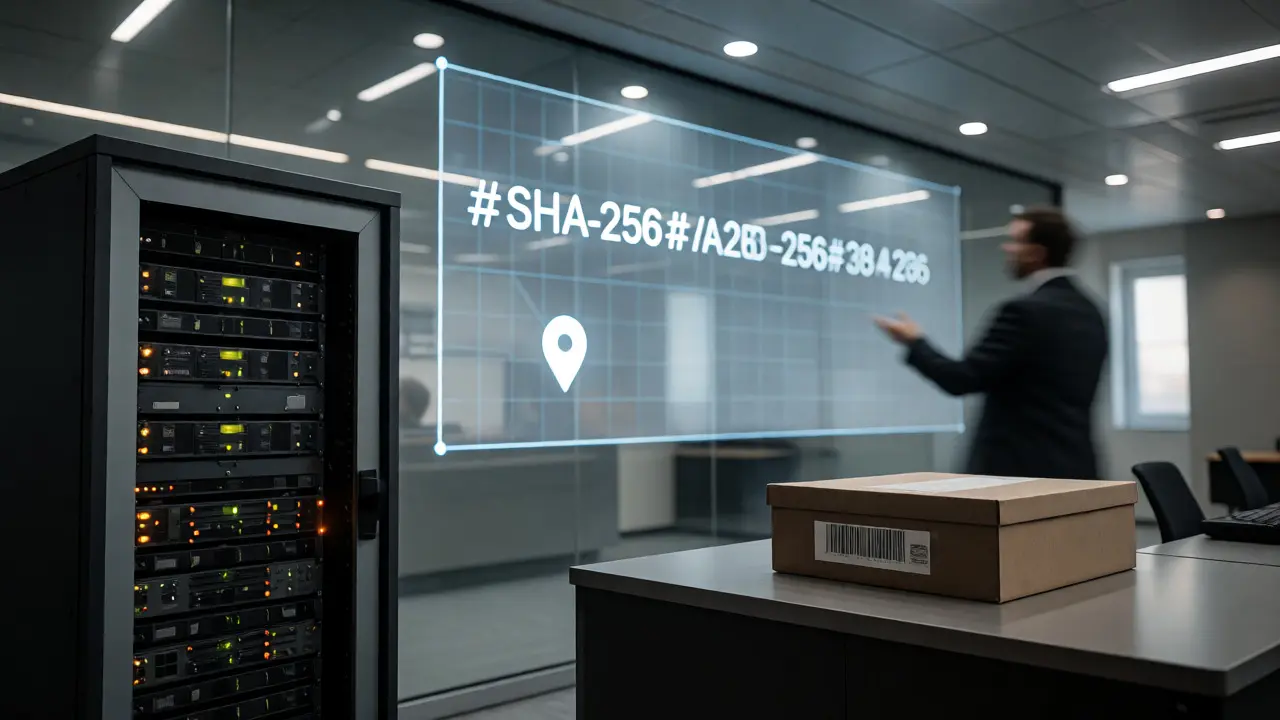
- Hash Verification: Generate a cryptographic hash (like SHA-256) for each file. This acts as a digital fingerprint. If even one pixel changes, the hash value changes completely. Record this hash in your case notes.
- Use Forensic Software: Tools like ExifTool or dedicated forensic imaging software allow you to view and export metadata without altering the source file. Avoid using general-purpose photo editors for initial review.
- Document Every Step: Keep a log of who accessed the files, what tools were used, and any transformations applied. If you create an annotated version for court, note that it is a derivative work, not the original.
Comparing Common Workflow Methods
Not all methods of handling images are created equal. Below is a comparison of common practices and their impact on evidence integrity.
| Method | Metadata Retention | Risk Level | Court Acceptance |
|---|---|---|---|
| Direct Transfer to Secure Server | High (Preserves all EXIF) | Low | Strong |
| Email Attachment | Low (Often stripped) | High | Weak (Requires testimony) |
| Cloud Sync (Auto-optimize) | Medium (May alter format) | Medium | Moderate |
| Physical Memory Card Read | High (Original source) | Low | Strongest |
Legal Standards and Expert Testimony
When you take the stand, you won't just talk about what you saw. You'll need to explain how you know the photo is authentic. Defense attorneys often challenge the reliability of digital images by questioning the equipment calibration and the preservation process. Being able to produce the original file with intact EXIF data and a matching hash value shuts down many of these arguments quickly.
Furthermore, understanding the limitations of your tools is crucial. For instance, GPS accuracy varies by device and environment. An indoor shot might show coordinates that are off by hundreds of feet. Acknowledging these limits demonstrates expertise and honesty, which strengthens your credibility. Don't overstate the precision of your data; let the metadata speak for itself within its known margins of error.
Related Concepts in Scene Imaging
While EXIF is central to single-image integrity, broader concepts like photogrammetry and 3D scanning rely on similar principles of provenance. In large-scale reconstructions, multiple images are stitched together. If one image in the sequence lacks proper metadata or has been tampered with, it can skew the entire model. Always apply the same rigorous standards to auxiliary images used for scaling or orientation.
Does cropping a photo remove EXIF data?
Yes, in most cases. Standard image editing software removes EXIF data when saving a cropped image to reduce file size. To preserve it, you must manually copy the metadata from the original to the edited version using specialized tools, or better yet, keep the original uncropped and provide a separate annotated diagram.
What is a cryptographic hash and why do I need it?
A cryptographic hash is a unique string of characters generated from the file's binary code. It acts as a digital fingerprint. If the file changes even slightly, the hash changes completely. By recording the hash upon collection, you can prove later that the image presented in court is identical to the one collected at the scene, ensuring integrity.
Can I edit photos for presentation purposes?
You can, but never edit the original evidence file. Create a copy for adjustments like brightness or contrast to improve visibility. Document exactly what changes were made. The original file, with its untouched metadata, remains the primary piece of evidence.
Do smartphones record reliable GPS data for forensics?
Smartphones can record GPS data, but accuracy varies significantly based on signal strength, device model, and software settings. Indoor locations often have poor GPS fixes. Always cross-reference GPS coordinates with physical landmarks or survey markers during testimony to establish reliability.
What happens if metadata is missing?
If metadata is missing, the image loses its automatic corroboration of time and place. You must then rely on external documentation, such as investigator notes, witness statements, or video logs, to authenticate the image. This makes the evidence weaker and more susceptible to challenge.