Imagine you’re handed a Word document in court. It looks clean. No author name in the header. But buried inside the file structure is a timestamp from three years ago and a revision history showing edits made after the alleged creation date. That’s metadata doing its job-telling the truth when the content tries to lie.
In digital forensics, metadata isn’t just extra info; it’s often the smoking gun. Whether you’re investigating fraud, copyright theft, or cybercrime, knowing how to pull this hidden data separates amateur sleuths from professional investigators. This guide walks you through exactly what metadata is, where it hides, and how to extract it without breaking your tools or your case.
What Exactly Is Metadata?
Metadata is structured data that describes other data. In plain English? It’s the background story of a file. When you save a photo, take a screenshot, or draft a report, your device doesn’t just store the image or text. It logs who created it, when, where, and with what software.
Think of it like the shipping label on a package. The contents are the document itself. The label (metadata) tells you where it came from, when it was sent, and which carrier handled it. If the label says “Sent from Paris” but the postmark says “New York,” something’s off.
For investigators, this matters because metadata is rarely edited by hand. Users might scrub visible author names, but they often forget the deeper technical layers. That oversight is your advantage.
The Three Main Types of File Metadata
Not all metadata lives in the same place. Understanding the categories helps you know where to look first.
- Descriptive Metadata: This includes titles, keywords, and descriptions. It’s meant for humans. In a PDF, this might be the "Subject" field. In an MP3, it’s the artist and album. It’s easy to edit, so treat it as weak evidence unless corroborated.
- Structural Metadata: This describes how parts of a file relate to each other. For a database, it defines tables and columns. For a complex document, it outlines sections and headers. It’s harder to fake because altering it can break the file’s functionality.
- Administrative Metadata: This is the gold mine for forensics. It covers rights management, preservation dates, and technical details like file size, resolution, and GPS coordinates. It’s usually generated automatically by the system, making it highly reliable.
Where Metadata Hides: Common File Formats
Different containers hold different secrets. Here’s what you’ll typically find in the most common formats we see in cases.
| File Format | Key Metadata Fields | Forensic Value |
|---|---|---|
| JPEG / PNG Images | EXIF Data: Camera model, shutter speed, GPS location, DateTimeOriginal | High. Proves origin and time of capture. |
| PDF Documents | Producer, Creator, CreationDate, ModDate, Author, Title | Medium-High. Shows editing software and timeline. |
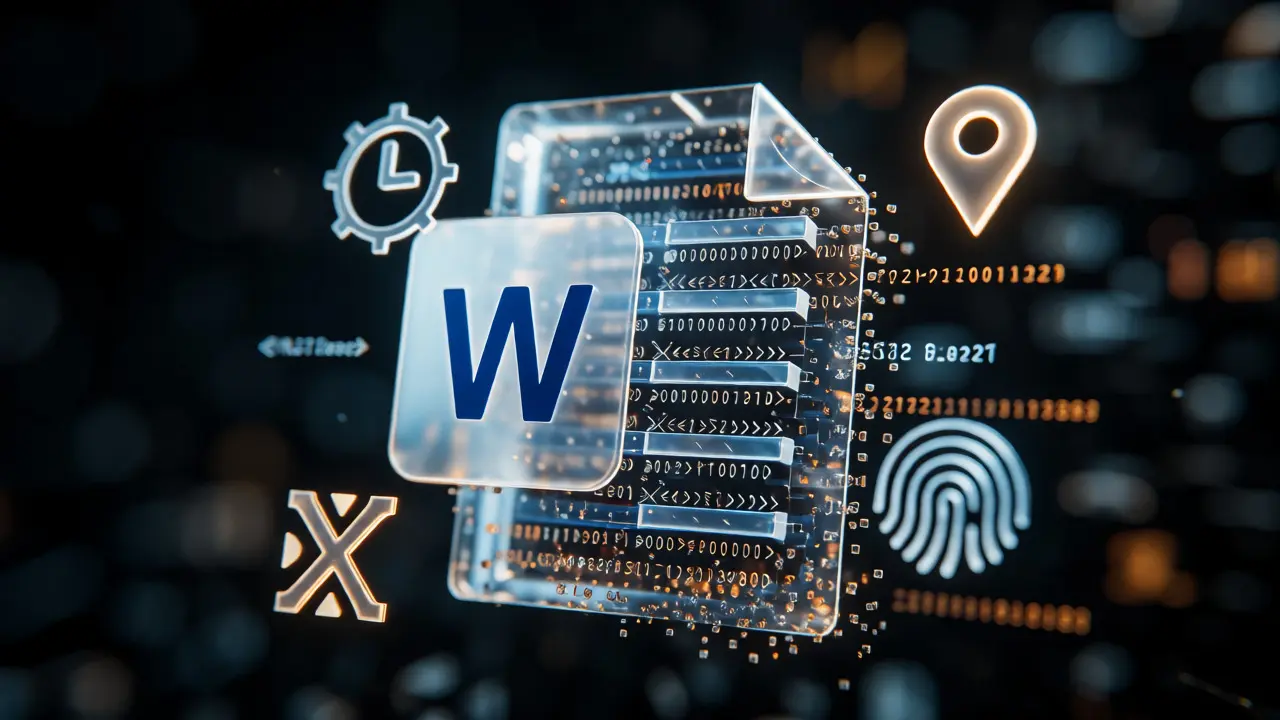
| Microsoft Office (.docx, .xlsx) | Last Modified By, Revision Count, Total Editing Time, Company Name | Very High. Reveals collaboration and edit history. |
| MP4 / MOV Videos | Duration, Bitrate, Codec, Creation Date, Device Model | Medium. Confirms source device and format integrity. |
Step-by-Step: How to Extract Metadata Manually
You don’t always need expensive software. Sometimes, quick checks in standard OS tools reveal immediate red flags. Here’s how to do it on Windows and macOS.
On Windows
- Navigate to the file in File Explorer.
- Right-click the file and select Properties.
- Click the Details tab.
- Scroll through fields like "Authors," "Title," "Tags," and "Date taken." Look for inconsistencies between the file system date and the internal metadata date.
On macOS
- Select the file in Finder.
- Press
Command + Ito open Get Info. - Expand the More Info section.
- Check for dimensions, creation dates, and camera models if applicable. Note that macOS sometimes hides deeper EXIF data here compared to third-party viewers.
Professional Tools for Deep Extraction
When manual checks aren’t enough, you need dedicated forensic tools. These programs parse binary structures to uncover hidden tags, removed data, and anomalies.
ExifTool is the industry standard for command-line extraction. It’s free, open-source, and supports over 100 file types. A simple command like exiftool filename.jpg dumps every readable tag. It’s powerful because it reads raw bytes, not just interpreted fields.
For GUI-based workflows, consider Autopsy. As a graphical interface for The Sleuth Kit, Autopsy allows you to ingest disk images and view metadata across thousands of files simultaneously. It’s particularly useful when you need to correlate file timestamps with system logs.
If you’re dealing specifically with Microsoft Office documents, OffVis (Office Viewer) lets you inspect the underlying XML structure of .docx files. Since modern Office files are actually zipped folders of XML, OffVis reveals revision histories and custom properties that standard viewers hide.
Interpreting the Data: What to Look For
Extracting data is half the battle. Interpreting it correctly is where expertise shines. Here are the top three things to check during analysis.
1. Timestamp Discrepancies: Compare the file system’s "Created" date with the internal metadata’s "CreationDate." If a document claims to be written in 2023 but the internal metadata shows it was last modified in 2025 using software released in 2024, you have a contradiction. Also, watch out for timezone offsets. A file saved at 9 AM EST will show a UTC timestamp of 2 PM. Mismatched timezones can indicate a file moved between systems.
2. Software Fingerprints: The "Producer" or "Application" field tells you what tool made the file. If a contract is supposed to be signed digitally but the metadata shows it was last edited by "Adobe Acrobat Reader DC" instead of a signing platform, that’s suspicious. Similarly, specific versions of Photoshop or Word can help pinpoint when a file was touched relative to known release dates.
3. Location Data: GPS coordinates in photos are powerful. However, remember that phones write this data automatically. If a suspect claims they were at home, but their phone photo has coordinates matching a crime scene, that’s direct evidence. Be cautious with older devices or apps that strip GPS data upon sharing via social media platforms like WhatsApp or Facebook Messenger.
Common Pitfalls and How to Avoid Them
Even seasoned investigators make mistakes. Here’s how to keep your findings admissible.
- Working on Originals: Never analyze the original file directly. Always create a bit-for-bit copy. Opening a file in some applications can update the "Last Accessed" or even "Last Modified" timestamp, destroying the very evidence you’re trying to preserve.
- Ignoring Stripped Data: Just because you don’t see metadata doesn’t mean it wasn’t there. Use tools that show "deleted" or "zeroed" tags. Some cleaners overwrite fields with null values rather than removing them entirely, leaving traces.
- Overlooking Container Structure: Modern files are often containers. A .docx is a ZIP archive. Inside, there are multiple XML files. Standard viewers only show the summary. Forensic tools must unpack these archives to find hidden comments, tracked changes, or embedded objects.
Best Practices for Admissibility
To ensure your metadata analysis holds up in court, follow these steps:
- Document Your Methodology: Record exactly which tool, version, and command line arguments you used. "I used ExifTool v12.50 with default settings" is better than "I checked the properties."
- Preserve Chain of Custody: Log who accessed the file, when, and why. Any alteration during transfer or copying must be noted.
- Correlate with Other Evidence: Metadata alone is rarely conclusive. Pair it with network logs, email headers, or witness testimony. If the GPS data matches cell tower pings, your argument becomes robust.
- Explain Technical Terms Simply: Judges and juries aren’t IT experts. Translate "UTC offset mismatch" into "The clock settings on the computer didn’t match the actual time zone." Clarity wins cases.
Frequently Asked Questions
Can metadata be faked?
Yes, sophisticated users can alter metadata fields using specialized editors. However, changing one field often leaves inconsistencies in others. For example, manually setting a "Creation Date" might not update the internal file structure hashes or revision counters, creating a detectable anomaly. Always look for internal consistency rather than trusting single fields blindly.
Does sending a file via email remove metadata?
Generally, no. Standard email clients attach files as-is, preserving all original metadata. However, some corporate email gateways or privacy-focused services may strip certain tags (like GPS data or author names) for security reasons. Always verify the received file against the expected source if possible.
What is EXIF data?
EXIF stands for Exchangeable Image File Format. It is a standard for storing information within JPEG and TIFF images. This includes camera settings (ISO, aperture), shooting conditions, and crucially, GPS coordinates. It is primarily found in photographs taken by digital cameras and smartphones.
How do I remove metadata before sharing?
On Windows, right-click the file, go to Properties > Details, and click "Remove Properties and Personal Information." On macOS, use Preview to export a new version or use third-party apps like MetaCleaner. For bulk removal, command-line tools like ExifTool offer scripts to strip all tags safely.
Is metadata admissible in court?
Yes, provided it is authenticated. You must prove the data hasn’t been tampered with since collection. This requires documenting the acquisition process, using verified tools, and explaining the significance of the findings in non-technical terms. Expert testimony is often needed to interpret complex metadata structures for a jury.