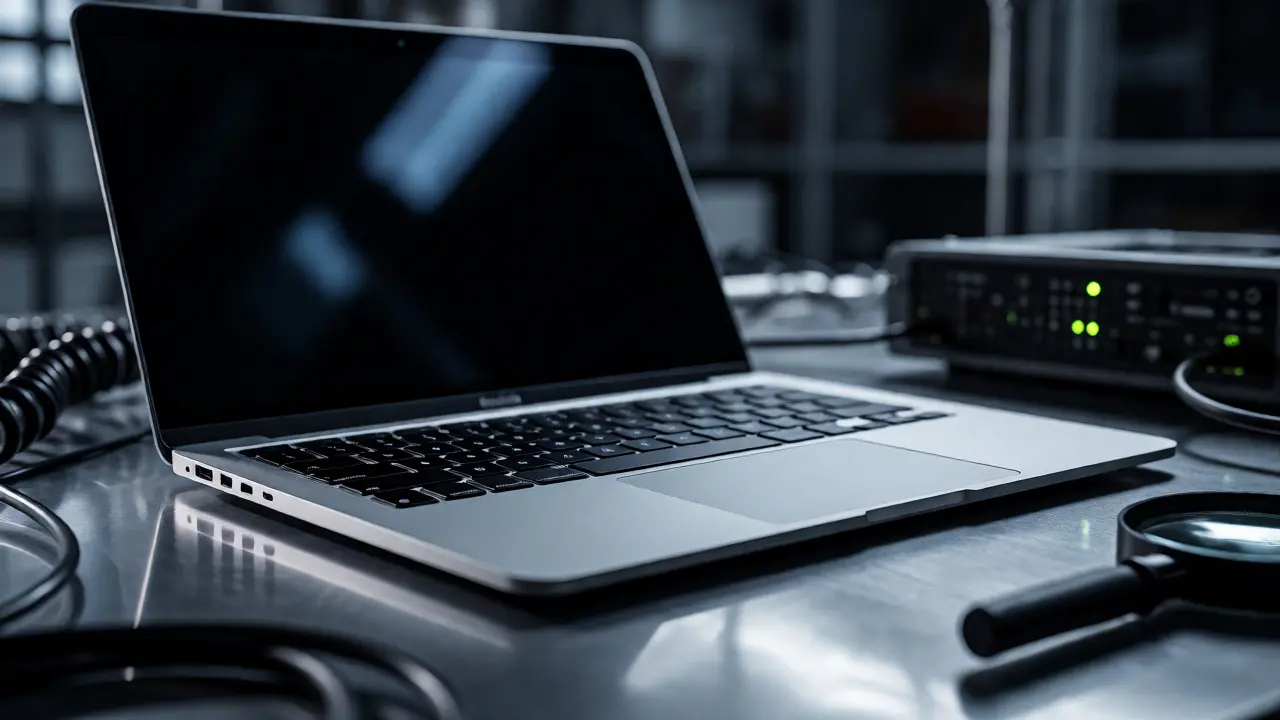
You pull a MacBook Air from a suspect’s desk. It’s locked, encrypted, and running the latest version of macOS. You image the drive, mount it in your lab, and expect to see a simple hierarchy of folders. Instead, you find a labyrinth of hidden snapshots, fragmented metadata, and an opaque database that knows more about the user’s habits than they remember themselves. This is the reality of modern Apple forensics. The shift from HFS+ to Apple File System (APFS) changed how data is stored, deleted, and recovered. If you are still treating Mac drives like Windows NTFS volumes or old-school Unix disks, you are missing critical evidence.
Key Takeaways
- APFS Snapshots are not backups: They are live pointers to previous states of the volume. Deleting files often leaves them accessible via snapshot rollback until space pressure forces cleanup.
- Spotlight is a timeline generator: The `mds` and `mdworker` processes create a comprehensive search index that tracks file creation, modification, and even content snippets, often surviving file deletion.
- Metadata fragmentation: Unlike traditional file systems, APFS stores metadata separately in B-trees. Recovering a file name without its data (or vice versa) requires understanding these specific structures.
- Privacy controls matter: System Integrity Protection (SIP) and Full Disk Encryption (FDE) limit what can be accessed dynamically. Offline analysis of the raw disk image remains the gold standard for deep artifact recovery.
The Shift to Apple File System (APFS)
For years, forensic examiners relied on the predictable structure of HFS+. Files lived in catalog files; attributes were straightforward. Then came High Sierra in 2017, introducing APFS. Designed for solid-state drives (SSDs), APFS prioritizes speed and efficiency over simplicity. For a forensic analyst, this complexity is a double-edged sword. On one hand, copy-on-write mechanisms mean that when a file is modified, the new data is written to a new location, leaving the old blocks intact until garbage collection occurs. This creates a rich environment for carving deleted data. On the other hand, the logical view presented by the operating system hides the physical reality.
When you analyze an APFS container, you aren't just looking at one volume. A single container can hold multiple volumes-System, Data, Preboot, and Recovery. These volumes share free space dynamically. If a user deletes a large video file from the Data volume, the space isn't immediately reclaimed for the whole container; it becomes available for any volume within that container. Understanding this shared pool is crucial because it affects how long deleted data persists before being overwritten by unrelated system updates or application writes.
Understanding APFS Snapshots
The most significant change for investigators is the concept of snapshots. In APFS, a snapshot is a read-only instance of a volume at a specific point in time. Users rarely create these manually. Instead, the system creates them automatically during software updates or when Time Machine backs up the machine. Think of a snapshot as a bookmark in a book. The text hasn't changed, but you have marked where you were. If you edit the next page, the original text remains preserved in the background until the system decides it needs the space.
Why does this matter for forensics? Because "deleted" files often still exist inside these snapshots. If a suspect deletes a document, the file entry might disappear from the current directory listing, but the data blocks remain referenced by a recent snapshot. Tools that only look at the active file table will miss this evidence entirely. You need tools capable of parsing the APFS checkpoint maps and navigating the snapshot tree. In many cases, I’ve found incriminating documents in snapshots created three days prior, even though the user swore they had wiped the folder clean.
| Feature | HFS+ Behavior | APFS Behavior | Forensic Implication |
|---|---|---|---|
| Deletion Mechanism | Marks inode as free; data stays until overwrite. | Copy-on-Write; old blocks retained if referenced by snapshot. | Higher recovery rate for recently deleted files in APFS. |
| File Metadata | Stored in Catalog File. | Stored in B-tree nodes across the volume. | Requires specialized parsers to reconstruct file paths. |
| Encryption | Optional CoreStorage layer. | Native per-file encryption keys. | Recovering individual files may require keychain access or master key. |
| Time Stamps | Standard MACB times. | Enhanced precision; includes creation date persistence. | More accurate timeline construction possible. |

Spotlight: The Silent Witness
If APFS is the vault, Spotlight is the librarian who remembers every book ever touched. Spotlight is not just a search bar; it is a sophisticated indexing engine driven by daemons like `mds` (metadata server) and `mdworker`. Every time a file is created, moved, or modified, Spotlight extracts metadata and content snippets, storing them in a centralized index located in `.Spotlight-V100` (historically) or now integrated into the system databases.
This index is a goldmine. It doesn’t just store file names; it indexes the content of PDFs, emails, and even code comments. Crucially, Spotlight often retains entries for files that have been deleted. While the file itself might be gone, the index entry might persist until a full re-index occurs. By analyzing the Spotlight database, you can reconstruct a history of what the user was working on. Did they open a specific invoice? Did they search for "transfer receipt"? These queries are logged and correlated with timestamps.
One common pitfall is assuming Spotlight is real-time. It is asynchronous. There is a delay between file creation and indexing. However, this delay works in your favor during acquisition. If you capture the memory dump alongside the disk image, you can sometimes correlate pending index operations with active processes, giving you a precise moment-in-time view of user activity.
Parsing the Metadata Stores
To truly understand macOS forensics, you must get comfortable with property lists (plist) and SQLite databases. Most application settings and system configurations are stored in XML-based plists. But the heavy lifting happens in SQLite databases, particularly those used by Spotlight and the Notification Center.
The Spotlight index relies heavily on SQLite tables to manage its B-tree structures. When you parse these databases, look for the `kMDItemFSName` (file name) and `kMDItemContentCreationDate` fields. These allow you to filter artifacts by type and time. For example, if you are investigating financial fraud, you can query the Spotlight index for all PDFs containing the term "wire transfer" created between March and April. Even if the source PDFs were deleted, the snippet stored in the index might reveal the transaction amount.
Another critical area is the Unified Log. Since El Capitan, macOS has replaced traditional log files with a binary unified logging system. This system records events from the kernel up to the user interface. It is compressed and rotated aggressively, but it captures high-fidelity details about process launches, network connections, and power state changes. Using tools like `log show`, you can extract human-readable traces that corroborate file system artifacts. For instance, if the file system shows a USB drive was mounted, the Unified Log will tell you exactly which user session initiated the mount and what applications accessed the drive.

Practical Workflow for APFS Analysis
So, how do you handle this in practice? Start with acquisition. Ensure you are imaging the entire physical disk, not just the logical partitions. This preserves the APFS container structure and any unallocated space where orphaned blocks might hide.
- Mount Read-Only: Always mount your forensic image as read-only to prevent accidental modifications to the snapshot metadata.
- Identify Snapshots: Use tools like `diskutil list` or specialized forensic suites to enumerate existing snapshots. Note their creation dates.
- Extract Spotlight Index: Copy the Spotlight database files. Do not attempt to query them while the OS is running if you want a static snapshot of the index state.
- Correlate Events: Match file system timestamps with Unified Log entries. Look for discrepancies. If a file says it was created at 10:00 AM, but the log shows the application launching at 10:05 AM, you might have a timestamp manipulation issue.
- Check Keychains: Remember that file contents might be encrypted. Without the user’s login password or a valid keychain unlock, some APFS artifacts remain opaque.
Common Pitfalls and Misconceptions
A frequent error is confusing Time Machine backups with APFS snapshots. While related, they serve different purposes. Time Machine creates hard links to files, whereas APFS snapshots preserve block-level states. Relying solely on Time Machine archives might miss transient files that existed only for minutes between backup intervals.
Another misconception is that SSD TRIM commands instantly erase data. While TRIM signals the drive that blocks are no longer needed, it doesn’t guarantee immediate physical erasure, especially in the context of APFS snapshots. As long as a snapshot references a block, TRIM cannot reclaim it. This means that even on modern NVMe drives, forensic recovery of deleted files is viable if snapshots are present.
Finally, don't ignore the System Volume. Starting with Catalina, macOS split the system and user data onto separate volumes. The System Volume is sealed and read-only, meaning changes there are rare and usually indicate system updates. User artifacts, however, live exclusively on the Data Volume. Focusing your initial triage on the Data Volume saves time, but keep an eye on the System Volume for evidence of tampering, such as unauthorized kernel extensions.
Frequently Asked Questions
Can I recover files deleted from APFS without snapshots?
Yes, but it is harder. Without snapshots, you rely on carving unallocated space. Since APFS uses copy-on-write, the original blocks of a modified file are freed immediately if no snapshot holds them. However, if the file was simply deleted (not modified), the blocks remain until overwritten by new data. Forensic tools can scan for file signatures in these free blocks.
Does Spotlight index deleted files?
Spotlight attempts to remove entries when files are deleted, but this process is asynchronous and can fail or lag. Often, stale entries remain in the index database. These entries contain metadata and sometimes content snippets, providing valuable leads even after the source file is gone.
How does Full Disk Encryption affect APFS forensics?
Full Disk Encryption (FDE) encrypts the entire APFS container. To analyze artifacts, you must decrypt the image using the user’s password or a recovery key. Once decrypted, the internal structure of APFS (snapshots, B-trees) becomes visible. Without decryption, you only see ciphertext.
What is the difference between a snapshot and a backup?
A backup (like Time Machine) copies data to a separate storage location. An APFS snapshot is a local, pointer-based reference to past states within the same volume. Snapshots consume minimal space initially but grow as changes accumulate. They are transient and can be purged by the system under space pressure, unlike most backups.
Where is the Spotlight index stored in modern macOS?
In older versions, it was in `/System/Volumes/Data/.Spotlight-V100`. In modern macOS, the index is managed by the system and stored in protected directories within the Data volume, often obscured by System Integrity Protection. Forensic extraction usually requires mounting the image offline to access these low-level database files.