Imagine a scenario where your lab produces the perfect result, but an auditor finds a missing signature on a calibration log from three years ago. In the world of lab accreditation is a formal recognition that a laboratory has demonstrated competence to carry out specific tests or calibrations according to international standards., that single oversight can jeopardize your entire status. It’s not just about doing the science right; it’s about proving you did it right every single time. If you’re preparing for an audit under standards like ISO/IEC 17025 is the international standard for testing and calibration laboratories or ANSI/ASCLC Z749 is the American National Standard for forensic DNA testing laboratories, documentation isn’t a bureaucratic hurdle. It’s the backbone of your credibility.
Most labs fail not because their scientists lack skill, but because their record maintenance is the systematic process of creating, storing, retrieving, and disposing of records in compliance with regulatory and accreditation standards practices are inconsistent. You need a system that works when no one is watching. This guide breaks down exactly what auditors look for, how to structure your files, and the common traps that lead to non-conformities.
The Core Pillars of Accredited Documentation
Before you organize a single folder, you need to understand what makes a document "accreditable." It’s not enough to have data. The data must be traceable, verifiable, and protected. Under most major accreditation schemes, including those managed by A2LA is the ANSI-accredited body for inspection, testing, and calibration laboratories and ANAB is the ANAB (American National Accreditation Board) which accredits conformity assessment bodies, four pillars hold up your documentation system:
- Completeness: Every step of the test method must be recorded. If a technician deviated from the protocol, it must be documented with justification.
- Legibility: Handwritten notes must be clear. Digital records must be readable without proprietary software that might become obsolete.
- Integrity: Records cannot be altered after approval. Any change requires a correction line, initial, date, and reason.
- Retention: You must keep records for a minimum period, often five to ten years depending on the field, before disposal.
A common mistake is treating raw data and final reports as separate entities. They aren’t. The final report is only as good as the raw data behind it. If you can’t link a value in a client report back to the original instrument printout or LIMS entry, you have a gap.
Structuring Your Quality Management System Files
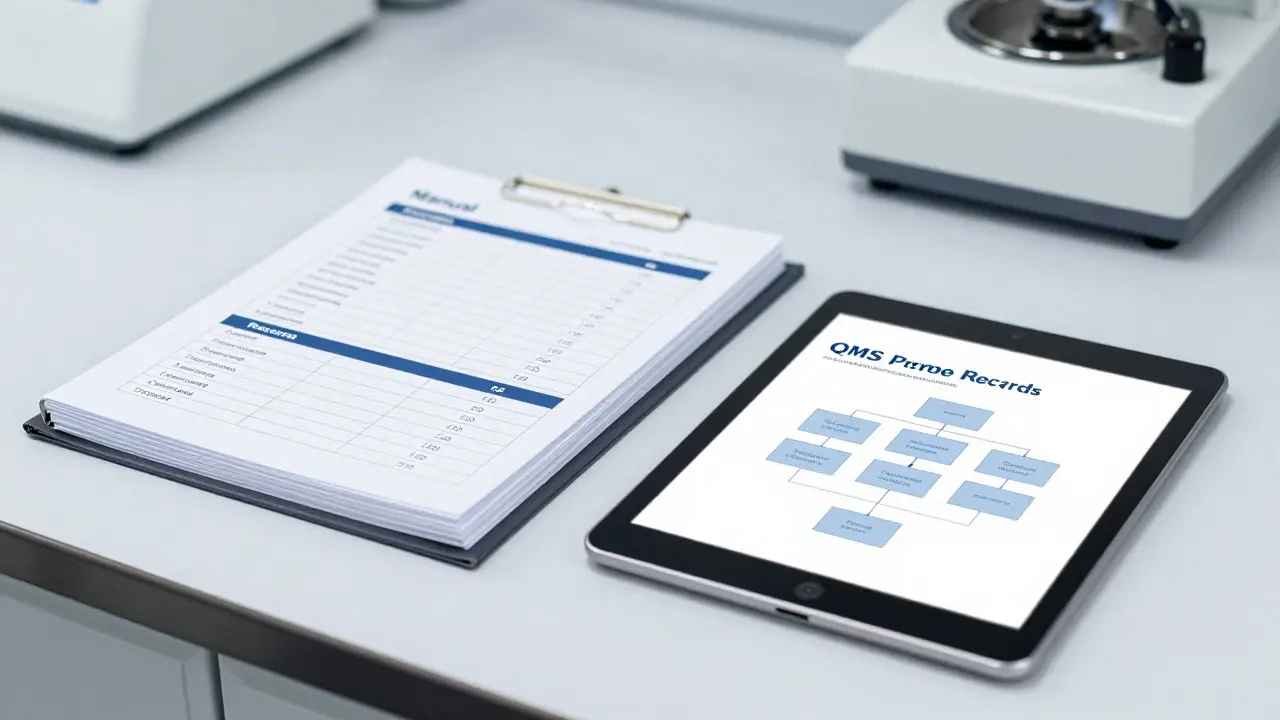
Your Quality Management System is a set of interrelated processes and procedures used to manage quality within an organization (QMS) is your rulebook. But a static binder gathering dust on a shelf is useless. Auditors want to see a living system. Here is how to structure your QMS documents effectively:
- Manual Level: A high-level overview of your lab’s scope, organizational chart, and commitment to quality. Keep this short-under 20 pages.
- Procedure Level: Step-by-step instructions for recurring tasks like equipment calibration, internal audits, and handling non-conforming work. These should be numbered (e.g., SOP-001) and version-controlled.
- Work Instruction Level: Specific, detailed guides for individual instruments or complex tests. For example, "How to prepare a standard curve for GC-MS" rather than just "Run GC-MS."
- Record Level: The actual evidence. Forms, checklists, and digital logs filled out during daily operations.
Version control is critical. If you update a procedure, the old version must be marked "Obsolete" and removed from active use areas. If a technician uses an outdated SOP, it’s a non-conformity. Use a simple numbering system like v1.0, v1.1, and ensure every printed copy has the current date and page number (e.g., Page 3 of 10) so missing pages are immediately obvious.
Digital vs. Paper: Managing Modern Records
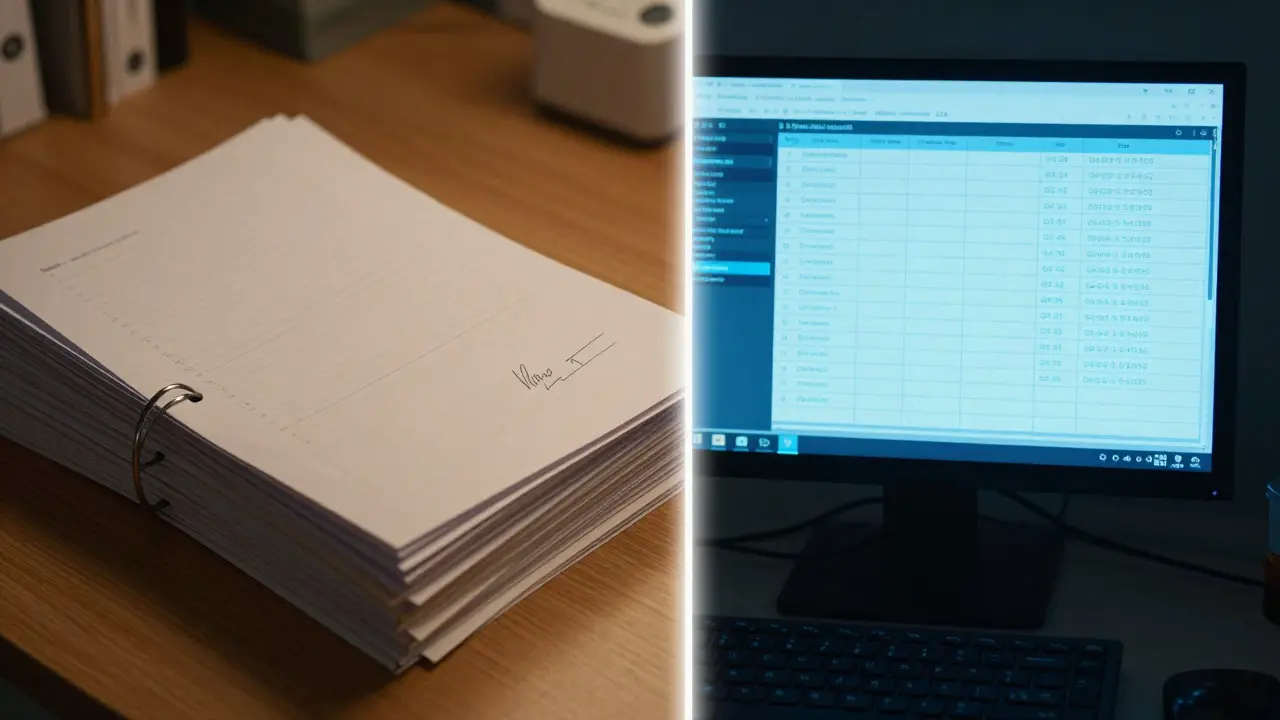
Many labs still rely heavily on paper, but the trend is shifting toward electronic systems. Whether you use a Laboratory Information Management System (LIMS) or a cloud-based document repository, the principles remain the same. However, digital records introduce new risks.
| Feature | Paper Records | Electronic Records (LIMS/Cloud) |
|---|---|---|
| Accessibility | Physical location required; slow retrieval | Instant search; remote access possible |
| Security | Fire/water damage risk; physical theft | Cybersecurity risks; server failure |
| Alteration Control | Manual corrections; hard to track history | Automated audit trails; user-specific permissions |
| Long-term Retention | Degrades over time (ink fading) | Requires migration strategies for file formats |
| Cost | High storage space costs | Subscription/license fees; IT support |
If you go digital, ensure your system has a robust audit trail. An audit trail shows who created, edited, or deleted a record and when. Without it, an auditor will question the integrity of your data. Also, don’t forget backups. A daily backup strategy with off-site redundancy is non-negotiable. One corrupted hard drive shouldn’t erase five years of compliance history.
Common Non-Conformities Auditors Find
After reviewing hundreds of audit reports, certain issues pop up repeatedly. Knowing these helps you fix them before the auditor does.
- Incomplete Metadata: Data files exist, but they lack context. Who ran the test? When was the instrument last calibrated? What was the ambient temperature? If it’s not written down, it didn’t happen.
- Uncontrolled Copies: Printed SOPs found in benches that don’t match the master version. Always label printed copies as "Uncontrolled Copy" and verify they are current.
- Missing Sign-offs: A supervisor reviews a report but forgets to sign or date it. In digital systems, ensure electronic signatures are legally binding and linked to unique user IDs.
- Unclear Corrections: Crossing out an error with white-out is a cardinal sin. Use a single line through the error, write the correct value next to it, and initial/date it.
- Expired Reference Materials: Using a reference standard past its expiration date invalidates all results generated with it. Check expiry dates weekly.
These seem minor, but they signal a lack of discipline. Auditors look for patterns. One missed signature might be human error; five missed signatures indicate a systemic failure in your training or workflow design.
Best Practices for Long-Term Retention
Retention isn’t just about keeping files until the deadline. It’s about ensuring they are usable when you need them. Here are practical tips to future-proof your records:
- Standardize File Naming: Use a consistent format like YYYY-MM-DD_SampleID_TestType_UserInitials. This makes searching easy and prevents duplicates.
- Use Open Formats: Save PDFs as text-searchable, not scanned images. Use CSV or XLSX for tabular data instead of proprietary database exports. Avoid formats that require specific, potentially discontinued software to open.
- Define Disposal Protocols: Don’t just delete files. Create a destruction log that records what was destroyed, when, and who authorized it. This proves you didn’t lose data accidentally.
- Regular Internal Audits: Schedule quarterly self-checks. Pick a random sample of cases from the previous quarter and trace them from receipt to final report. If you can’t do it in under 15 minutes, your system is too complex.
Think of your records as legal evidence. If a case goes to court, will your documentation hold up under cross-examination? If the answer is uncertain, tighten your processes now.

Preparing for the Audit: A Checklist Approach
When the audit notice arrives, panic is counterproductive. Instead, run through this pre-audit checklist to ensure you’re ready:
- Verify Scope Alignment: Ensure your documented procedures cover every test method in your accredited scope.
- Check Calibration Status: Confirm all equipment has valid calibration certificates and that calibration stickers are present on devices.
- Review Recent Non-Conformities: Show evidence that previous audit findings were corrected and that corrective actions were effective.
- Prepare Staff:** Brief technicians on what to expect. They should know where to find their SOPs and how to explain their daily workflows.
- Organize Sample Cases: Have 5-10 recent cases ready for deep-dive review. Include both routine and complex samples.
During the audit, let the auditor lead, but be proactive. If they ask for a record, provide it quickly. Hesitation suggests you don’t know where things are. Confidence in your documentation system speaks volumes about your lab’s culture.
Frequently Asked Questions
How long must lab records be kept for accreditation?
The retention period varies by industry and accrediting body. For many clinical and forensic labs, the standard is at least 5 years. Some jurisdictions or specific test types may require 10 years or longer. Always check your specific accreditation scope and local regulations, but when in doubt, err on the side of keeping records longer.
What is the difference between a record and a document in a QMS?
A document provides instructions or requirements (like an SOP or policy), while a record is evidence that an activity took place (like a completed test form or calibration log). Documents are controlled for version updates, whereas records are immutable once signed off. You can update an SOP, but you generally cannot change a completed record except via formal correction.
Are handwritten records acceptable for ISO/IEC 17025 accreditation?
Yes, handwritten records are fully acceptable provided they are legible, permanent (use ink, not pencil), and properly signed and dated. Many traditional labs still use paper forms for bench notes. The key is consistency and clarity. If handwriting is poor, consider laminating templates or switching to digital entry for those specific steps.
How do I handle a deviation from a standard operating procedure?
First, assess if the deviation affects the validity of the result. If it does, the sample may need to be retested. Document the deviation clearly: what happened, why it happened, who approved it (if pre-approved), and what the impact assessment was. Even if the result is accepted, the deviation must be logged in your non-conformance or deviation register for review during internal audits.
What role does metadata play in digital record maintenance?
Metadata provides context to raw data. Without metadata, a file named "Data_01.csv" is meaningless. Proper metadata includes sample ID, test date, operator name, instrument ID, and environmental conditions. In LIMS systems, this is often auto-generated, but you must verify it’s accurate. Auditors frequently spot-check metadata against source documents to ensure consistency.