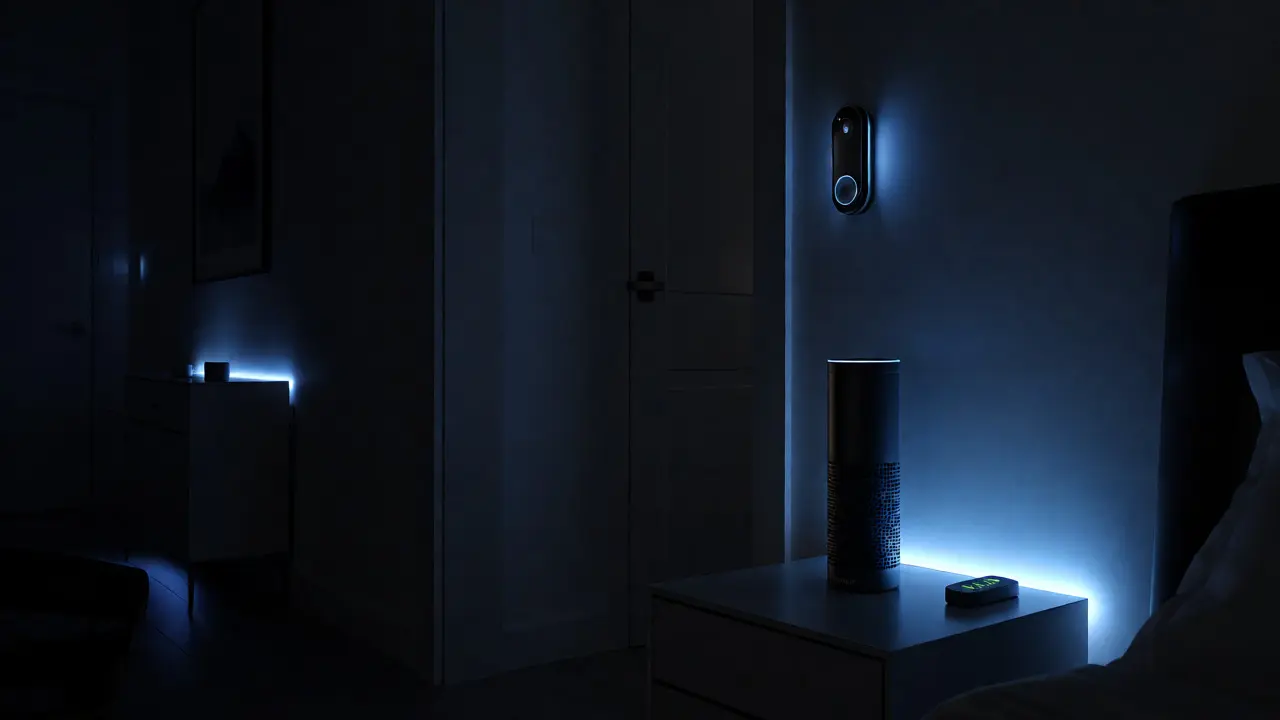
You walk into a crime scene. The suspect is gone, but their Amazon Echo is still humming in the corner, and their Fitbit is charging on the nightstand. In 2026, these aren't just gadgets; they are silent witnesses. If you ignore them, you're leaving critical evidence on the table. IoT forensics isn't about hacking into the future-it's about understanding the present reality where every light bulb, doorbell, and watch logs your movements.
Why does this matter right now? Because traditional digital forensics focused on computers and phones. But people spend less time at desks and more time moving through physical spaces controlled by connected devices. A smart lock knows exactly when someone entered. A thermostat knows when the house was empty. A smartwatch knows if the wearer’s heart rate spiked during an argument. This article breaks down how to capture, analyze, and interpret that data without getting lost in the technical weeds.
The New Crime Scene Landscape
Think of a modern home as a network of sensors. Each device generates data points-timestamps, user IDs, environmental readings, and command histories. Unlike a hard drive, which stores files locally, many IoT devices offload data to cloud servers. This creates a dual-layered investigation path: local storage on the device itself and remote logs held by service providers like Google or Apple.
The challenge here is volatility. Many IoT devices have limited internal memory. An Amazon Echo might only store the last few minutes of audio locally before overwriting it. If you don't preserve the state immediately, that evidence vanishes. Furthermore, these devices often communicate via protocols like Zigbee or Z-Wave, which leave different footprints than standard Wi-Fi. You need to know what protocol a device uses because that dictates how you sniff the traffic and reconstruct events.
Consider a domestic dispute case. The suspect claims he left the house at 8 PM. But the Nest Doorbell recorded motion at 9:15 PM, and the Ring Camera captured a face matching the suspect. Meanwhile, his Apple Watch shows a sudden drop in activity followed by a high-stress heart rate pattern at 9:30 PM. These three independent data sources corroborate each other, building a timeline that contradicts the alibi.
Smart Home Devices: What They Know
Not all smart devices are created equal. Some are passive recorders; others are active controllers. Here is how the major categories contribute to an investigation:
- Smart Speakers (Alexa, Google Assistant): These are audio goldmines. They store voice commands and sometimes background audio. Check the "Voice History" app or API logs. Did the user say "Turn off lights" at midnight? That implies presence.
- Smart Locks and Cameras: These provide entry/exit timestamps and visual confirmation. Look for failed unlock attempts, which might indicate forced entry or a forgotten code.
- Thermostats and Lighting: These track occupancy patterns. A sudden change in temperature settings or lighting schedules can signal a break-in or a period of absence.
- Hubs and Gateways: Devices like the Samsung SmartThings Hub act as central routers. They often keep longer logs of device connectivity and status changes than individual endpoints do.
When analyzing smart home data, context is everything. A light turning on at 2 AM could mean insomnia, a party, or a burglar using a flashlight. You must correlate device events with external facts-like weather data, power outages, or known visitor logs-to avoid false positives.
| Device Type | Primary Data Source | Investigative Value | Volatility Risk |
|---|---|---|---|
| Smart Speaker | Voice Command Logs, Cloud Audio | User intent, presence, conversation snippets | High (local overwrite) |
| Smart Lock | Access Event Logs, Battery Status | Entry/Exit times, method of access | Medium (cloud retention varies) |
| Wearable | Biometrics, GPS, Step Count | Physical activity, location history, stress levels | Low (syncs frequently) |
| Smart Thermostat | Temperature Setpoints, Schedule Changes | Occupancy inference, anomaly detection | Medium |
Wearables: The Biometric Witness
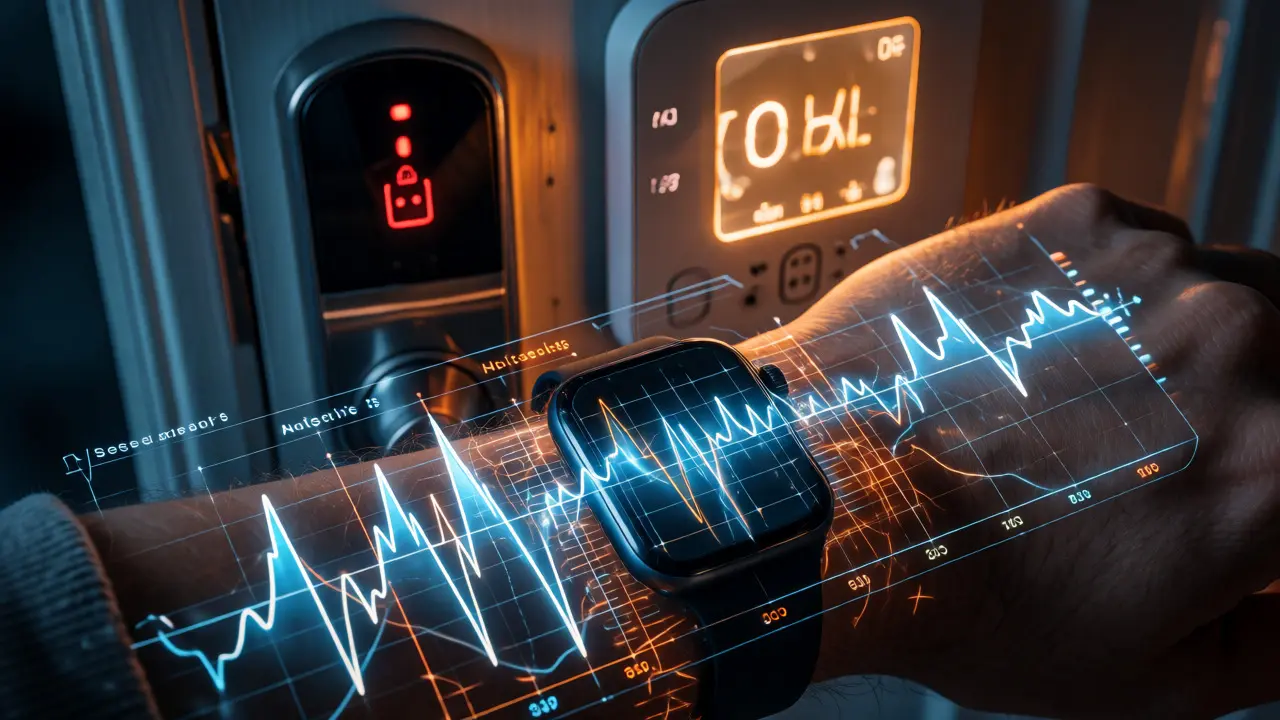
If smart homes show where a person was, wearables show how they felt. Devices like the Garmin Fenix or Whoop Strap collect continuous biometric data. This includes heart rate variability (HRV), sleep stages, step counts, and GPS coordinates.
In criminal cases, HRV has emerged as a powerful indicator of physiological stress. During a violent altercation, a person’s heart rate spikes, and their HRV drops sharply. If a suspect claims they were asleep during a robbery, but their Fitbit shows a resting heart rate of 45 bpm with deep sleep cycles, that’s strong counter-evidence. Conversely, if their heart rate remained elevated throughout the night, the "I was sleeping" defense falls apart.
GPS data from wearables is another key asset. While phones can be turned off or left behind, watches are harder to discard discreetly. However, GPS accuracy varies. Indoor tracking relies on Wi-Fi positioning or accelerometer data, which is less precise than outdoor satellite fixes. Always check the confidence interval provided in the raw data file. Don’t claim exact location if the device only offers "approximate zone" accuracy.
One pitfall to avoid: assuming all health data is medical-grade. Consumer wearables are not FDA-approved diagnostic tools. Use them to establish trends and anomalies, not to diagnose conditions. A spike in heart rate proves excitement or exertion, not necessarily fear or injury.
Technical Challenges in IoT Forensics
Extracting data from IoT devices is messier than pulling images from laptops. There is no universal standard. Each manufacturer uses proprietary formats, encryption schemes, and cloud APIs. For example, retrieving data from a Philips Hue bridge requires different methods than querying a Ecobee thermostat API.
Encryption is a major hurdle. Many devices encrypt data both in transit and at rest. Without the correct keys, you’re staring at gibberish. Sometimes, the keys are stored in the cloud under the user’s account credentials. This means you often need a subpoena to get the raw data from the vendor, rather than extracting it directly from the hardware.
Time synchronization issues also plague IoT investigations. Devices rely on NTP (Network Time Protocol) servers. If a router goes offline or resets, clocks drift. A timestamp showing an event at 10:00 AM might actually be 9:55 AM or 10:05 AM. Always cross-reference IoT timestamps with a trusted source, like the server logs of the cloud provider, to adjust for clock skew.
Legal and Privacy Considerations
The legal landscape for IoT evidence is still evolving. Courts generally accept IoT data if its integrity and authenticity can be proven. Under the Federal Rules of Evidence (or equivalent local laws), you must demonstrate that the device was functioning correctly and that the data hasn't been tampered with.
Privacy concerns are significant. Users often consent to data collection for convenience, not for law enforcement scrutiny. When requesting data from companies like Amazon or Google, specify exactly what you need. Overbroad requests risk rejection or delays. Also, consider third-party privacy rights. If a smart speaker recorded a conversation involving guests who weren’t parties to the case, their privacy interests might complicate admissibility.
Chain of custody is critical. Because IoT data often lives in the cloud, documenting how you accessed it is vital. Did you use a forensic tool? Did you take screenshots of the dashboard? Did you export CSV files with hash values? Every step must be logged to prevent challenges regarding data manipulation.
Practical Workflow for Investigators
So, how do you handle an IoT-heavy scene? Follow this streamlined process:
- Identify: Scan the room for connected devices. Look for hubs, cameras, locks, and wearables. Note brand and model numbers.
- Isolate: Prevent further data loss. If possible, disconnect devices from Wi-Fi to stop cloud syncing that might overwrite local buffers. Do not unplug them if they rely on battery backup for volatile memory.
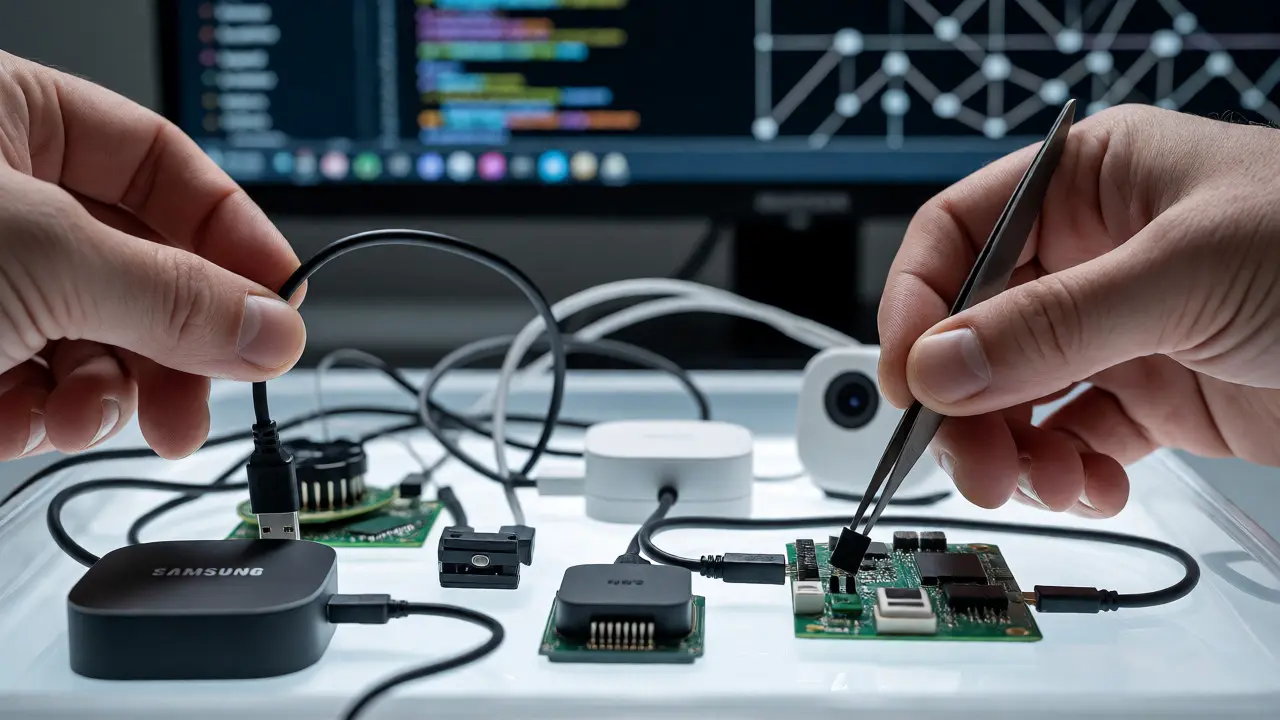
- Capture Local: Take photos of device screens, LED statuses, and physical connections. If the device allows USB export, grab those logs immediately.
- Preserve Cloud Access: Document login credentials found on-site. Submit preservation letters to vendors quickly to prevent automatic deletion of old logs.
- Analyze: Correlate timelines. Match device events with witness statements and other digital evidence. Look for contradictions.
- Report: Present findings clearly. Explain technical limitations to non-technical stakeholders. Avoid jargon like "Zigbee mesh topology" unless necessary.
Remember, technology changes fast. A device popular in 2024 might have different firmware and data retention policies in 2026. Stay updated on vendor documentation. Join communities like the SANS Digital Forensics group or read whitepapers from manufacturers to understand new features.
Real-World Application: The Case of the Missing Keys
Let’s look at a concrete example. A homeowner reported a burglary. No forced entry was visible. The police checked the August Smart Lock. It showed no unauthorized unlocks. However, the Wyze Cam inside the house detected motion at 3 AM. The footage was blurry but showed a figure wearing a mask.
The investigator then checked the homeowner’s Oura Ring. The ring showed the owner was in deep sleep from 11 PM to 7 AM, with no significant movement. This ruled out the homeowner being awake and letting someone in. Further analysis of the hub logs revealed a brief disconnection of the camera at 3:05 AM, coinciding with the motion detection. Someone had jammed the signal or moved the camera slightly. The combination of biometric proof of sleep, video evidence of intrusion, and log anomalies solved the case. It wasn’t one piece of evidence; it was the convergence of multiple IoT streams.
Do I need a warrant to access IoT data?
Generally, yes. While some courts treat IoT data similarly to phone records, the Fourth Amendment protections apply. However, rules vary by jurisdiction. Always consult local laws. Preservation letters are a good first step to secure data while obtaining a warrant.
How long do smart devices keep data?
It varies widely. Some devices retain data for 30 days, others for years. Cloud providers may keep metadata longer than raw media. Always check the specific vendor’s privacy policy and data retention schedule. Assume shorter retention periods to be safe.
Can IoT data be hacked or altered?
Yes, IoT devices are vulnerable to attacks. Malicious actors can spoof sensor data or manipulate logs. Forensic analysts should look for inconsistencies, such as impossible sequences of events or gaps in logging. Hash verification helps ensure data integrity during transfer.
What tools are best for IoT forensics?
There is no single perfect tool. Common options include Autopsy for general disk imaging, specialized scripts for parsing JSON/XML logs, and commercial suites like Cellebrite or Magnet AXIOM which have added IoT modules. Network sniffers like Wireshark help analyze communication protocols.
Is wearable GPS accurate enough for court?
It depends on the context. Outdoor GPS is usually accurate within meters. Indoor tracking is less precise. Courts typically accept wearable GPS as corroborating evidence rather than standalone proof of exact location. Always disclose the margin of error in your report.