You can find the smoking gun email. You can extract the deleted files from a corrupted hard drive. But if you cannot explain what you found in a way that a judge or jury understands, your technical brilliance is worthless. Forensic Report Writing is the bridge between complex digital investigations and legal outcomes. It is not just about listing data; it is about telling a story with facts.
Most investigators fail here. They write for other techies, not for lawyers. They use jargon like "hash collision" or "volatile memory dump" without context. The result? Confusion, objections, and lost cases. This guide breaks down how to structure your reports so they stand up in court, satisfy clients, and protect your professional reputation.
The Purpose of Your Digital Forensic Report
Think of your report as a product. Who is buying it? Usually, it’s an attorney, a corporate HR department, or a law enforcement agency. They don’t want to know how you configured your EnCase or FTK workstation. They want to know who did what, when, and where.
Your primary goal is clarity. Secondary goals include reproducibility and defensibility. If another examiner picks up your file six months later, can they replicate your findings exactly? If opposing counsel attacks your methodology, does your report provide enough detail to shut them down?
A good report answers three core questions:
- What happened? (The narrative of events)
- How do we know? (The evidence and methodology)
- What does it mean? (The interpretation within the scope)
Essential Components of a Strong Structure
Don’t reinvent the wheel every time. Use a standardized template. Consistency builds trust. Here are the non-negotiable sections every Digital Forensic Report needs.
1. Executive Summary
Write this last, but place it first. This is often the only part a busy executive or prosecutor reads fully. Keep it under one page. Summarize the key findings in plain English. Avoid acronyms. If you found child pornography on a laptop, say so clearly here. Don’t bury the lead in Appendix C.
2. Scope of Examination
Define the boundaries. What devices did you examine? What date range were you looking at? Did you image the entire drive or just specific user profiles? This section protects you. If you didn’t look at cloud backups because they weren’t in the scope, state that explicitly. This prevents "scope creep" accusations later.
3. Chain of Custody
This is the backbone of admissibility. List every person who touched the evidence, when they had it, and why. Include transfer forms. If there’s a gap in time, explain it. A broken chain of custody can get evidence thrown out before you even open the case.
4. Methodology and Tools
List your tools with version numbers. Why version numbers? Because software updates change behavior. If you used Autopsy version 4.19 versus 4.20, the parsing logic might differ slightly. Mention your validation process. Did you test the tool against known samples? This shows diligence.
5. Findings and Analysis
This is the meat of the report. Organize it chronologically or by topic, whichever makes more sense for the case. For each finding, follow the "Claim-Evidence-Reasoning" model.
- Claim: User X downloaded File Y.
- Evidence: Browser history entry dated March 12, 2026, showing URL Z.
- Reasoning: The timestamp matches the system clock, which was synchronized via NTP.
6. Conclusion
Restate the main points without introducing new data. Be definitive but cautious. Use phrases like "consistent with" rather than "proves." Digital evidence rarely offers absolute certainty due to artifacts being overwritten or ambiguous timestamps.

Writing Style: Translating Tech to Law
Jargon is the enemy of persuasion. When you write "the MFT record was updated," a lawyer hears noise. When you write "the file name changed at 2:00 PM," they hear a timeline event.
Adopt these rules:
- Define terms once: If you must use "MD5 hash," define it immediately: "a unique digital fingerprint used to verify file integrity."
- Use active voice: "I examined the device" is stronger than "The device was examined." It takes ownership.
- Avoid absolutes: Unless you have video proof, avoid words like "never" or "always." Computers lie, clocks drift, and users delete things.
- Visuals help: Screenshots are powerful. But annotate them. Circle the relevant date. Draw arrows to the username. Don’t make the reader hunt for the point.
Common Pitfalls That Kill Cases
I’ve seen great investigations ruined by bad paperwork. Here are the mistakes I see most often in Portland courts and corporate disputes.
| Error | Consequence | Best Practice |
|---|---|---|
| Omitting negative results | Looks biased; suggests you hid inconvenient data | State what you looked for and didn't find |
| Vague timestamps | Confusion over time zones or daylight savings | Specify UTC or local time zone explicitly |
| Unverified tool versions | Opposing counsel challenges reliability | List exact software versions and build numbers |
| Speculative conclusions | Jury discounts expert opinion | Stick to what the data supports |
Negative results matter. If you searched for "Bitcoin" and found nothing, say so. It proves you were thorough. Silence looks like incompetence or concealment.
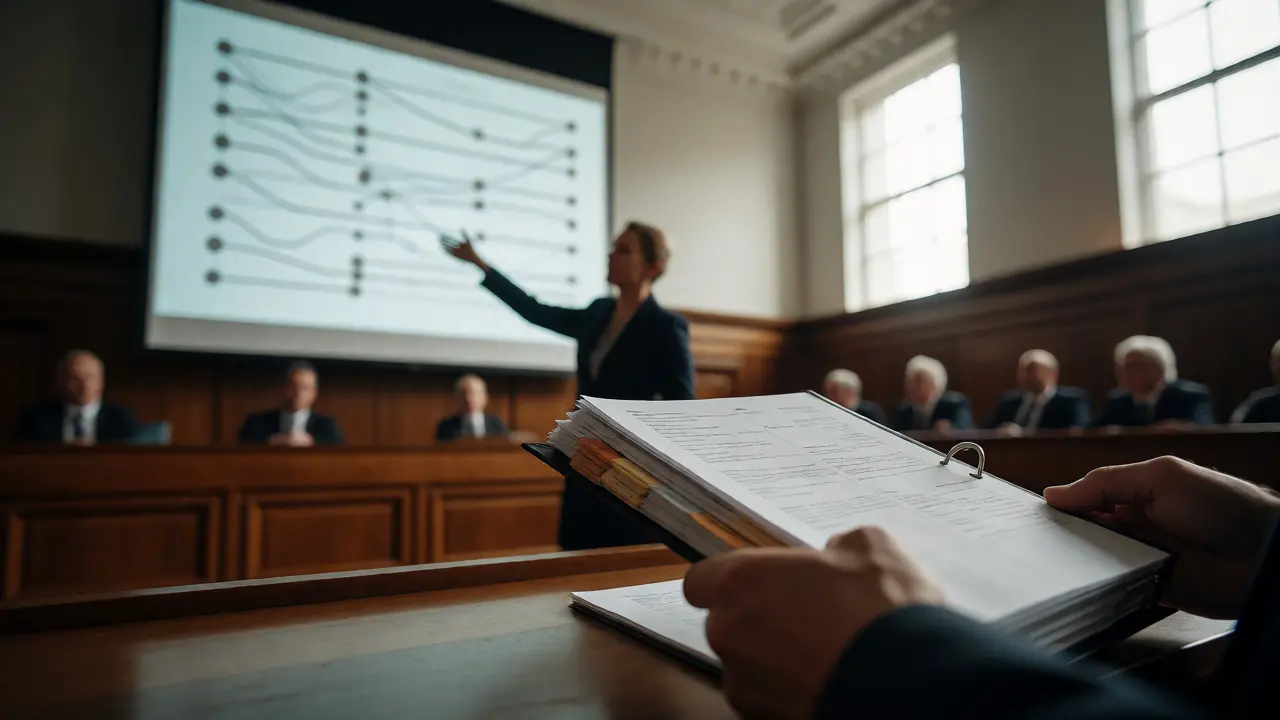
Legal Admissibility and Daubert Standards
In the US federal system and many states, including Oregon, your methodology must pass the Daubert Standard. This means your technique must be generally accepted, testable, and have a known error rate.
Your report should hint at this compliance. Mention that your methods align with standards from organizations like NIST (National Institute of Standards and Technology) or SWGFDE (Scientific Working Group on Digital Evidence). You don’t need to quote the standard verbatim, but referencing it shows you’re playing by the rules.
Also, consider the Fre Rule 702, which governs expert testimony. Ensure your qualifications are listed in the report header. If you’re a CPA doing forensic accounting on digital books, say so. If you’re a computer science grad student, acknowledge your limits.
Review and Quality Control
Never send a first draft. Peer review is critical. Have a colleague read your report specifically looking for logical gaps and typos. Typos destroy credibility. If you misspell "forensic" in the title, why should they trust your hash values?
Check for internal consistency. Does the date in the executive summary match the date in the detailed findings? Do your screenshots match the text descriptions? Small discrepancies give opposing counsel ammunition to claim you’re sloppy.
Finally, archive everything. Keep your working notes, raw logs, and intermediate images. You might need to produce these in discovery. If you deleted your scratchpad folder, you might lose the ability to prove how you reached your conclusion.
How long should a digital forensic report be?
There is no fixed length, but brevity is preferred for the main body. Aim for 10-20 pages for the core narrative, moving heavy data (like full file lists) to appendices. The executive summary should never exceed two pages.
Do I need to include all my raw logs in the report?
No. Raw logs can be thousands of lines long. Instead, summarize the key entries in the body and reference the location of the full log files in your evidence package. Only include excerpts that directly support a finding.
Can I offer opinions in my report?
Yes, but distinguish them from facts. Label them clearly as "Opinion" or "Interpretation." Base them strictly on the data presented. Avoid legal conclusions like "he committed fraud" unless you are also acting as a legal expert, which is rare for digital examiners.
What if I find conflicting timestamps?
Document the conflict. Explain possible causes, such as time zone misconfiguration, daylight savings changes, or manual clock adjustments. Do not arbitrarily pick one timestamp as "correct" without explaining why.
Is encryption a barrier to reporting?
Not necessarily. If you couldn't decrypt data, state that limitation clearly in the scope and findings. Note the type of encryption detected (e.g., BitLocker, FileVault) and any attempts made to access it. This manages client expectations.