Imagine a crime scene where the only clue is a smudge on a glass. In the past, that smudge might have vanished before evidence could be secured. Today, Digital Fingerprint Scanning is a forensic technique that uses high-resolution optical or capacitive sensors to capture ridge patterns and minutiae points from surfaces for digital storage and comparison. This shift from powder-and-lift to pixel-perfect data has transformed how investigators work. It’s faster, more accurate, and integrates seamlessly with automated databases.
Why Digital Beats Traditional Methods
Traditional fingerprint collection relies on powders, tape, and lifting cards. While effective, it’s messy, time-consuming, and prone to human error. If you miss a ridge detail during the lift, it’s gone forever. Digital scanning captures the entire surface area at once. You get a raw image file that can be enhanced, filtered, and compared without touching the original evidence again. This non-invasive approach preserves the integrity of the scene while providing a permanent digital record.
The core advantage lies in data richness. A standard inked print shows ridges, but a digital scan captures sub-ridge details like sweat pores and skin texture. These micro-details are crucial for distinguishing between twins or partial prints. When you upload this data into an Automated Fingerprint Identification System (AFIS) is a computerized database that stores and compares fingerprint records to find potential matches among millions of files., the software analyzes these minute features automatically. This reduces the workload on human examiners, who then focus on verification rather than initial screening.
How the Technology Works
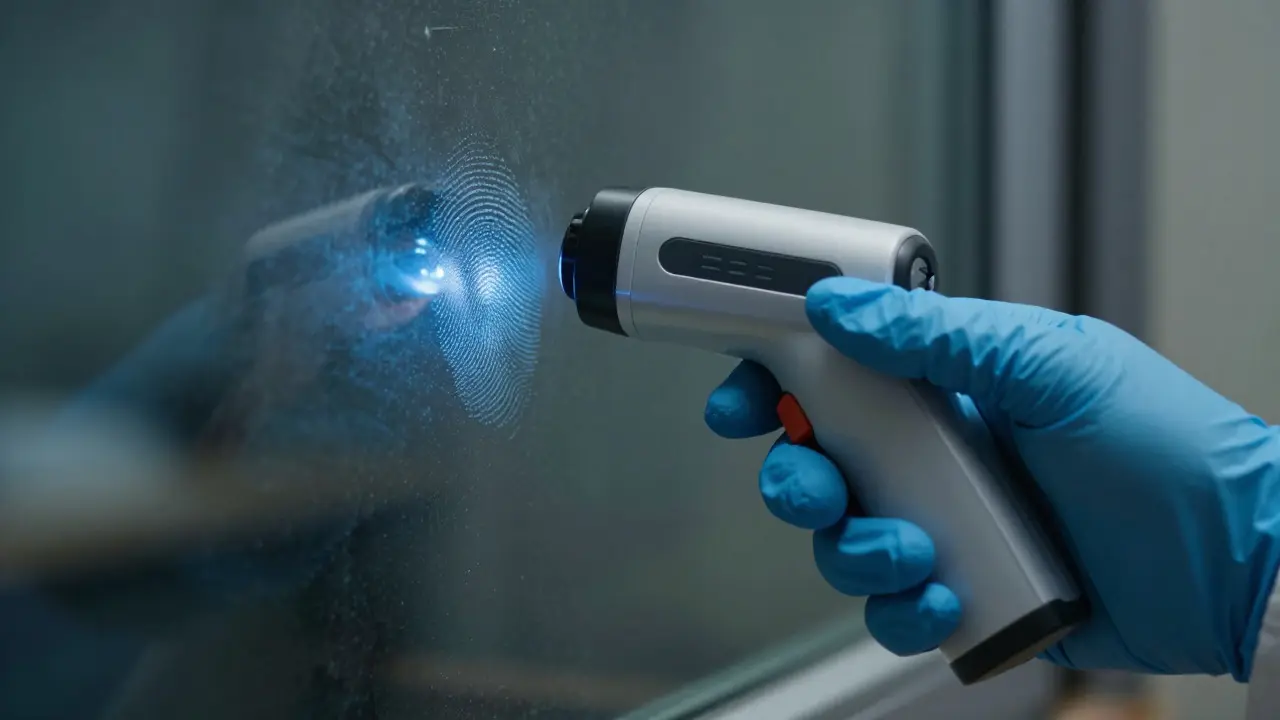
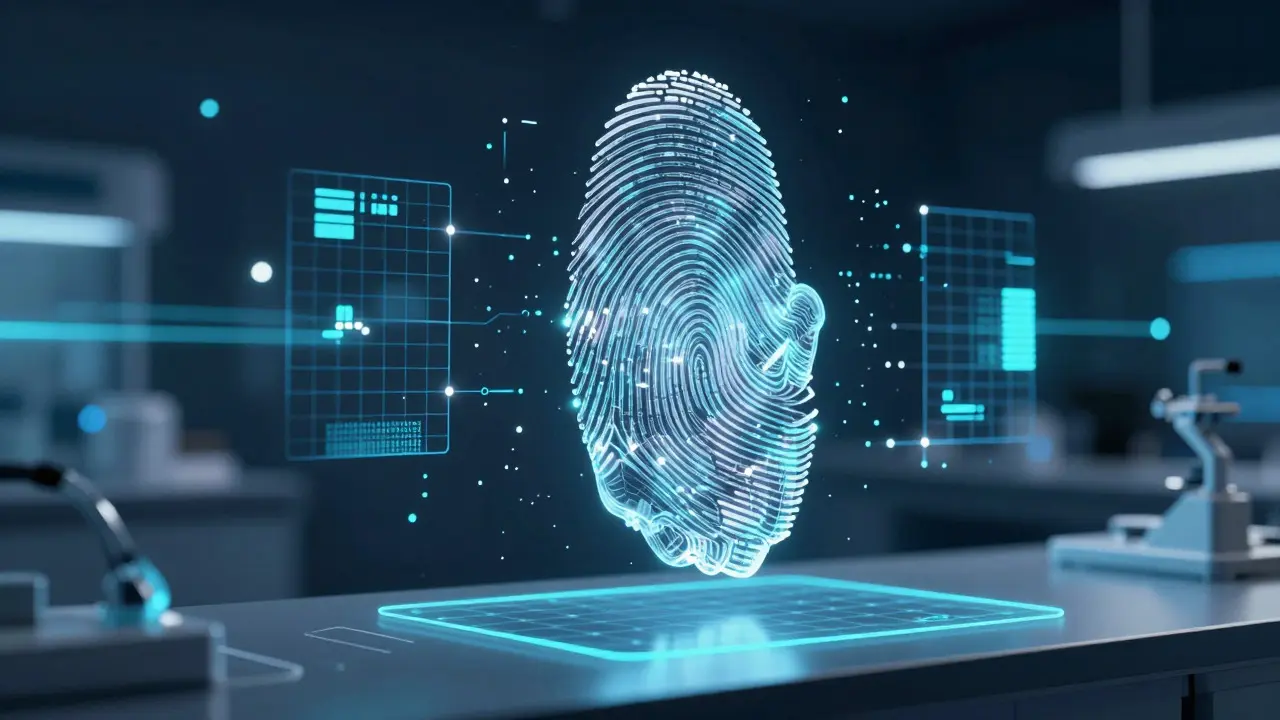
Most modern field scanners use CMOS or CCD sensors similar to those in high-end cameras. The device projects structured light or infrared beams onto the finger or surface. The sensor measures the reflection pattern, creating a 3D map of the ridges and valleys. Unlike flat 2D images, this depth data helps distinguish real fingerprints from false positives caused by dust or debris.
- Capture: The investigator places the scanner over the print. The device emits light and captures the reflection profile.
- Processing: On-board software enhances contrast and removes noise. It identifies ridge endings, bifurcations, and dots-known as minutiae.
- Storage: The image is saved in a standardized format, often JPEG2000 or WebP, ensuring compatibility across different lab systems.
- Comparison: The file is uploaded to AFIS. Algorithms search for candidates based on pattern type and minutiae location.
This process takes seconds. In a rapid response scenario, you can scan a door handle, upload the data, and start checking against local mugshots before leaving the scene. That speed changes the dynamics of an investigation.
Key Hardware Components
Not all scanners are created equal. Field units differ from laboratory benchtops. For on-scene collection, portability and battery life matter most. Devices like the LiveScan is a generic term for live digital fingerprint capture technology used in law enforcement and immigration contexts. series offer ruggedized designs that withstand drops and dust. They typically feature a 5-megapixel sensor capable of resolving 500 pixels per inch (PPI), which meets the FBI’s minimum requirement for admissibility in court.
Laboratory scanners, however, prioritize resolution and stability. Benchtop units often reach 1000 PPI or higher. This extra detail allows experts to analyze degraded prints that would be useless at lower resolutions. When choosing equipment, look for devices that support both visible light and infrared modes. Infrared penetrates superficial dirt and blood stains, revealing hidden ridge details that visible light misses.
| Feature | Field Scanner | Laboratory Scanner |
|---|---|---|
| Resolution | 500 PPI | 1000+ PPI |
| Power Source | Battery (8+ hours) | Mains Power |
| Portability | Handheld/Ruggedized | Benchtop/Fixed |
| Primary Use | Scene Evidence Capture | Detail Analysis & Enhancement |
| Cost Range | $2,000 - $5,000 | $10,000 - $25,000 |
Integration with AFIS and Cloud Systems
Scanning is only half the battle. The real power comes from what happens after the image is captured. Modern AFIS platforms now connect to cloud-based repositories. This means a detective in Portland can instantly query national databases without waiting for physical media transfer. Interoperability is key here. Your scanner must output data formats recognized by your specific AFIS vendor, whether it’s IAI, IdentoMetric, or another provider.
Cloud integration also enables collaborative analysis. Multiple examiners can view the same digital print simultaneously from different locations. Annotations, measurements, and notes are saved directly to the case file. This creates a transparent audit trail, which is essential for legal challenges. If a defense attorney questions the validity of a match, you can show exactly how the digital data was processed and who accessed it.
Challenges and Pitfalls
Despite its advantages, digital scanning isn’t magic. Lighting conditions still matter. Glare from overhead lights can wash out ridge details if the scanner isn’t angled correctly. Dirty lenses are a common issue in the field. One speck of dust on the sensor can create a dark spot in the image, mimicking a pore or a break in a ridge. Regular cleaning protocols are non-negotiable.
Another challenge is the "garbage in, garbage out" principle. If the initial capture is blurry or misaligned, no amount of software enhancement will fix it. Investigators need training to position the scanner properly. Holding the device steady for two to three seconds ensures a sharp image. Rushing this step leads to rejected evidence or wasted time re-scanning.
Finally, consider data security. Digital files are easier to copy and alter than physical lifts. Implementing read-only storage and hash verification ensures the integrity of the evidence chain. Courts expect proof that the digital file hasn’t been tampered with since capture.
Best Practices for Effective Collection
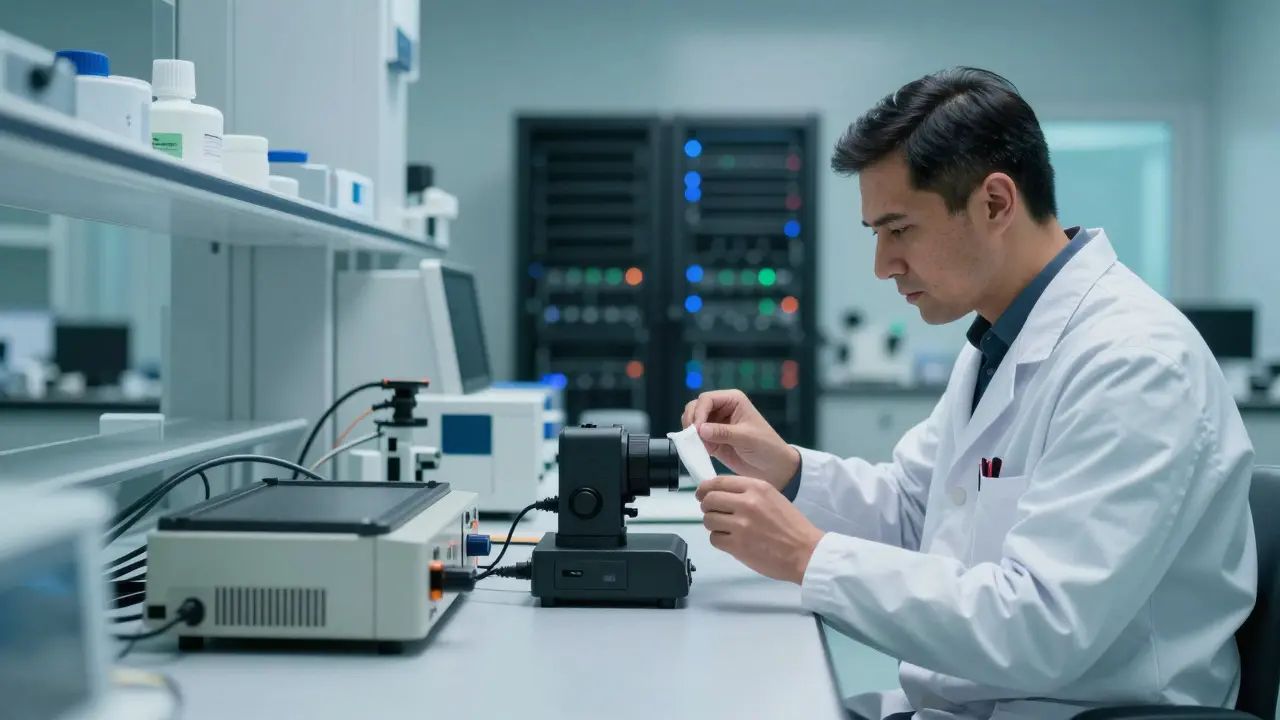
To get the most out of your digital fingerprint technology, follow these operational guidelines:
- Calibrate Daily: Run a test card through the scanner each morning to verify resolution and lighting consistency.
- Clean Lenses: Use lint-free wipes and lens solution before and after every use.
- Multiple Angles: For complex surfaces, scan from three angles to ensure full coverage of curved areas.
- Document Conditions: Note ambient light levels and surface type in your case notes. This context helps examiners interpret the data later.
- Backup Immediately: Transfer files to secure local storage right away. Don’t rely solely on the scanner’s internal memory.
These habits prevent small errors from becoming big problems down the line. Consistency is what makes digital evidence hold up under scrutiny.
Frequently Asked Questions
What is the minimum resolution required for forensic fingerprint scanning?
The FBI recommends a minimum of 500 pixels per inch (PPI) for admissible evidence. However, 1000 PPI is preferred for detailed analysis of partial or degraded prints. Lower resolutions may miss critical minutiae needed for positive identification.
Can digital scanners capture prints from wet surfaces?
Yes, but with limitations. Infrared-capable scanners can penetrate water films to reveal ridge details. However, excessive moisture can distort the light reflection. It’s best to allow surfaces to dry slightly if possible, or use specialized drying agents before scanning.
How does digital scanning compare to traditional powder lifting?
Digital scanning is faster, non-invasive, and provides richer data including sub-ridge details. Traditional lifting is better for very large surfaces or when digital equipment fails. Many agencies use a hybrid approach: digital first, with traditional methods as backup.
What file formats are accepted by most AFIS systems?
JPEG2000 is the industry standard for lossless compression and high quality. Some systems also accept TIFF or PNG. Always check your specific AFIS vendor documentation, as proprietary formats may be required for certain metadata tags.
Is digital fingerprint evidence admissible in court?
Yes, provided the chain of custody is documented and the equipment is calibrated. Courts generally accept digital evidence if it meets scientific standards. Expert testimony explaining the capture process and analysis methods strengthens the case.