You just pulled the hard drive. You ran your favorite file-based scanners. They came back clean. No suspicious executables, no weird DLLs, no altered system files. Yet, the server is still beaconing out to a command-and-control (C2) server every 60 seconds. What did you miss? If you're only looking at files on disk, you are missing half the battle in modern digital forensics.
This is the reality of fileless attacks. Unlike traditional malware that drops an .exe or .dll onto the storage medium, these threats live entirely in volatile memory. They use legitimate system tools-like PowerShell, WMI, or Windows Script Host-to execute malicious code directly in RAM. Because nothing hits the disk, standard antivirus solutions and forensic triage tools often fail to see them. For investigators, this means shifting focus from static file analysis to dynamic memory forensics and behavioral monitoring.
Why Files Are Becoming Irrelevant to Attackers
Think about how we traditionally catch bad guys. We look for anomalies in file hashes, unexpected timestamps, or new entries in the registry. It’s like looking for footprints in the mud. But if the attacker never steps in the mud-if they hover above it-you won’t see any tracks.
Attackers realized early on that writing to disk leaves evidence. Antivirus engines are great at scanning files. Endpoint Detection and Response (EDR) tools monitor file creation events. So, attackers adapted. They started injecting code into existing processes or using scripting engines that don't require saving a script to a file first. A PowerShell command can be passed via command line arguments, executed, and then vanish without leaving a traceable artifact on the filesystem. This technique significantly reduces the "forensic footprint," making post-incident response incredibly difficult.
But here is the catch: while they avoid the disk, they cannot avoid memory. To run code, the CPU needs instructions in RAM. That is where your investigation begins. The goal isn't to find the file; it's to find the behavior and the artifacts left behind in volatile storage.
The Core Mechanics of Fileless Persistence
Persistence is the holy grail for attackers. They need their malware to survive a reboot. In a fileless world, how do they stay resident? They hijack trusted system components. Let's break down the most common vectors you will encounter in a real-world incident.
- Windows Registry Run Keys: This is classic but updated. Instead of pointing to a suspicious .exe, the key points to a legitimate binary like
regsvr32.exeormshta.exe, passing malicious parameters. The binary itself is signed by Microsoft, so allow-listing based on signature fails. - WMI Repository: Windows Management Instrumentation (WMI) allows scripts to run in the background. Attackers create permanent event consumers in the WMI repository. These are stored in a database (
OBJECTS.DATA) rather than as standalone scripts. When the system starts, WMI triggers the execution. - Scheduled Tasks: Similar to WMI, attackers schedule tasks that invoke PowerShell with encoded commands. The task definition is XML-based and stored in
C:\Windows\System32\Tasks, but the actual payload might never exist as a separate file. - COM Object Hijacking: By modifying registry keys associated with Component Object Model (COM) objects, attackers can force legitimate applications to load malicious code when they start. This is subtle because the host application looks completely normal.
Each of these methods relies on "living off the land" (LOTL). The tools used are native to Windows. This makes distinguishing between admin activity and malicious activity tricky. You have to look at the context, not just the tool name.
Detecting the Invisible: Memory Forensics Strategies
If the file doesn't exist, you must analyze the memory dump. Tools like Volatility Framework are essential here. But what exactly are you looking for? You aren't looking for a needle in a haystack; you're looking for a shape that doesn't fit the pattern.
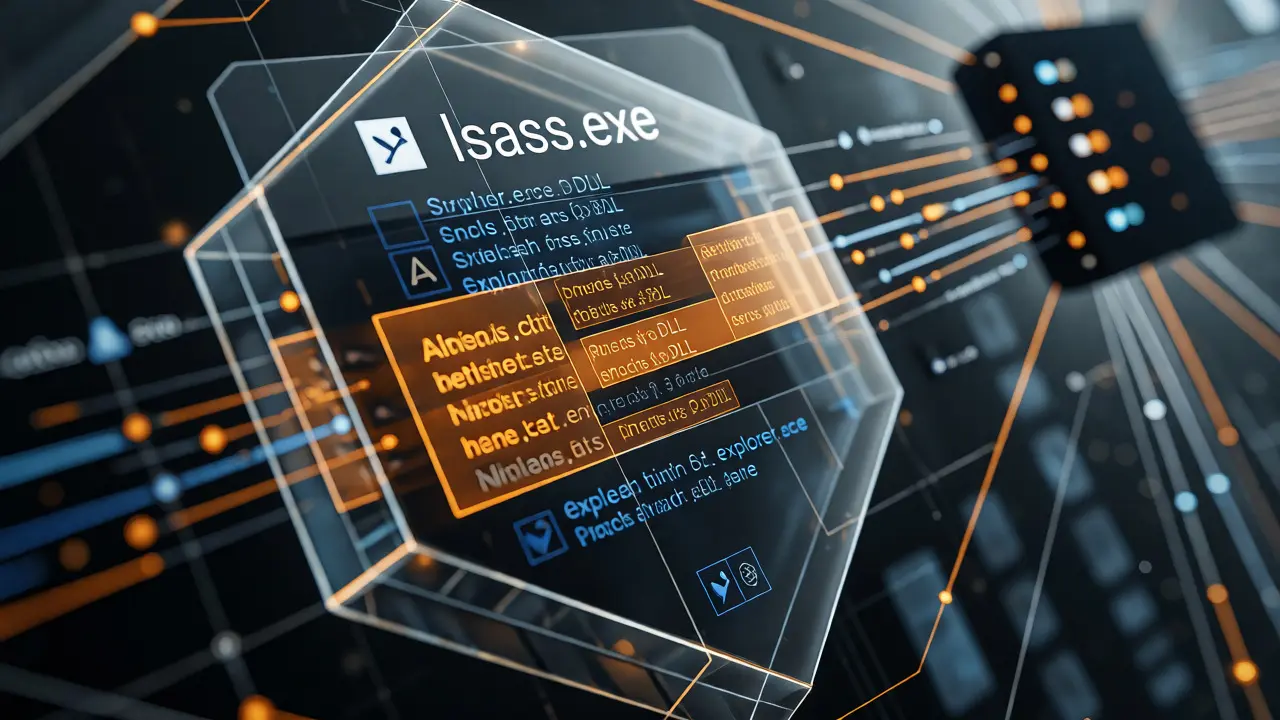
Start with process injection detection. Legitimate processes usually have specific characteristics regarding their memory regions. Malware injected into lsass.exe or explorer.exe often creates executable memory pages that are not backed by a file mapping. In a memory dump, you can identify these as "private executable pages." If notepad.exe suddenly has 50MB of executable memory that doesn't correspond to its loaded DLLs, something is wrong.
Next, examine network connections within the memory space. Use plugins to list active sockets and correlate them with process IDs. A benign service shouldn't be connecting to obscure IP addresses on high ports unless configured to do so. Look for anomalies in the TCP connection state tables. Are there connections that persist even after the initiating process seems idle?
Finally, inspect the command lines of running processes. Fileless attacks often rely on long, obfuscated command lines. A PowerShell command that looks like -enc JAB...[long string]... is a red flag. Normal administrative scripts rarely need Base64 encoding unless they are being pushed remotely via management tools. Compare current command lines against historical baselines. If you have access to previous memory dumps, diffing the process trees can reveal sudden appearances of suspicious parent-child relationships.
Key Artifacts for Fileless Incident Response
When you cannot rely on file hashes, you need other indicators of compromise (IoCs). Here is a checklist of artifacts to prioritize during your examination.
| Artifact Type | Location / Source | Detection Indicator |
|---|---|---|
| PowerShell Logs | Event Viewer: Microsoft-Windows-PowerShell/Operational | Event ID 4104 (Script Block Logging) showing decoded content. |
| WMI Activity | WMI Repository (OBJECTS.DATA) | New Permanent Event Consumers created recently. |
| Process Injection | Memory Dump (Volatility malfind) | Executable private memory pages in non-executable processes. |
| Scheduled Tasks | Registry: HKLM\SOFTWARE\Microsoft\Windows NT\CurrentVersion\Schedule\TaskCache | Tasks invoking mshta, rundll32, or powershell with encoded args. |
| Service Creation | Registry: HKLM\SYSTEM\CurrentControlSet\Services | Services pointing to svchost.exe with unusual parameter groups. |
Notice that none of these point to a single "malicious file." They point to configurations and behaviors. Your report should reflect this shift. Don't say "We found virus.exe." Say "We identified persistent execution via WMI event consumer 'X' linked to process 'Y'."

Challenges in Attribution and Timeline Reconstruction
One of the hardest parts of investigating fileless attacks is building a timeline. Traditional forensics relies heavily on MAC times (Modified, Accessed, Created) of files. Without files, you lose this temporal anchor. How do you know when the attack happened?
You lean on logs. Windows Event Logs become your primary source of truth. Specifically, enable advanced logging policies before an incident occurs. Standard default settings often miss critical details. For example, Command Line Process Auditing (Event ID 4688) captures the full command line of executed processes. If you didn't have this enabled, you might only see that powershell.exe ran, but not what it did.
Another challenge is attribution. Since the tools are native, did the user run the command, or did the malware? You need to correlate user login sessions with process executions. Check the Session Manager Subsystem (SMS) logs. Did the process spawn under a SYSTEM account while the user was logged in? Or was it spawned by a remote management tool like PsExec or WinRM? Remote execution leaves different network artifacts than local execution. Tracing the parent process chain up to the root cause is vital. Often, the initial entry vector (like a phishing email attachment) is file-based, but the subsequent actions are fileless. Connecting these two phases requires careful cross-referencing of email logs and process tree data.
Proactive Defense: Reducing the Attack Surface
Detection is reactive. Prevention is better. While you can't stop all fileless attacks, you can make them much harder to execute. Constrained Language Mode in PowerShell restricts what .NET classes can be accessed, blocking many common injection techniques. AppLocker rules can prevent unsigned scripts from running, even if they are executed via legitimate binaries.
Consider deploying EDR solutions that specialize in memory analysis. Not all EDRs are equal. Some focus primarily on file reputation and behavioral heuristics. Others integrate deep memory inspection capabilities that can detect code injection in real-time. Test your current stack: does it alert when a known benign process spawns a child process with an unusually large working set? Does it track PowerShell script block logging effectively?
Also, patch management matters. Many fileless exploits leverage vulnerabilities in scripting engines or WMI services. Keeping Windows components up to date closes some of these gaps. However, remember that configuration drift is the enemy. Over time, security settings get relaxed. Regularly audit your Group Policy Objects (GPOs) related to PowerShell and WMI restrictions.
What is the main difference between fileless and traditional malware?
Traditional malware writes executable files to the disk, which can be scanned by antivirus software. Fileless malware executes code directly in memory using legitimate system tools, leaving little to no trace on the hard drive, making it invisible to file-based scanners.
Can antivirus software detect fileless attacks?
Standard signature-based antivirus often misses fileless attacks because there is no file to scan. Modern Endpoint Detection and Response (EDR) tools are more effective because they monitor behavioral patterns and memory anomalies rather than just file hashes.
How do I enable PowerShell logging for better forensics?
You should enable Script Block Logging and Module Logging via Group Policy or the Registry. This ensures that every command executed in PowerShell is recorded in the Windows Event Log, allowing you to reconstruct the attacker's actions even if the script wasn't saved to disk.
What is the role of WMI in fileless attacks?
WMI allows attackers to store malicious scripts in the WMI repository and trigger them using permanent event filters. This provides persistence across reboots without needing to save a script file to the disk, making it a popular method for maintaining access.
Is memory forensics necessary for every incident?
Not necessarily, but it is crucial for suspected fileless incidents. If standard disk forensics yield inconclusive results despite signs of compromise, analyzing a memory dump is the next logical step to uncover injected code and hidden processes.