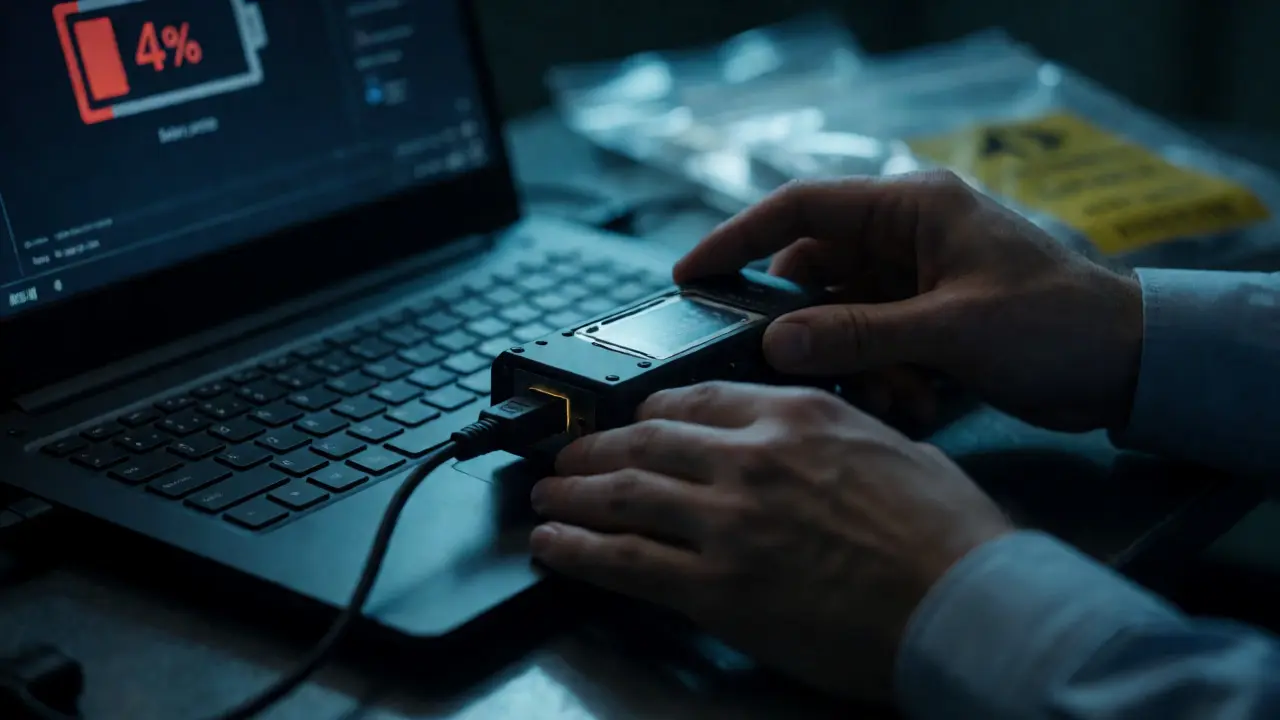
You just seized a suspect's laptop. The battery is at 4%. The screen shows an encryption prompt. Your hands are shaking slightly because you know that one wrong click could wipe terabytes of evidence or, worse, let the defense argue that you contaminated the drive. This isn't just about plugging in a USB stick and running a scan. Digital forensics is a high-stakes game where your toolkit determines whether you get a conviction or a mistrial.
Most people think digital forensics is all about fancy software like EnCase or FTK. But if you've ever tried to image a failing hard drive with a standard SATA cable, you know the truth: hardware matters just as much, if not more. You need the right digital forensics tools to preserve integrity, speed up analysis, and keep your chain of custody unbroken. Whether you're a solo investigator in a small town PD or part of a large cybercrime unit, understanding the ecosystem of hardware and software is non-negotiable.
The Foundation: Why Integrity Is Everything
Before we talk about specific brands, let's get one thing straight. The primary job of any forensic tool is to prove that what you found on the device is exactly what was there when you took it. This is called Data Integrity, which is the assurance that digital information has not been altered in unauthorized ways. If you boot up a Windows machine normally, the OS writes temporary files, updates registry keys, and touches the Master File Table. Boom. You've changed the evidence.
To prevent this, you rely on two main concepts:
- Write Blocking: A physical or logical barrier that allows you to read data from a drive but prevents any new data from being written to it.
- Hashing: Using algorithms like MD5 or SHA-1 to create a unique fingerprint of the data before and after imaging. If the hashes match, the copy is identical to the original.
Hardware That Saves Your Skin
Software can crash. Hardware fails. But bad hardware choices ruin cases. Here is the gear you actually need in your bag.
Hardware Write Blockers
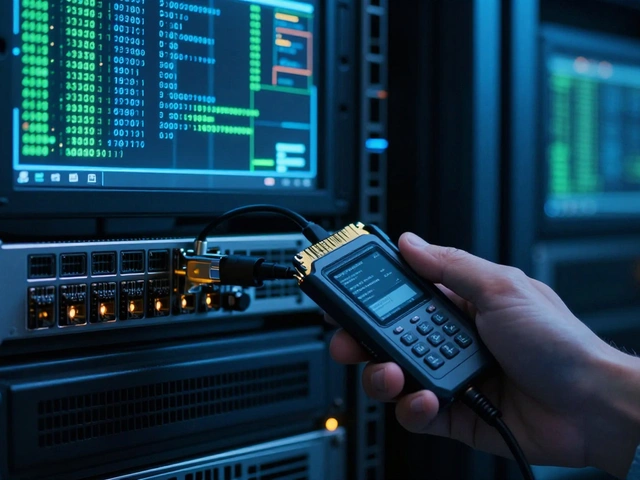
A hardware write blocker is a device you plug between the suspect drive and your forensic workstation. It physically interrupts the write command signal. Unlike software blockers, these don't rely on the operating system's driver implementation, which makes them far more defensible in court. Brands like Tableau (now part of OpenText) and WiebeTech have been the gold standard for years. Their devices support SATA, IDE, SCSI, and increasingly NVMe interfaces. When buying one, check for "certified" status. In many jurisdictions, using an uncertified blocker can lead to challenges regarding the reliability of your acquisition process.
Forensic Duplicators vs. Workstations
If you are doing mass acquisitions-say, seizing 50 hard drives from a fraud ring-you don't want to use a computer. You want a standalone forensic duplicator. These are dedicated boxes that clone drives bit-for-bit without needing a host OS. They verify the hash automatically and save hours of CPU time on your main analysis rig.
For deeper analysis, you need a powerful forensic workstation. Don't skimp here. You're dealing with massive file systems and encrypted containers. Look for:
- CPU: High core count (Intel i9 or AMD Ryzen 9) for parallel processing during carving and indexing.
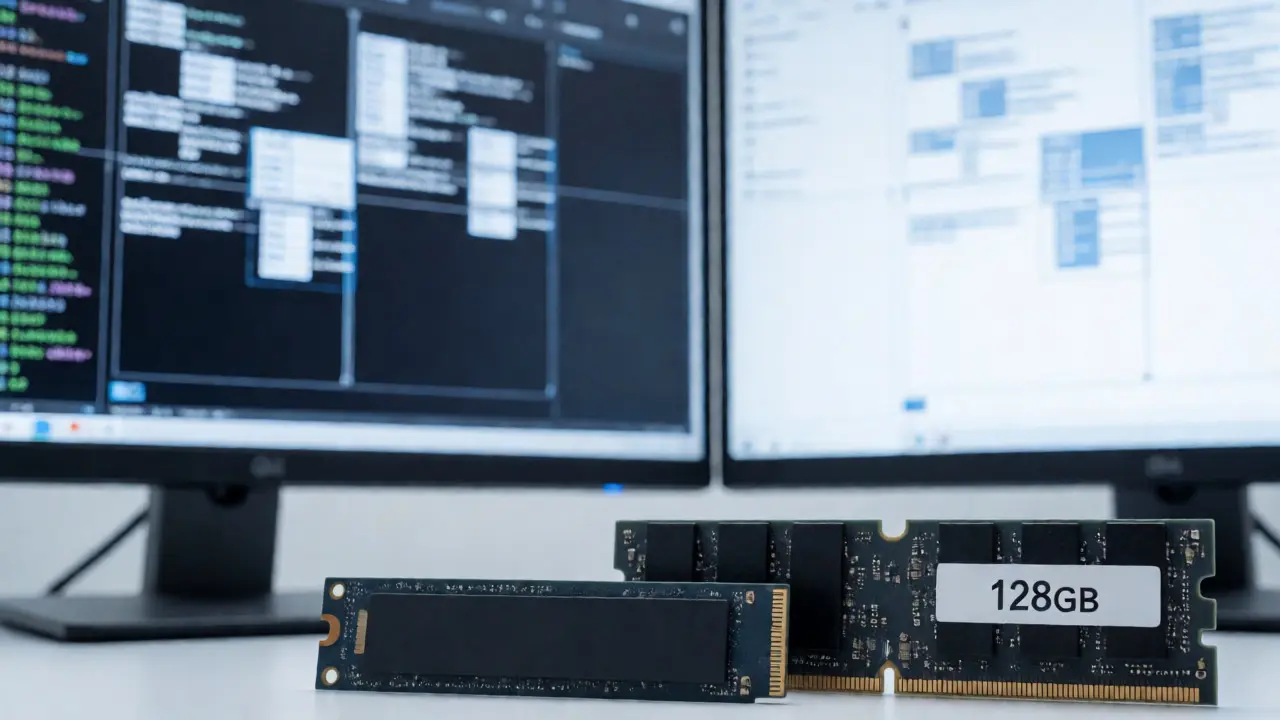
- RAM: Minimum 64GB, preferably 128GB. Indexing a 4TB drive eats RAM for breakfast.
- Storage: Fast NVMe SSDs for your working directory. Mechanical HDDs will bottleneck your workflow when accessing random sectors.
Mobile Forensics Cables and Bridges
Phones are tricky. Apple devices require specialized lightning cables that often include built-in authentication chips. Android devices vary wildly by manufacturer. Samsung, Pixel, and Xiaomi all handle USB debugging differently. Investing in a universal mobile bridge device can help bypass some lock screens or extract data from damaged phones where the touch screen doesn't work. Companies like Cellebrite and GrayKey dominate this space, but their hardware dongles are essential parts of the kit.
Software Suites: The Heavy Hitters
Once you have a clean image, you need to make sense of it. This is where the big commercial suites come in. They aren't cheap, but they offer features that open-source tools sometimes lack, particularly in reporting and integration.
| Feature | OpenText EnCase | Exterro FTK | Magnet AXIOM |
|---|---|---|---|
| Primary Strength | Enterprise-scale case management and deep artifact parsing. | Superior search capabilities and email handling. | User-friendly interface and excellent cloud artifact extraction. |
| Learning Curve | Steep; requires formal training certification. | Moderate; intuitive for those familiar with legal tech. | Low; designed for ease of use by non-technical staff. |
| Best For | Large government agencies and complex multi-device cases. | Law firms and corporate investigations requiring heavy eDiscovery. | Rapid triage and mobile-first investigations. |
EnCase and FTK: The Old Guard
EnCase is a comprehensive digital investigation platform widely used by law enforcement worldwide. It’s known for its rigorous methodology and strict adherence to chain-of-custody protocols. If you’re working in federal law enforcement, you likely already know EnCase inside out. Its competitor, FTK, stands for Forensic Toolkit and is renowned for its ability to index entire hard drives quickly, allowing for near-instantaneous keyword searches across terabytes of data. FTK shines when you need to find every instance of a specific term across thousands of emails and documents.
Magnet AXIOM and Modern Alternatives
Newer entrants like Magnet AXIOM have gained traction because they simplify the user experience. They pull artifacts from browsers, chat apps, and cloud services with minimal configuration. For a busy detective who needs answers fast, this usability is worth the price tag. However, always remember that convenience shouldn't compromise depth. Verify critical findings with raw hex viewers or secondary tools.
Open Source: The Power of Volatility and Autopsy
Not everyone has a $5,000 annual license budget. Open-source tools are robust, transparent, and constantly updated by a global community of experts. Two names stand out: Autopsy and Volatility.
Autopsy is a graphical interface for the Sleuth Kit, providing a user-friendly way to analyze disk images and recover deleted files. It’s free, runs on Windows, Linux, and macOS, and supports plugins for everything from EXIF data to social media artifacts. It’s perfect for smaller departments or independent consultants. Just be prepared to troubleshoot occasionally, as updates can sometimes break plugin compatibility.
Then there’s memory forensics. While disk analysis looks at what was stored, memory analysis looks at what was happening. Volatility is an advanced framework for investigating volatile memory dumps and identifying malware processes, network connections, and command-line history. If a suspect closed their browser but left a session in RAM, Volatility can find it. It’s command-line based, so it demands technical proficiency, but the results are often invaluable in malware cases.
Specialized Tools for Specific Problems
General suites cover 80% of cases. The remaining 20% require niche tools.
Password Recovery
Encryption is everywhere. BitLocker, FileVault, VeraCrypt. If you can’t crack the password, the data might as well be gone. Tools like Hashcat and John the Ripper leverage GPU power to brute-force passwords. Note that modern GPUs (like NVIDIA RTX series) are essential here; CPU-only cracking is too slow for strong encryption standards.
Network Forensics
Sometimes the smoking gun isn't on the hard drive-it's in the traffic logs. Wireshark remains the industry standard for packet capture analysis. For longer-term retention, consider tools like Zeek (formerly Bro), which generates metadata logs rather than storing full packets, saving storage space while still allowing for historical queries.
Building Your Kit: A Practical Checklist
Don't try to buy everything at once. Start with the essentials and expand based on your caseload.
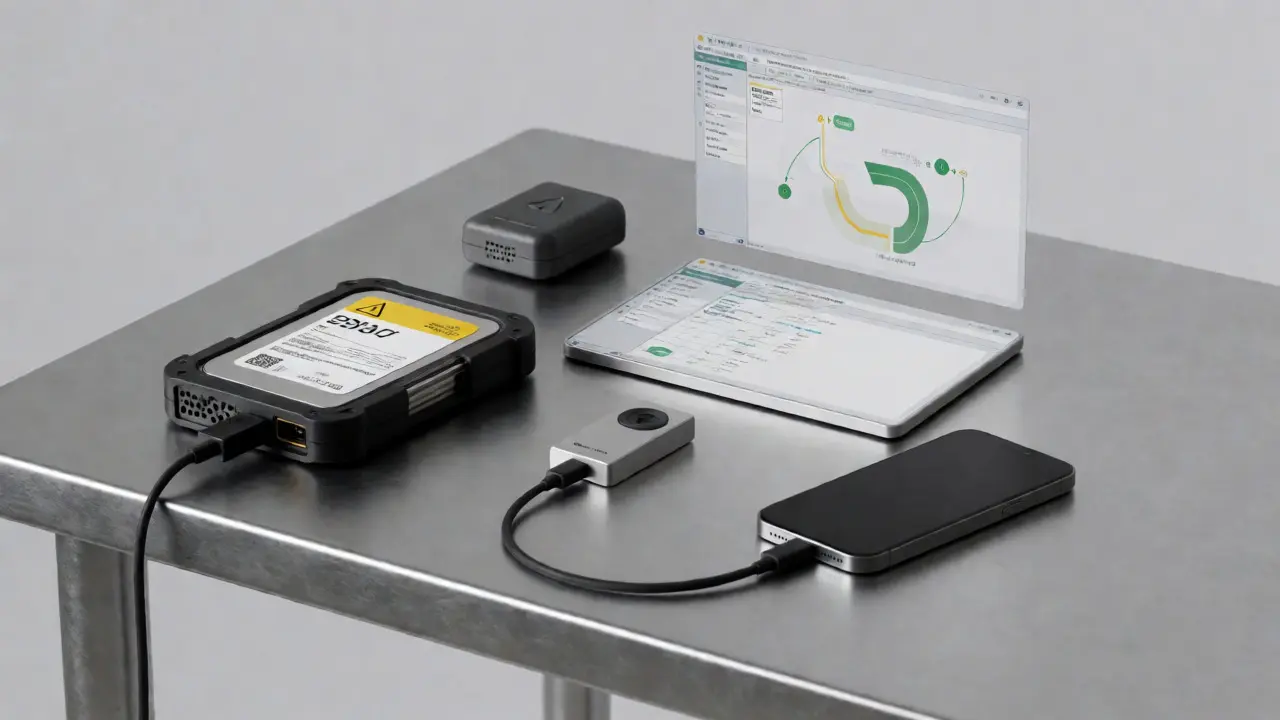
- Acquisition Station: One reliable hardware write blocker (SATA/USB 3.0). Add NVMe support as needed.
- Imaging Media: Buy multiple external hard drives formatted specifically for evidence storage. Never reuse a drive unless you’ve securely wiped it and documented the wipe.
- Analysis Rig: A mid-range laptop with 32GB RAM and a good SSD for field work. A desktop tower for heavy lifting at the office.
- Software Licenses: Pick one major suite (EnCase, FTK, or AXIOM) for official reports. Install Autopsy and Wireshark for supplementary checks.
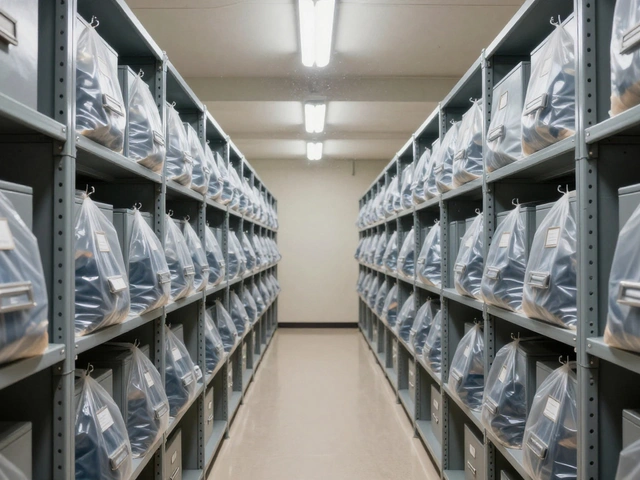
- Documentation: Physical notebooks, tamper-evident bags, and label printers. Digital photos of the scene before disconnection are mandatory.
Pitfalls to Avoid
Even experienced investigators make mistakes. Here are three common ones:
- Ignoring Clock Skew: Always note the time difference between the device and UTC. If your report says an event happened at 2 PM, but the device clock was set to local time without timezone info, you might misalign events by hours.
- Over-reliance on Automated Reports: Software can hallucinate connections. If a tool claims a file was accessed at a certain time, verify it manually in the registry or MFT.
- Cloud Blindness: Many users sync photos and chats to iCloud or Google Drive. Ignoring cloud artifacts means missing half the story. Use tools that can fetch cloud logs separately.
Digital forensics is evolving rapidly. As AI-generated content becomes common, distinguishing between human-created and machine-generated files will become a new frontier. Staying current with both hardware capabilities and software updates isn't optional-it's part of the job description.
Do I really need a hardware write blocker?
Yes, especially for initial acquisition. While software write blockers exist, hardware blockers provide a physical guarantee that no data is written to the source drive. This significantly strengthens the admissibility of your evidence in court, as it removes doubts about driver-level errors or OS interference.
Which is better for beginners: EnCase or Autopsy?
Autopsy is generally better for beginners due to its zero cost and lower barrier to entry. It allows you to learn core forensic concepts without financial pressure. However, if you plan to work in law enforcement, learning EnCase early is beneficial because it is the industry standard in many police departments. Many professionals start with Autopsy for practice and move to commercial suites for professional casework.
Can I use a regular USB cable for forensic imaging?
You should avoid standard consumer USB cables for critical evidence acquisition. Use high-quality, short cables to minimize signal degradation and potential timing issues. More importantly, never plug a suspect drive directly into a live computer via USB without a write blocker. Even a simple USB connection can trigger background processes that alter the drive's access times.
What is the most important attribute of a forensic workstation?
While CPU speed is important, RAM capacity is often the bottleneck in digital forensics. Indexing large datasets and running virtual machines for analysis consumes significant memory. Aim for at least 64GB of RAM to ensure smooth operation when handling multiple large disk images simultaneously. Storage speed (NVMe SSDs) is the second most critical factor to prevent I/O bottlenecks.
How do I handle encrypted drives?
First, determine the encryption type (BitLocker, FileVault, etc.). If the device is powered on and unlocked, acquire a memory dump immediately to capture decryption keys. If it is off, you may need to perform a cold boot attack or use specialized hardware to extract keys from TPM modules. Without the key or password, the data remains inaccessible regardless of how powerful your forensic software is.