Did you just hit delete on a folder containing years of work? Or perhaps your hard drive started making that dreaded clicking sound? Panic is the natural reaction, but it is also the most dangerous one. In the world of data recovery, time is not just money; it is the difference between retrieving a file and losing it forever.
Most people assume that when they press 'delete,' the data vanishes instantly. It does not. Not immediately, anyway. Understanding how operating systems handle data erasure-and how modern storage technologies like solid-state drives complicate this process-is crucial for anyone who wants to retrieve lost information or understand the limits of digital privacy.
The Myth of Instant Deletion
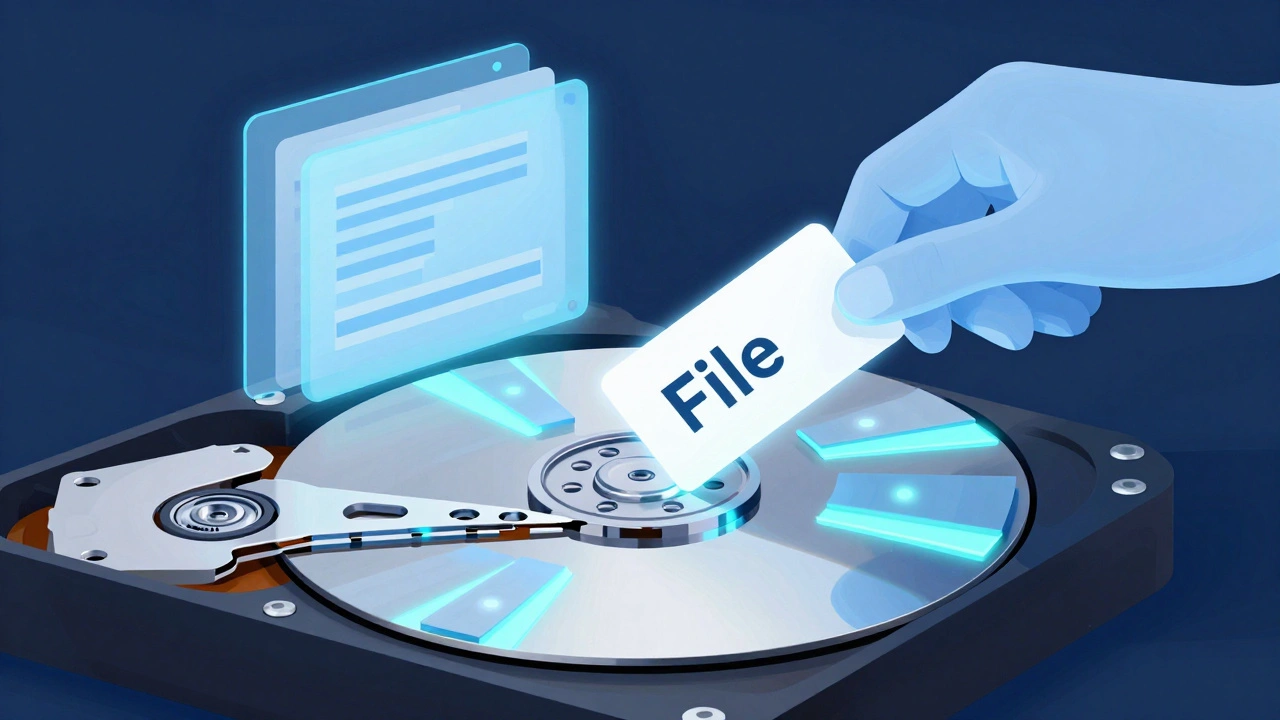
To understand why we can recover files, we first need to look at what actually happens when you delete them. On traditional hard disk drives (HDDs), deletion is largely an administrative act, not a physical one. When you delete a file on a standard filesystem like NTFS or FAT32, the operating system simply removes the pointer to that data from the directory structure. Think of it like ripping the index card out of a library catalog. The book-the actual data blocks-still sits on the shelf, marked as 'available' for new content, but untouched until something new overwrites it.
This mechanism allows software tools to scan the drive, find these orphaned data clusters, and reconstruct the file. This is known as logical recovery. As long as the data hasn't been overwritten, logical recovery has a high success rate. Tools like TestDisk or Recuva exploit this behavior by reading the raw sectors of the drive and looking for recognizable file signatures.
However, this convenience creates a massive security risk. If you sell a laptop without properly wiping the drive, anyone with basic forensic knowledge can recover your old photos, documents, and passwords. This is where the concept of secure deletion comes into play, separating casual users from those handling sensitive information.
SSDs and the TRIM Command
If you are using a solid-state drive (SSD), the rules change dramatically. Unlike HDDs, which use spinning platters and mechanical heads, SSDs use NAND flash memory managed by a complex controller. To maintain performance and longevity, SSDs employ a feature called wear-leveling, which spreads write operations evenly across memory cells.
More importantly for data recovery, SSDs utilize the ATA TRIM command. When you delete a file on an SSD, the operating system sends a TRIM signal to the drive controller. The controller then proactively erases those specific memory blocks in the background. This happens quickly, often within minutes or hours of deletion. By the time you realize you made a mistake and try to run recovery software, the data may already be gone. This makes logical recovery on SSDs significantly harder than on HDDs, especially if the drive has had time to garbage-collect the deleted sectors.
| Feature | HDD (Hard Disk Drive) | SSD (Solid-State Drive) |
|---|---|---|
| Deletion Mechanism | Metadata removal only | Metadata removal + TRIM signal |
| Data Persistence | Remains intact until overwritten | Erase proactively by controller |
| Recovery Window | Days to weeks (if unused) | Minutes to hours |
| Physical Failure Risk | Head crashes, motor failure | Controller failure, NAND degradation |
Logical vs. Physical Recovery
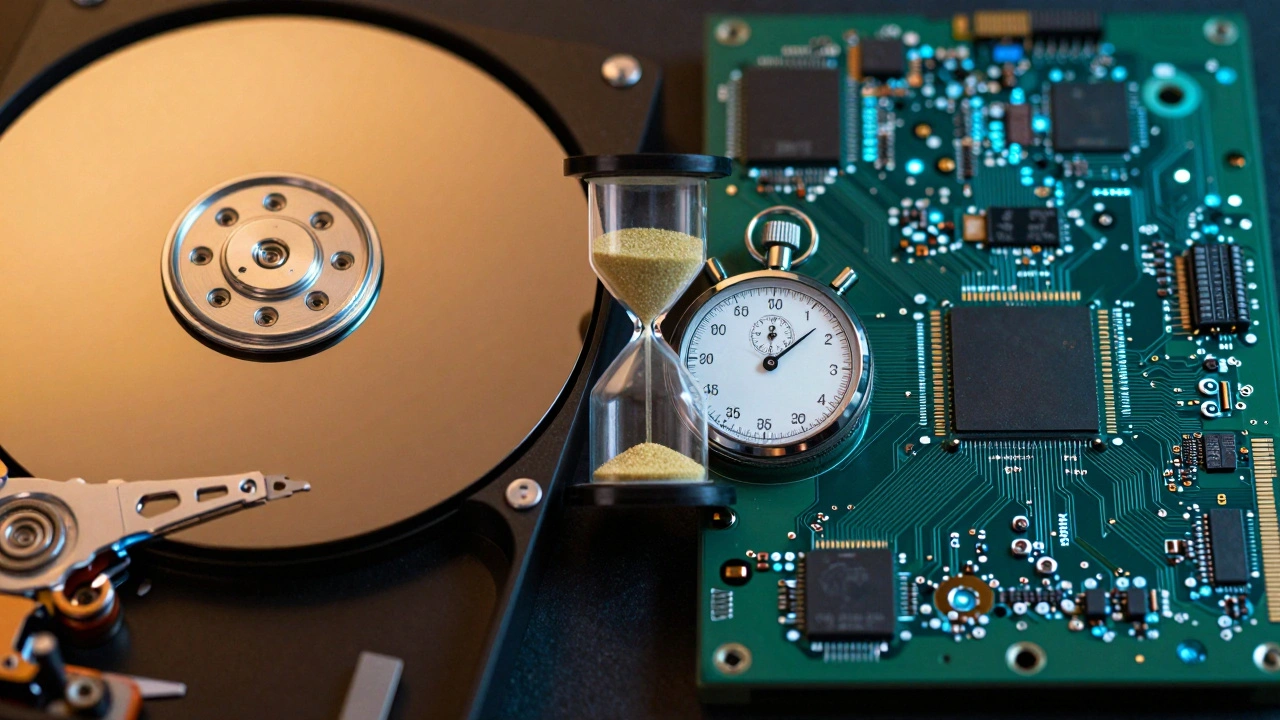
Data recovery generally falls into two buckets: logical and physical. Logical recovery deals with software issues. Did you accidentally format a partition? Did a virus corrupt your Master File Table? These are logical problems. You don't need to open the drive; you need specialized software that can interpret damaged filesystem structures or carve files based on headers (like the JPEG signature `FF D8 FF`).
Physical recovery is a different beast entirely. This involves hardware failures: clicking noises, drives not spinning up, or water damage. In these cases, software is useless-and potentially harmful. Every time you spin up a failing drive, you risk further damaging the read/write heads or scratching the platters. Professional labs perform physical recovery in ISO Class 5 cleanrooms, using donor parts and specialized hardware imagers like the PC-3000 to clone the data before attempting any repair. For consumers, if you hear clicking, stop using the device immediately.
Secure Deletion Standards
For forensic investigators or IT professionals tasked with disposing of equipment, ensuring data cannot be recovered is critical. Historically, experts relied on methods like the Gutmann method, a 35-pass overwrite technique designed to defeat magnetic remanence on older drives. However, modern standards have evolved.
The National Institute of Standards and Technology (NIST) published Special Publication 800-88 Rev.1, which outlines guidelines for media sanitization. According to NIST, for most modern HDDs, a single overwrite with fixed or random data is sufficient to prevent recovery by state-of-the-art laboratory techniques. For self-encrypting drives (SEDs), cryptographic erase is recommended, where the encryption key is destroyed, rendering all data unreadable instantly. This standard is vital for compliance with regulations like GDPR and HIPAA, which mandate proper data disposal.
Best Practices for Prevention and Recovery
The best way to ensure data recovery is successful is to prevent data loss in the first place. Relying on recovery software after the fact is always risky. Here is how you should approach data protection:
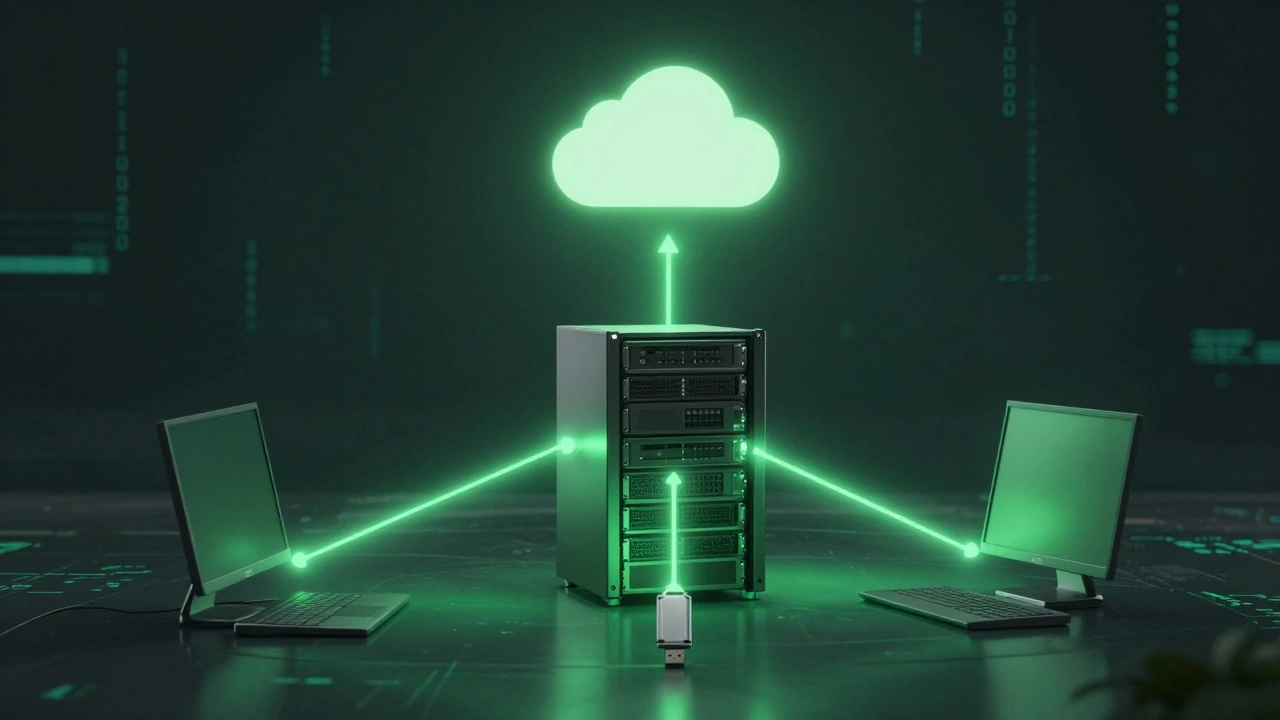
- Follow the 3-2-1 Rule: Keep three copies of your data, on two different types of media, with one copy off-site. Cloud backups like Backblaze or AWS S3 serve as excellent off-site repositories.
- Stop Using the Drive Immediately: If data loss occurs, do not install recovery software on the same drive. Write new data to the affected volume, and you will overwrite the very files you are trying to save.
- Create Disk Images: For failing drives, use tools like GNU ddrescue to create a sector-by-sector image. This tool skips bad blocks and retries them later, preserving the integrity of the original media while allowing you to experiment on the image file.
- Test Your Backups: A backup is only useful if you can restore from it. Regularly test your restoration procedures to ensure they work when under pressure.
Understanding the mechanics of data storage empowers you to make better decisions about both retrieval and destruction. Whether you are trying to salvage a cherished photo album or securely wiping a corporate laptop, knowing how the technology works is your first line of defense.
Can I recover deleted files from an SSD?
It depends on timing. Because SSDs use the TRIM command to proactively erase deleted blocks, the window for recovery is very short. If you act immediately and TRIM has not yet processed the deletion, specialized software might recover some files. However, unlike HDDs, you cannot rely on data remaining intact for days.
What is the difference between logical and physical data recovery?
Logical recovery addresses software issues like accidental deletion, formatting, or corruption using software tools. Physical recovery addresses hardware failures such as head crashes or motor issues and requires opening the drive in a cleanroom environment.
Is deleting a file enough to protect my privacy?
No. Standard deletion only removes the file reference, leaving the data recoverable. To securely erase data, you should use secure deletion tools that overwrite the data multiple times or use cryptographic erasure for self-encrypting drives, following standards like NIST SP 800-88.
What should I do if my hard drive is making clicking noises?
Stop using the drive immediately. Clicking usually indicates a physical failure, such as a head crash. Continuing to power the drive can cause permanent damage to the platters, making professional recovery impossible. Contact a professional data recovery service.
How does the 3-2-1 backup rule work?
The 3-2-1 rule recommends keeping three copies of your data, stored on two different types of media (e.g., internal drive and external USB), with one copy stored off-site (e.g., cloud storage). This protects against local disasters, hardware failure, and theft.