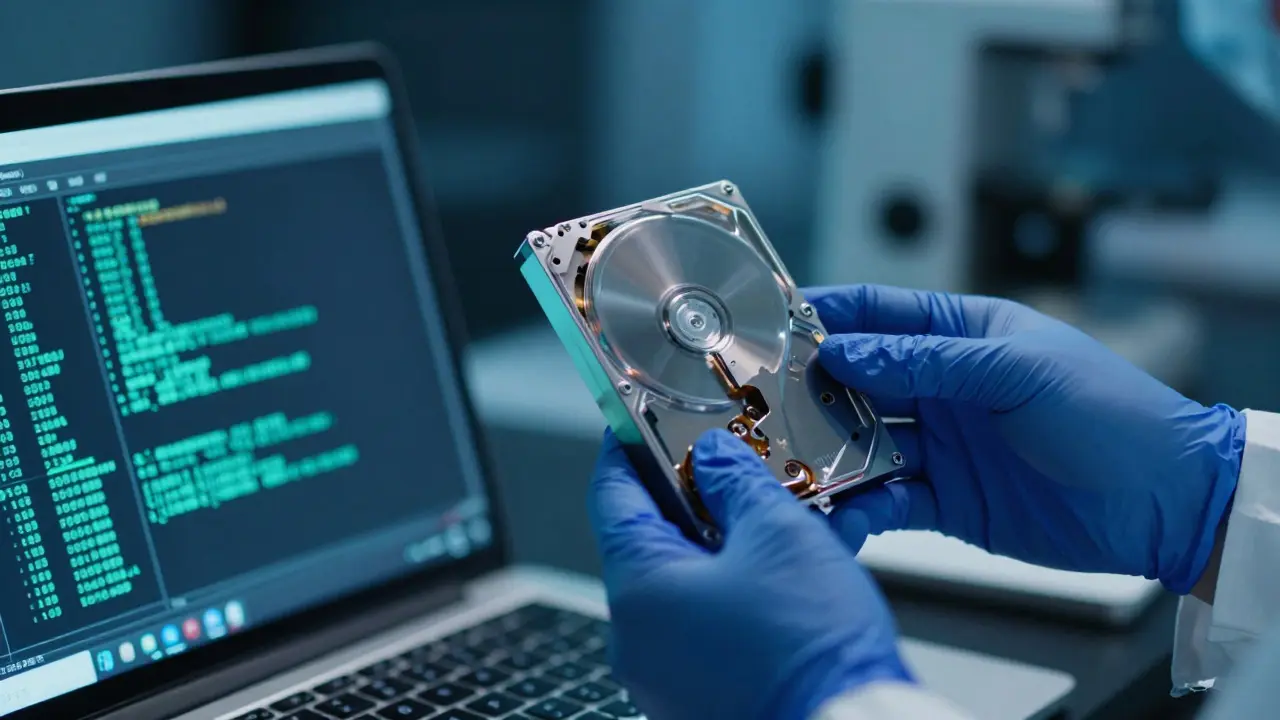
Most investigators assume that TOR is a black box. You send data in, it comes out clean, and the trail vanishes. That’s not entirely true. While the Tor network uses multi-layer encryption to obscure user identity by routing traffic through multiple volunteer-operated servers, it leaves behind a surprising amount of forensic debris. The challenge isn't finding the data; it's knowing where to look for the slips in the armor.
In my experience handling cases involving ransomware negotiations and illicit marketplaces, the break usually doesn't come from cracking the encryption. It comes from human error or configuration mistakes that expose local artifacts. If you're investigating a suspect who claims total anonymity via the Dark Web, you need to shift your focus from "finding the IP" to "finding the leak."
The Myth of Total Anonymity
To understand how to investigate, you first have to understand what Onion Routing actually does. It doesn't hide the fact that you are using Tor; it hides *where* you are coming from. The protocol works by bouncing packets through at least three nodes: an entry guard, a middle relay, and an exit node. Each layer peels off one layer of encryption, hence the name "onion."
Here is the critical flaw most beginners miss: Tor only protects the traffic passing through its tunnel. Any application that bypasses the proxy, any file saved to disk, and any browser cache remains visible on the local machine. Furthermore, if a suspect runs a service (like a chat server) on their own hardware rather than accessing a remote one, they often misconfigure the firewall, exposing their real IP address directly to the client. This is known as an "IP leak," and it is the single most common way Dark Web suspects get caught.
Local Artifacts: Where the Trail Starts
When you seize a laptop or mobile device, don't just look for the Tor Browser icon. Look for the side effects of its usage. The Tor Browser is designed to be ephemeral, but users rarely follow best practices. They save PDFs, download .zip files, or use third-party plugins like Flash or Java, which historically caused massive leaks. Even today, modern browsers leave traces.
- Browser Cache: Even in private mode, temporary internet files can persist if the user didn't clear them properly. Look for cached images from .onion sites. These image hashes can be matched against known marketplaces or forums.
- Download History: Check the registry keys on Windows (
HKCU\Software\Microsoft\Windows\CurrentVersion\Explorer\RecentDocs) or the.recentfiles on Linux/macOS. Users often forget to clear these after downloading evidence or tools. - File System Timestamps: Correlate the creation time of suspicious files with the timestamps in the Tor Browser's log files. If a user downloaded a document at 14:00 and opened it at 14:05, you have a timeline anchor.
A pro tip: Search for strings like ".onion" in the raw disk image. Sometimes, even if the browser history is wiped, the string might remain in a swap file, a prefetch file, or a backup copy of a configuration file. Tools like Autopsy or FTK make this string search manageable across terabytes of data.
Network Traffic Analysis
If you have access to the suspect's router logs or ISP records, you can spot Tor usage without seeing the content. Tor traffic has distinct signatures. While the payload is encrypted, the pattern of connections is unique. Tor clients typically maintain long-lived TCP connections to multiple relays simultaneously. Unlike standard HTTPS traffic, which connects to a specific port (443) and closes quickly, Tor connections churn continuously.Look for these indicators in packet captures (PCAPs):
- Port 9001/9030: Standard Tor relay ports. If you see outbound traffic to random IPs on these ports, it's likely Tor.
- Circuit Setup Handshakes: The initial handshake between the client and the entry guard has a recognizable structure. Even if encrypted, the timing and size of the packets during the setup phase can be flagged by deep packet inspection tools.
- Bandwidth Spikes: Downloading large files from the Dark Web often results in sustained high bandwidth usage that doesn't correlate with typical streaming or browsing patterns.
However, be careful. Not all non-HTTPS traffic is Tor. Some malware uses custom protocols. Always correlate network findings with local artifacts to confirm intent.

Metadata and File Signatures
This is where many investigations succeed. Suspects think they are anonymous because they bought something on a hidden service, but they forget that the *file itself* tells a story. If a suspect downloads a JPEG photo of a crime scene or a PDF contract, those files carry metadata.
| File Type | Potential Leak | Forensic Value |
|---|---|---|
| JPEG/PNG | EXIF Data (GPS, Camera Model, Timestamp) | Can link file to a specific device or location if not stripped. |
| Author Name, Creation Date, Printer Driver Info | Reveals the software used to create the document, potentially linking to a specific OS version. | |
| Word Doc (.docx) | Revision History, Last Saved By, Template ID | Can reveal internal company names or user account names if templates aren't generic. |
| Executable (.exe) | Compile Path, Developer Certificate | Links the binary to a specific build environment or developer signature. |
Always run files through a metadata stripper analyzer before presenting them in court. If the metadata shows the file was created on a Windows 10 machine using Adobe Acrobat Pro v22, and you know the suspect is running macOS, you have a contradiction that suggests the file came from a third party-or the suspect lied about their setup.
Operational Security Mistakes
The biggest weakness in Dark Web operations is human behavior. Investigators should profile the suspect's habits. Did they use the same email address for their Tor account and their regular cloud storage? Did they log into a social media site while connected to Tor?
These cross-contamination errors are goldmines. If a suspect posts on a public forum using a pseudonym but accidentally includes a unique phrase or typo that matches their public Twitter handle, you have a direct link. Additionally, check for "burner phone" usage. If the suspect uses a prepaid SIM card for their phone but keeps the battery charged and connected to Wi-Fi, the phone may still sync contacts or messages to a cloud account linked to their real identity.

Challenges in Chain of Custody
Investigating Dark Web artifacts requires rigorous chain of custody documentation. Because the evidence is often volatile (browser sessions) or easily altered (metadata), you must document every step. Use write-blockers when imaging drives. Hash every file extracted. If you decrypt a container file (like VeraCrypt), record the password recovery method and the exact tool version used.
One common pitfall: Time zone discrepancies. Tor logs are often in UTC. Local file timestamps are in local time. If you don't normalize these times, your timeline will be off by hours, which can destroy your case in cross-examination. Always convert all timestamps to a single reference point (usually UTC) and document the conversion process clearly.
Practical Investigation Workflow
Here is a streamlined workflow I recommend for Dark Web cases:
- Seize and Image: Get a bit-for-bit copy of the storage medium immediately. Do not work on the original drive.
- String Search: Run a global search for ".onion", "tor", "hidden service", and known marketplace names in the raw image.
- Extract Browser Artifacts: Parse the Tor Browser profile folder. Look for
places.sqlite(history/bookmarks) andcookies.sqlite. Even if cleared, deleted records can sometimes be recovered from unallocated space. - Analyze Network Logs: If available, review router logs for consistent outbound connections to Tor relay IPs.
- Examine Files: Pull all downloaded files. Analyze metadata for author info, GPS, and software fingerprints.
- Correlate Timelines: Build a master timeline correlating file creation, network activity, and system events. Look for gaps or anomalies.
- Verify Identity Links: Cross-reference any found usernames, email addresses, or wallet addresses with other databases or open-source intelligence (OSINT).
This approach moves you away from guessing and toward evidence-based conclusions. It turns the "black box" into a series of interconnected data points that tell a coherent story.
Frequently Asked Questions
Can you track someone using TOR?
You cannot track them solely through the network traffic without compromising a relay. However, you can identify them through local artifacts on their device, metadata in files they download, or operational security mistakes like IP leaks. The network itself is secure, but the endpoint is vulnerable.
What is the most common artifact found in Dark Web investigations?
The most common artifact is the browser history or download list from the Tor Browser. Users frequently fail to clear these before shutting down, leaving a record of visited .onion sites and downloaded files. Second most common is metadata embedded in downloaded documents or images.
Do TOR logs show IP addresses?
No, the Tor client logs do not show the user's real IP address. They show the circuit IDs and relay nodes. To find the user's IP, you need to look at external sources like ISP records, router logs, or local device artifacts that were not routed through Tor.
How do I recover deleted TOR browser history?
Use a forensic disk imager to capture the entire drive, including unallocated space. Then, use a hex editor or specialized tool to search for SQLite database fragments. Deleted records in SQLite files often remain readable until overwritten. Tools like Autopsy can help parse these fragmented databases.
Is it legal to monitor TOR traffic?
In most jurisdictions, yes, if you have a warrant or consent. Monitoring the traffic itself (packets) is generally considered reasonable suspicion based on the nature of the case. However, intercepting the content requires higher standards. Always consult with legal counsel to ensure compliance with local privacy laws and wiretap statutes.