You hear the alert. Your Security Operations Center (SOC) lights up red. A server is behaving strangely, or maybe a user reports a phishing email that actually worked. In that split second, you face a choice: pull the plug immediately to stop the bleeding, or pause long enough to gather evidence? If you pull the plug too fast, you might destroy the very clues needed to understand how the attacker got in and what they stole. This is where Digital Forensics and Incident Response (often called DFIR) comes in. It is not just about fixing a broken system; it is about solving a crime while simultaneously putting out the fire.
Many organizations treat these as two separate jobs. One team contains the threat, and another team investigates later. But modern attacks move too fast for that separation. Attackers now achieve lateral movement-the act of moving from one part of your network to another-in hours, not weeks. If you wait days to start your forensic investigation, the attacker is already gone, and the damage is done. DFIR merges these disciplines so that evidence collection happens at the same time as threat containment. This approach reduces financial loss, meets strict legal notification deadlines like the 72-hour rule under EU GDPR, and ensures you have admissible evidence if you need to prosecute the bad actors.
The Core Difference: Containment vs. Evidence
To understand why DFIR is necessary, you have to look at what each side does alone. Traditional incident response focuses on operational outcomes. The goal is simple: stop the attack, restore services, and minimize downtime. Metrics here are Mean Time to Detect (MTTD) and Mean Time to Respond (MTTR). You want these numbers low. On the other hand, digital forensics focuses on evidentiary completeness. The goal is to preserve data so it can stand up in court or an internal disciplinary hearing. This requires maintaining a strict chain of custody and ensuring no data is altered during collection.
When you combine them, you get a hybrid process. You still contain the threat, but you do it carefully. For example, instead of just shutting down a compromised server-which wipes out volatile memory data-you might isolate it from the network first. This stops the attacker from communicating with their command-and-control servers while preserving the RAM contents for analysis. This balance is critical because urgent mitigation steps often destroy key evidence if not handled with forensic awareness.
| Aspect | Incident Response (IR) | Digital Forensics (DF) | Combined DFIR Approach |
|---|---|---|---|
| Primary Goal | Stop the attack and restore service | Preserve evidence for legal/technical analysis | Contain threat while preserving evidence integrity |
| Key Metrics | MTTD, MTTR, Downtime | Chain of Custody, Data Integrity | Speed of containment + Quality of evidence |
| Typical Action | Isolate host, block IPs, reset passwords | Create bit-for-bit disk images, dump memory | Network isolation followed by immediate imaging |
| Risk if Done Alone | Evidence destroyed, root cause unknown | Attack continues spreading, business impact high | Balanced risk management |
The DFIR Lifecycle: From Preparation to Lessons Learned
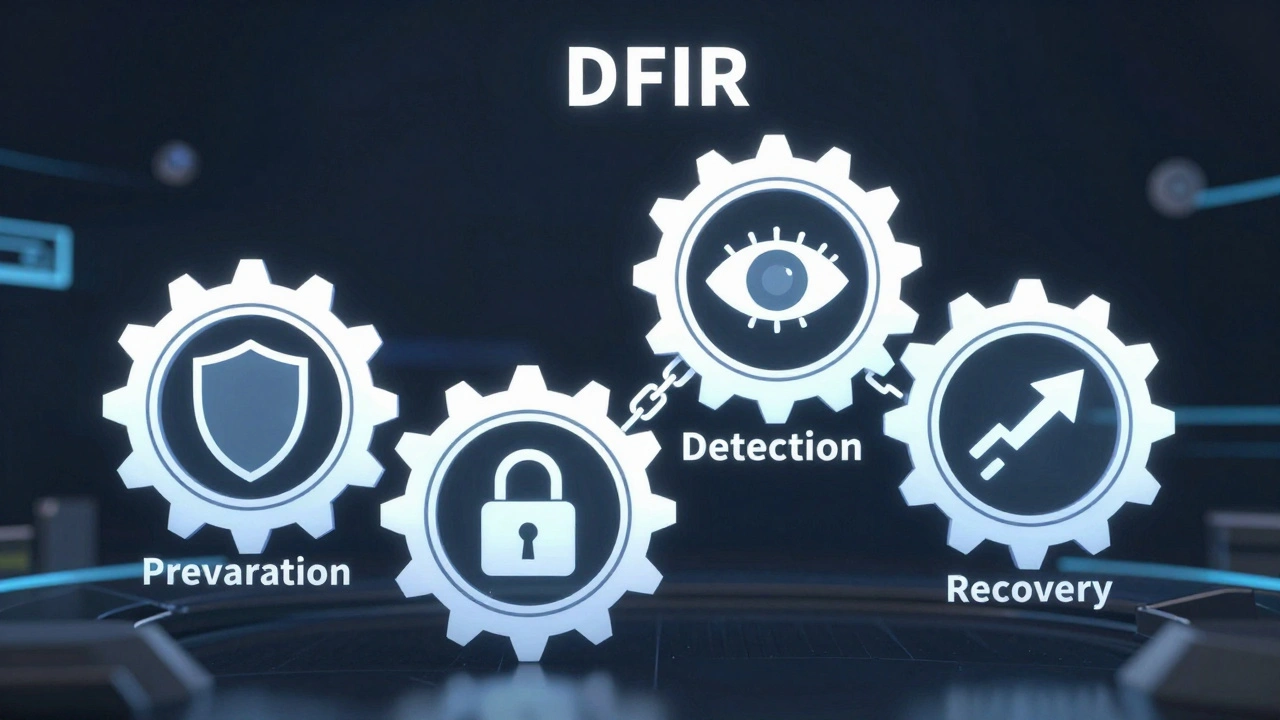
The structure for DFIR largely follows the framework established by NIST Special Publication 800-61. This guide breaks the process into four main phases, but DFIR overlays specific forensic tasks onto each step. You cannot effectively investigate if you haven't prepared beforehand. Preparation involves more than just buying tools. It means defining policies, training staff, and deploying logging mechanisms that capture the right data. If your systems aren't logging DNS queries or authentication attempts, you will have blind spots when the incident occurs.
Once preparation is set, you move to detection and analysis. This is where alerts from your SIEM (Security Information and Event Management) system or EDR (Endpoint Detection and Response) agents trigger your team. Here, you must quickly determine if this is a false positive or a real breach. DFIR analysts look for artifacts-digital traces left behind by software execution. These might include registry changes, new files created, or unusual network connections. The speed of this phase determines how much damage the attacker causes before you intervene.
Containment, eradication, and recovery come next. This is the most delicate phase in DFIR. You must stop the attacker without altering the scene. Common tactics include isolating affected machines from the network via VLAN changes rather than power cycling them. Eradication involves removing malware, closing backdoors, and patching vulnerabilities. Recovery is restoring systems from clean backups. Throughout this, every action must be documented. Who did what, and when? This documentation becomes part of the chain of custody.
Finally, post-incident activity is often skipped but is vital. This includes writing the final report and conducting a lessons-learned session. The report serves multiple audiences: technical teams need the indicators of compromise (IOCs), legal teams need the timeline for compliance, and executives need a summary of the business impact. Without this phase, you are likely to fall victim to the same attack vector again.
Collecting Evidence: The Art of Preservation
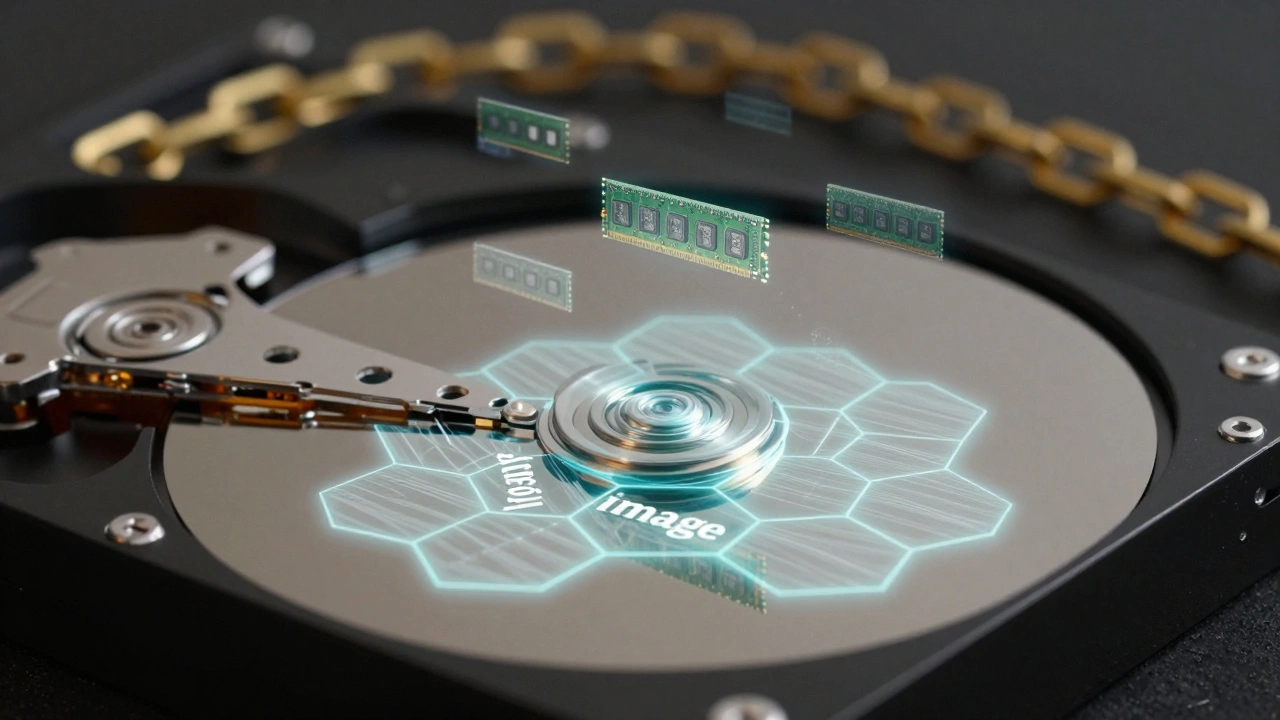
Improperly collected data can be challenged in court or become analytically useless. The golden rule of forensics is never alter the original evidence. When you collect data from a running system, you are dealing with volatile information. RAM disappears when power is cut. Network connections change in milliseconds. Therefore, the order of collection matters. You typically start with the most volatile data: CPU registers, cache, and RAM. Then you move to less volatile data like temporary files, active network connections, and finally, hard drive contents.
For storage devices, you use write-blockers. These hardware or software tools prevent any data from being written to the disk during the imaging process. You create a bit-for-bit copy, known as a forensic image, using tools like FTK Imager or EnCase. This image is what you analyze, leaving the original drive untouched. For cloud environments, physical write-blockers don't exist. Instead, you rely on API calls to snapshot volumes or export logs from services like AWS CloudTrail or Azure Activity Logs. The challenge here is that cloud providers control the underlying infrastructure, so you depend on their logging capabilities and retention policies.
Documentation is just as important as the data itself. You must maintain a chain-of-custody log. This record tracks every person who handles the evidence, the date and time (usually in UTC to avoid timezone confusion), and the action taken. If a judge asks how you know this file wasn't tampered with between seizure and analysis, your chain of custody is your answer. Gaps in this log can invalidate your entire case.
Analysis Techniques: Reconstructing the Timeline
Once you have the data, the real work begins. Analysis involves correlating artifacts from different sources to build a timeline of the attack. A single source rarely tells the whole story. You might find a malicious executable on a hard drive, but to understand when it ran, you check Windows Prefetch files or AmCache. To see if it communicated with a server, you check firewall logs or DNS records. To see who launched it, you check authentication logs.
Memory forensics is crucial for detecting fileless malware. These attacks live only in RAM, leaving no trace on the disk. Tools like Volatility allow you to parse memory dumps to find hidden processes, injected code, and decrypted configuration data. Network forensics uses packet captures (PCAPs) to reconstruct sessions. Tools like Wireshark or Zeek help dissect protocols and identify anomalies, such as large data exfiltrations or beaconing behavior to command-and-control servers.
Log analysis ties it all together. Modern enterprises generate terabytes of logs daily. SIEM platforms ingest this data and allow you to run complex queries. You might search for all login failures followed by a successful login from a new IP address, which could indicate credential stuffing. The goal is to answer specific questions: How did the attacker get in (initial access)? What privileges did they gain (privilege escalation)? Where did they move (lateral movement)? And what did they take (exfiltration)?
Tools of the Trade: Open Source vs. Commercial
Your toolset depends on your budget and environment. Open-source tools offer flexibility and zero licensing cost. Autopsy provides a graphical interface for disk analysis, leveraging The Sleuth Kit. Volatility is the standard for memory analysis. Wireshark dominates network packet inspection. These tools are powerful but require significant expertise. There is no hand-holding, and documentation can be sparse. They are ideal for skilled analysts who need deep control over the process.
Commercial suites like OpenText EnCase, Exterro FTK, and Magnet AXIOM offer integrated workflows. They handle imaging, analysis, and reporting in one package. They also provide better support and are often accepted more readily in court due to their widespread use and validation. However, they come with high price tags, often ranging from thousands to tens of thousands of dollars per seat. Managed DFIR services from firms like Mandiant or CrowdStrike offer another option. You pay an annual retainer for their experts to respond to incidents. This is useful for organizations lacking in-house skills but can be expensive and may involve sharing sensitive data with third parties.
Challenges in Modern Environments
Today's IT landscapes are complex. Cloud adoption, remote work, and mobile devices expand the attack surface. Mobile forensics requires specialized tools like Cellebrite to extract data from iOS and Android devices, dealing with encryption and legal constraints. Cloud forensics faces challenges like multi-tenancy and lack of physical access. You cannot seize a server in AWS; you can only request logs. If those logs weren't enabled before the incident, you are stuck.
Time synchronization is another common pitfall. If your servers, workstations, and network devices are not synced to the same NTP (Network Time Protocol) source, timestamps will vary. A minute difference can make it impossible to correlate events accurately. Ensuring all systems sync to a reliable time source is a basic but essential preparatory step.
Log retention is equally critical. Many default settings keep logs for only 7 to 30 days. Attackers often dwell in networks for months before detection. If your logs expire before you notice the breach, you lose the ability to reconstruct the initial access. Best practice suggests retaining high-value logs for at least 90 days, and critical security logs for 180 to 365 days, balancing storage costs with investigative needs.
What is the difference between DFIR and traditional incident response?
Traditional incident response focuses primarily on stopping the attack and restoring operations quickly, often prioritizing speed over evidence preservation. DFIR integrates digital forensics into every step, ensuring that evidence is collected and preserved legally and technically while containing the threat. This dual focus allows organizations to both mitigate immediate damage and conduct thorough investigations for legal or preventative purposes.
Why is chain of custody important in forensic investigations?
Chain of custody is a documented record of every person who handled evidence, when, and what they did. It proves that the evidence has not been tampered with, altered, or contaminated from the moment of collection to presentation in court or internal review. Without a solid chain of custody, evidence can be deemed inadmissible in legal proceedings, undermining the entire investigation.
How do I prepare my organization for a DFIR investigation?
Preparation involves enabling comprehensive logging across endpoints, networks, and cloud services, ensuring time synchronization (NTP) across all systems, and establishing clear incident response playbooks. You should also train staff on basic forensic procedures, such as isolating systems without powering them off, and maintain relationships with external DFIR experts or retainers for cases beyond internal capacity.
Can open-source tools be used for professional DFIR?
Yes, open-source tools like Autopsy, Volatility, and Wireshark are widely used and respected in the industry. They are effective and cost-efficient but require significant expertise to operate correctly. While commercial tools offer more integrated features and support, open-source solutions are fully capable of producing admissible evidence if used with proper methodology and documentation.
What is the role of memory forensics in DFIR?
Memory forensics analyzes the RAM of a system to detect threats that do not leave traces on the hard drive, such as fileless malware or encrypted keys. Since RAM is volatile and lost when power is cut, capturing and analyzing memory dumps is crucial for identifying active processes, network connections, and injected code that disk-based analysis might miss.