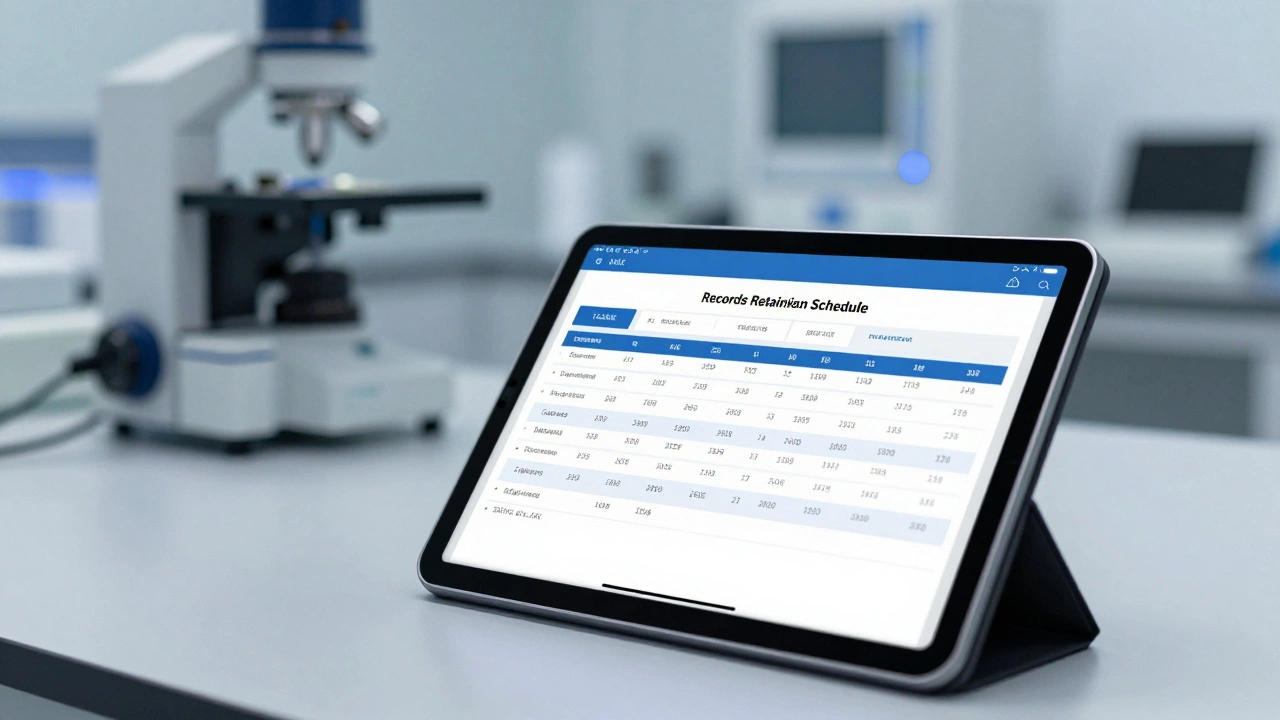
Keeping a forensic report on a hard drive somewhere isn't the same as actually having a record. In the world of forensics, if you can't find a document within a reasonable timeframe during a trial or audit, you effectively don't have it. Worse, if you can't prove that the report hasn't been altered since it was filed, you can't defend it in court. This is where a formal forensic reporting archive strategy moves from being a "nice-to-have" to a legal necessity.
The goal isn't just to hoard data, but to manage its lifecycle. You need a system that tells you exactly when a report was created, how long it must be kept by law, and exactly when it can be safely destroyed. Without this framework, organizations either delete vital evidence too early or drown in digital clutter that creates massive legal liabilities during discovery.
The Blueprint: Understanding Records Retention Schedules
A Records Retention Schedule is a formal plan for the maintenance, storage, and eventual disposal of records via archival transfer or destruction. Think of it as the rulebook for your evidence. It identifies every type of record your lab or agency creates and assigns a specific lifespan to each.
Not all reports are created equal. A simple administrative memo might only need to be kept for three years, while a high-profile criminal forensic report might require permanent archival. These schedules are usually driven by two things: business needs and statutory requirements. For instance, the Sarbanes-Oxley Act (often called SOX) mandates that certain financial and audit-related workpapers be preserved for at least seven years. In a forensic context, similar logic applies to case files and chain-of-custody logs.
To make these schedules work, you need "trigger events." A retention period doesn't just start on the day you open a file; it starts when a specific milestone is hit. Common triggers include:
- Date of Project Completion: The clock starts once the final report is signed and delivered.
- Complaint Closure: In regulatory forensics, the trigger is often when the case is officially closed.
- Expiry Date: Used for certifications or temporary permits.
- Last Distribution Date: When the report was last shared with a stakeholder.
Building a Defensible Archive
Simply moving a PDF into a folder named "Archive" is not a professional archiving strategy. To be "inspection-ready," your archive must have four pillars: defined rules, controlled storage, indexable metadata, and preserved context.
Controlled storage means implementing Immutability Controls. If a user can open an archived report and change a decimal point or a date without leaving a trace, the document is no longer defensible. You need append-only logic-meaning you can add notes to a file, but you can never overwrite the original. This ensures the integrity of the forensic evidence.
Then there is the issue of context. A report from 2015 might be unreadable in 2026 if the software used to create it is extinct. This is why format stability is critical. You should archive reports in long-term readable formats (like PDF/A) and keep the audit trails, approvals, and version history attached. If you can't show who approved a report and when, the report loses its authority.
| Attribute | Lifecycle (Temporary) Records | Archival (Permanent) Records |
|---|---|---|
| Purpose | Legal/Operational window | Historical/Legal precedent |
| Disposition | Scheduled destruction | Permanent preservation |
| Examples | Drafts, routine correspondence | Final Case Reports, Certifications |
| Trigger | Case Closure + X years | Creation date (Infinite) |
The Art of Retrieval: If You Can't Find It, You Don't Have It
The most common failure in forensic archiving is the "we have it somewhere" mentality. During a legal discovery process or an external audit, "somewhere" is a failing grade. Retrieval must be surgical and fast.
Effective retrieval relies on Indexable Metadata. Instead of searching by filename (which is often vague, like "Report_Final_v2.pdf"), you should index by searchable fields that match how investigators actually work: batch number, lot ID, date range, supplier, or product type. This allows you to export a complete set of records for a specific batch in minutes rather than days.
You should also treat retrieval as a skill that needs practice. Don't wait for a subpoena to find out your backup tapes are corrupted or your search index is broken. Run "retrieval drills" as part of your internal audits. Pick a random case from five years ago and try to produce the full record story-including the audit trail and approvals-within an hour. If you can't, your system is broken.
Governing the End of Life: Destruction and Legal Holds
Deleting records is just as dangerous as keeping them too long. Keeping data past its retention date can actually increase your legal risk, as it may be discoverable in court even if you were supposed to have destroyed it. However, uncontrolled deletion is a compliance nightmare.
Before any record is purged, you must verify three things:
- Retention Expiry: Has the trigger event passed and the time limit elapsed?
- Legal Hold Status: Is there an active lawsuit or investigation? A Legal Hold overrides any retention schedule. If a case is under litigation, the destruction clock stops immediately.
- Authorization: Who approved the deletion, and where is the evidence of destruction?
Using automated tools like infoRouter or Content Manager can help by automatically flagging documents for disposition based on the rules you've set, reducing the chance of human error.
Putting it Into Practice: A Step-by-Step Implementation
If you are starting from scratch, don't try to archive everything at once. Follow this sequence to build a sustainable system:
- Conduct an Archival Assessment: Identify every type of document your team produces. Do you have batch records, training logs, or lab maintenance files?
- Define the Rules: For each record type, assign a trigger event and a duration (e.g., "Lab Records: Project Completion + 10 years").
- Build the Archive Package: Decide what constitutes a "complete record." This should include the report, the metadata, the electronic sign-offs, and any attachments.
- Implement Immutability: Move records to a storage environment where they cannot be edited.
- Index for Search: Map your records to the fields your auditors will ask for.
- Test and Audit: Perform a quarterly retrieval test to ensure the files are still readable and searchable.
What happens if a document has no retention schedule?
If a document lacks a formal schedule, it is generally treated as a flexible record. While users can still archive it to prevent accidental deletion or editing, it lacks a mandated "death date," meaning it may be kept indefinitely or deleted at the user's discretion. This is risky in forensic environments, so it's best to assign every document type to a category in the master schedule.
How long should I keep forensic reports?
There is no single answer because it depends on the jurisdiction and the type of case. Some administrative files are kept for under 3 years, while others are kept for 10+ years. For example, SOX requires 7 years for audit workpapers. You should consult your local state laws and industry-specific guidelines (like ISO 9001 or HIPAA) to set your specific timelines.
Is a backup the same as an archive?
No. A backup is for disaster recovery (getting your system back after a crash). An archive is for long-term preservation and retrieval. Backups are often overwritten frequently; archives are immutable and indexed for specific searches over decades.
What is a 'legal hold' and why does it matter?
A legal hold is a communication that tells an organization to stop deleting certain records because they are relevant to ongoing or expected litigation. It overrides the retention schedule. If you delete a record that was under a legal hold-even if its 7-year limit had passed-you could be accused of spoliation of evidence.
How do I ensure my archived reports remain readable over time?
Use stable, non-proprietary formats like PDF/A. Avoid saving reports in software versions that change every year. Additionally, perform "integrity checks" periodically to verify that the files haven't become corrupted (bit rot) and can still be opened by current software.