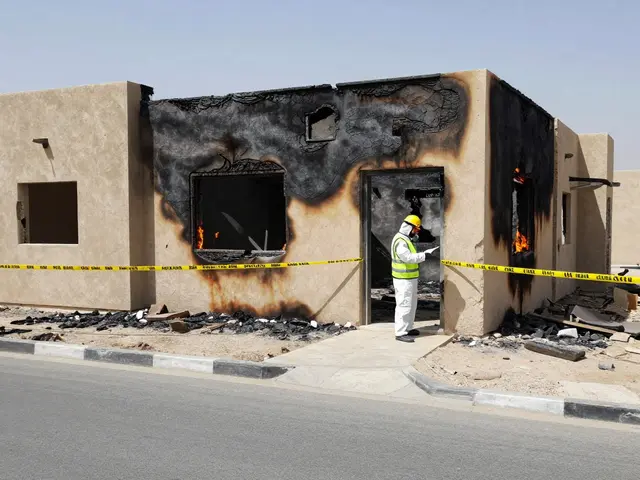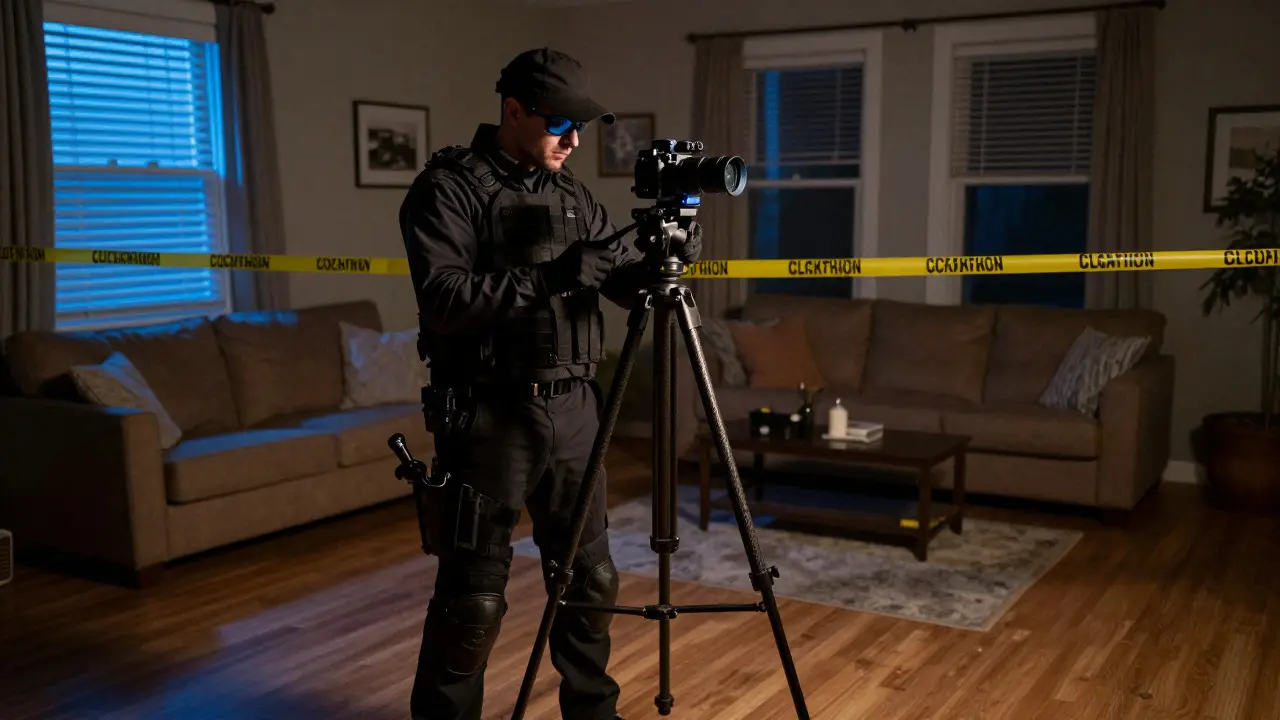
Imagine walking into a crime scene without stepping on a single piece of evidence. That is exactly what 360-degree scene imaging is a digital documentation technique that captures the entire spatial layout of an environment in high resolution, allowing investigators to analyze the scene remotely or present it in court. Instead of relying solely on static photos that miss context, this method creates an immersive, navigable model. For law enforcement and forensic teams, this shifts the workflow from reactive documentation to proactive analysis. You can measure distances, identify overlooked details, and reconstruct events long after the physical site has been processed.
Why Traditional Photography Falls Short
Standard forensic photography has served us well for decades, but it has a major blind spot: perspective. A single photo captures a flat slice of a three-dimensional space. If you take ten photos of a room, you still have ten separate images that require mental stitching by the viewer. This leads to gaps in understanding. Did the suspect enter through the window or the door? How far was the weapon from the victim? Static images often fail to convey scale and spatial relationships clearly.
Panoramic capture solves this by recording the full field of view at once. It preserves the relative position of objects in real-time. When you combine multiple overlapping panoramas taken from different vantage points, you create a comprehensive map of the scene. This isn't just about looking cool; it's about reducing ambiguity. Judges and juries are more likely to trust evidence that they can explore themselves rather than interpret from a grid of disjointed pictures.
The Core Components of a 360-Imaging System
To get professional results, you need the right hardware and software stack. You don't need a million-dollar rig, but you do need reliability. Here is what makes up a modern setup:
- Camera Hardware: Dedicated 360 cameras (like Insta360 or Ricoh Theta) or DSLR rigs with motorized heads. Dedicated units are faster; DSLR rigs offer higher resolution for detail-heavy scenes.
- Stabilization: A sturdy tripod is non-negotiable. Any movement during exposure causes ghosting artifacts that ruin the image.
- Software Platform: Tools like Matterport, Photoscan, or Agisoft Metashape process raw data into navigable models. They handle alignment, texture mapping, and mesh generation.
- Storage Solutions: High-resolution 360 images are large. A single scene can generate 5-20 GB of data. You need robust local storage and secure cloud backups compliant with chain-of-custody rules.
Step-by-Step Capture Protocol
Capturing a scene correctly is a skill. Do it wrong, and your model will have holes or distortions. Follow this protocol to ensure evidentiary integrity:
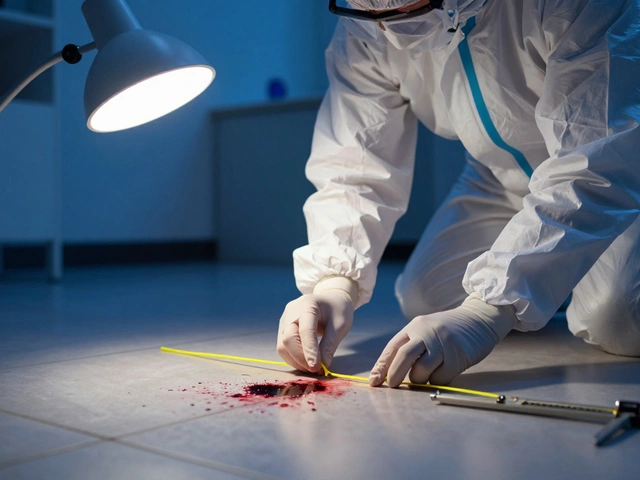
- Secure the Perimeter: Just like traditional processing, tape off the area. Ensure no one walks through the capture zone while you are shooting.
- Establish Vantage Points: Walk the scene and mark spots where you will stand. Aim for coverage of all corners and key areas of interest. In a small room, 3-5 points might suffice. In a large warehouse, you may need 15+.
- Calibrate Lighting: Turn on all lights if possible. Avoid direct sunlight glare if capturing near windows. Consistent lighting prevents shadows from shifting between frames.
- Execute the Sweep: At each point, lock the camera. Take the shot. Wait for the confirmation beep before moving. Move to the next point. Keep the camera level to minimize horizon distortion.
- Capture Detail Shots: 360 images are great for context but can lack micro-detail. Take close-up macro shots of fingerprints, blood spatter patterns, or tool marks separately. These will be anchored to the 360 model later.
- Record Metadata: Note the time, date, weather, and any changes made to the scene (e.g., moving furniture) in your logbook immediately after each sweep.
Processing and Building the Model
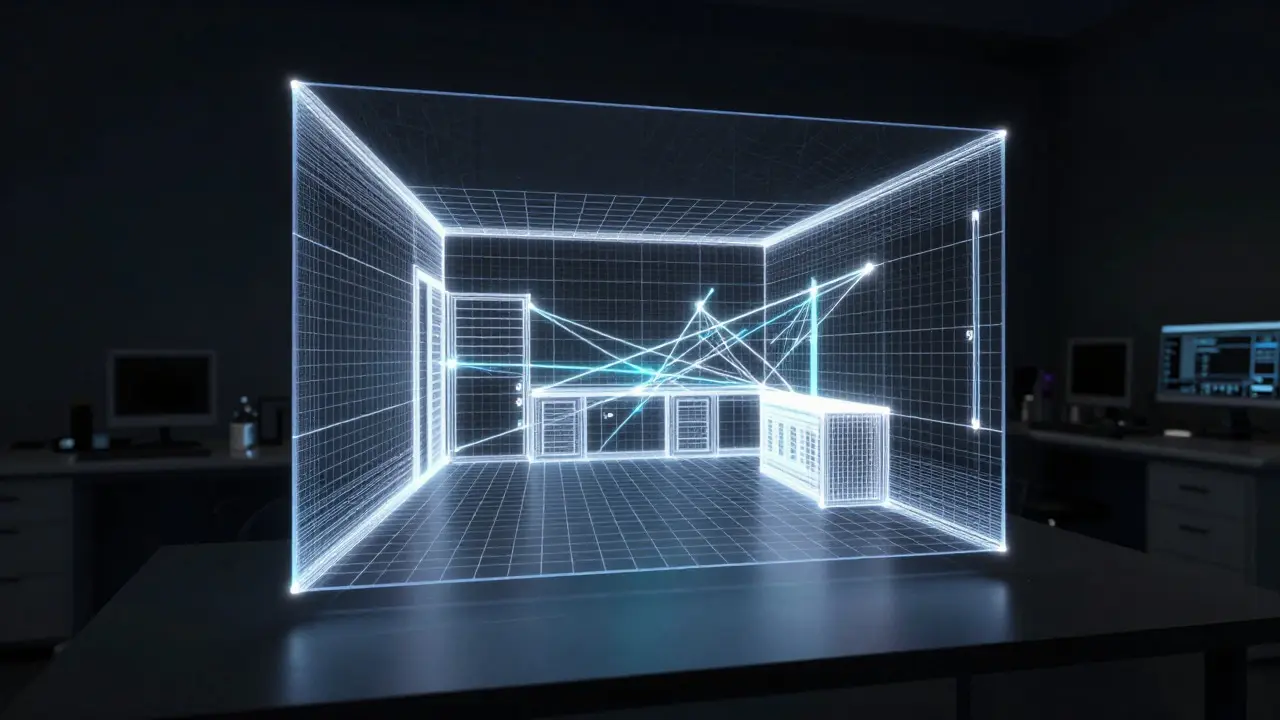
Once you have your raw files, the heavy lifting begins in post-production. The software aligns the images based on visual features-edges, textures, and landmarks. This process, known as photogrammetry, calculates the 3D coordinates of every pixel.
You should expect the processing time to vary. A simple apartment might render in 30 minutes on a high-end workstation. A complex industrial site could take several hours. During this phase, watch for "holes" in the mesh. These usually happen when two photos didn't overlap enough or when there were reflective surfaces (like mirrors or wet floors) that confused the algorithm. Fix these by adding extra reference photos in those specific areas and re-processing.
| Method | Resolution | Time per Point | Spatial Accuracy | Best For |
|---|---|---|---|---|
| Static DSLR Photos | High (24MP+) | 5-10 sec | Low (2D only) | Detail close-ups |
| Dedicated 360 Camera | Medium (12-20MP total) | 2-5 sec | High (3D Mesh) | Rapid scene overview |
| Laser Scanning (LiDAR) | N/A (Point Cloud) | Continuous | Very High (mm precision) | Structural reconstruction |
Presentation in Court and Investigation
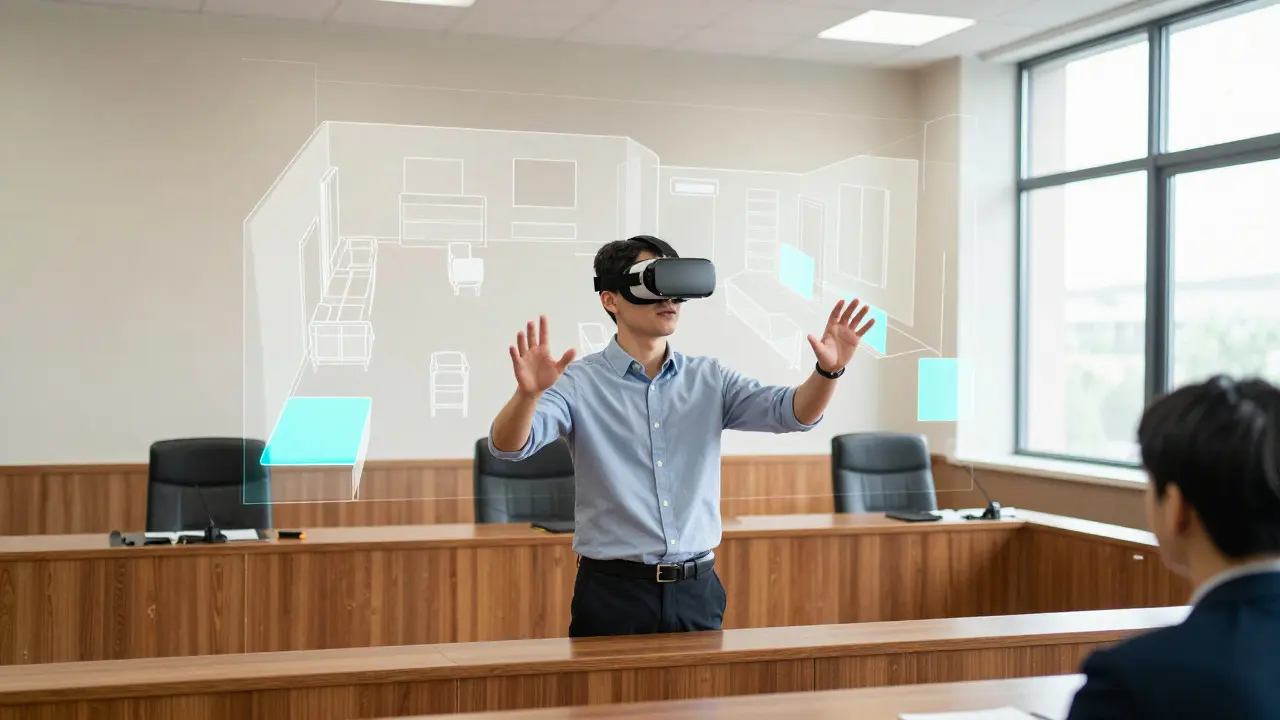
This is where the technology truly shines. In the courtroom, you aren't just showing a video; you're handing control to the jury. Using a VR headset or even a standard tablet, they can walk through the scene. They can stand where the witness stood and look in the direction the suspect fled. This interactive element builds credibility because it feels tangible.
For remote collaboration, you can share a link to the web-based viewer. An expert in Portland can examine a scene in Chicago without traveling. They can drop pins, draw lines, and annotate directly on the model. This accelerates case timelines significantly. According to recent efficiency reports from state forensic labs, digital scene reconstruction reduces the time spent on preliminary reviews by up to 40% compared to reviewing hundreds of individual photos.
Common Pitfalls and How to Avoid Them
Even experienced teams make mistakes. Here are the top three errors to watch out for:
- Moving Objects: If a piece of evidence is moved between the first and second photo set, the software will try to blend them, creating a blurry duplicate. Always keep the scene static during the capture session.
- Reflective Surfaces: Mirrors, glass, and polished metal confuse alignment algorithms. Tape over mirrors if necessary, or use polarizing filters to reduce glare.
- Insufficient Overlap: If your vantage points are too far apart, the software won't find enough matching features to stitch the images. Aim for 60-70% overlap between consecutive capture positions.
Future Trends in Scene Documentation
The field is moving toward AI-assisted annotation. Imagine software that automatically detects and labels weapons, vehicles, or body bags within the 360 stream. While not yet standard in all jurisdictions, pilot programs in Europe are already testing these tools. Additionally, integration with LiDAR sensors is becoming common, allowing 360 cameras to capture depth data simultaneously. This hybrid approach provides both the visual texture of photography and the geometric precision of laser scanning, creating a gold standard for forensic evidence.
Is 360-degree scene imaging admissible in court?
Yes, provided it follows proper chain-of-custody protocols. The raw data must be preserved, and the metadata must prove the images were not altered. Most courts accept it as demonstrative evidence, similar to diagrams or animations, as long as an expert testifies to its accuracy.
What is the difference between 360 photography and photogrammetry?
360 photography captures a spherical view of a scene from a single point. Photogrammetry uses multiple overlapping photos from different angles to calculate 3D geometry. 360 imaging often relies on photogrammetry principles to stitch multiple views into a navigable model.
How much storage space does a typical crime scene model require?
A residential scene with 10-15 capture points typically generates 5-15 GB of raw data. The final optimized model for web viewing is much smaller, usually under 500 MB, but you must archive the raw files for legal defense purposes.
Can I use a smartphone for 360 scene imaging?
Yes, for preliminary documentation or low-stakes incidents. Modern smartphones have decent wide-angle lenses. However, for major cases requiring high-resolution detail, a dedicated DSLR rig or professional 360 camera is recommended to ensure clarity and color accuracy.
Does 360 imaging replace traditional sketches?
It complements them. Sketches are excellent for quick, annotated diagrams of specific evidence locations. 360 imaging provides the environmental context. Many investigators use both: the sketch for precise measurements of blood spatter, and the 360 model for overall scene orientation.