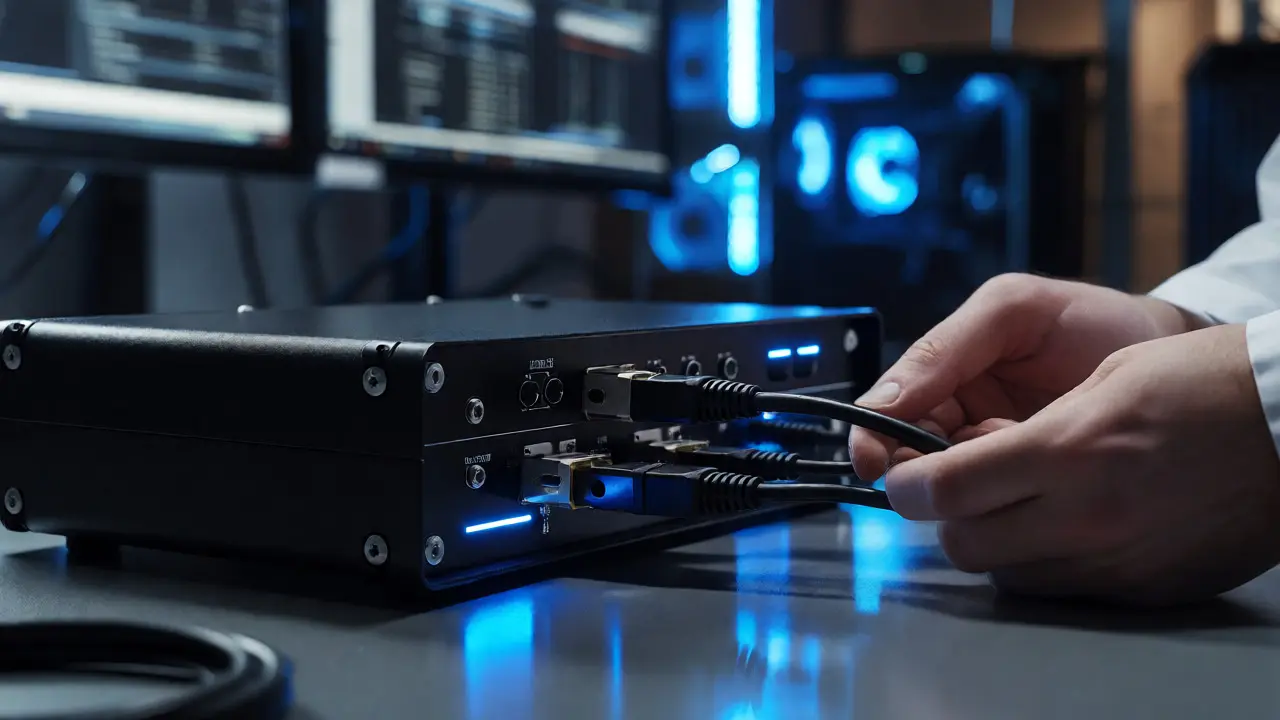
You just seized a suspect's laptop. It’s humming, the hard drive is spinning, and every second it stays powered on, the operating system writes to the disk. Temp files, registry keys, access times-these things change constantly. If you plug that drive into your analysis machine without protection, you’ve already altered the evidence. Enter the write blocker, a device or software tool that prevents any data from being written to a storage medium during examination. Without one, your chain of custody is shaky at best and inadmissible at worst.
Think of a write blocker like a one-way valve for data. Information can flow out-from the suspect drive to your forensic workstation-but nothing flows back in. This distinction matters because courts don’t just want to know what was on the drive; they need proof that what you examined matches what was originally seized. A single accidental click or an auto-mount feature in Windows can ruin months of work. So, how do these devices actually work, and which one should you grab off the shelf?
Why Your OS Ruins Everything (And How Write Blockers Fix It)
When you connect a standard USB drive or SATA hard disk to a computer, the operating system does more than just read files. It mounts the volume, updates the Master File Table (MFT) on NTFS drives, touches access timestamps, and sometimes even runs antivirus scans. On a live system, this is normal behavior. In forensics, it’s a disaster.
A hardware write blocker intercepts all write commands sent from the host computer to the target drive and rejects them before they reach the media. It sits between your forensic imager (like FTK Imager or EnCase) and the evidence drive. When your software sends a "write" command, the blocker simply says "no." The drive remains pristine. This isn't just about preventing user error; it's about respecting the fundamental rule of digital evidence: you must never alter the original source.
Hardware vs. Software Write Blockers: Which One Wins?
This is the big debate in every forensics lab. Hardware blockers are physical boxes with ports (SATA, IDE, USB, M.2 NVMe). Software blockers are drivers or kernel modules installed on your analysis machine.
Hardware blockers are generally preferred in court. Why? Because they provide a verifiable, external layer of protection. If defense counsel asks, "Did the examiner's operating system modify the drive?", pointing to a certified hardware unit with a green LED indicating 'read-only' mode is a strong answer. They are independent of the host OS. Even if your Windows update installs a buggy driver, the hardware box doesn't care. It blocks writes based on firmware logic.
Software blockers, like OpenText FTK Imager's built-in blocker or Linux dd utilities with specific flags, rely on the host OS to respect the restriction. They are cheaper (often free) and portable. But they carry risk. If the OS kernel has a bug, or if a background service bypasses the file system driver, a write might slip through. For high-stakes criminal cases, most labs mandate hardware. For quick triage or internal investigations, software might suffice.
| Feature | Hardware Write Blocker | Software Write Blocker |
|---|---|---|
| Reliability | High (Independent of Host OS) | Medium (Dependent on OS Drivers) |
| Cost | $100 - $500+ | Free - Low Cost |
| Portability | Low (Requires carrying device) | High (Installed on laptop) |
| Court Acceptance | Standard / Preferred | Variable (Requires validation) |
| Speed Impact | Negligible | Potential overhead |

The Validation Protocol: Trust, But Verify
Just because you plugged in a write blocker doesn't mean it's working. Devices fail. Firmware bugs happen. That’s why every serious forensic workflow includes a validation step before touching real evidence.
The standard method involves using a known-good test image. You create a small, non-critical drive (or use a virtual machine) with known data. You run a verification tool provided by the write blocker manufacturer (like Tableau T8U or WiebeTech TechBlocker tools). These tools attempt to write data to the connected drive. If the write fails and the checksums remain unchanged, the blocker is functional. If the write succeeds, your blocker is broken, and you need to swap it out immediately.
In 2026, many modern blockers include self-testing LEDs. A steady blue light usually means "blocked," while flashing red indicates a fault. Don't ignore these indicators. I once saw a junior analyst miss a faulty LED on a multi-port dock, resulting in three hours of wasted imaging time when the final hash didn't match the pre-acquisition log.
Handling Modern Interfaces: NVMe and USB-C
Five years ago, we were mostly dealing with SATA HDDs and SSDs. Today, you’re likely encountering NVMe M.2 drives common in ultrabooks and gaming laptops. These interfaces communicate directly with the CPU via PCIe lanes, making traditional USB-based blocking trickier.
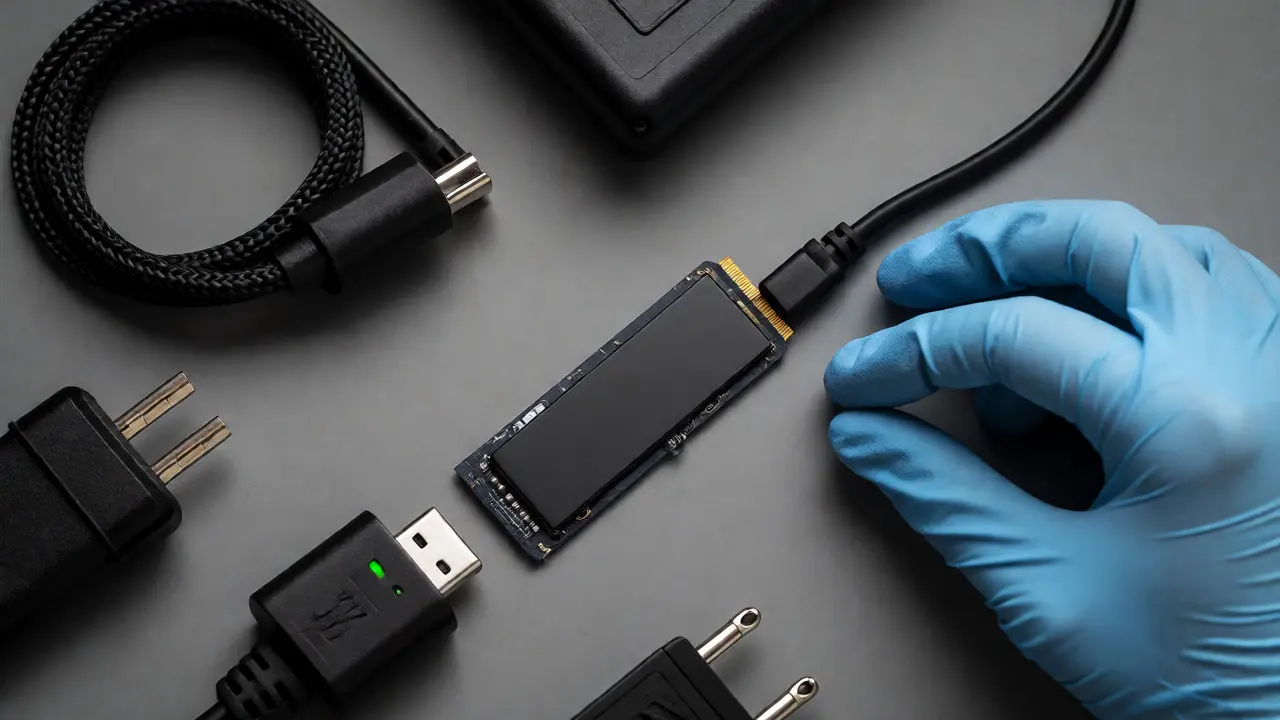
You need a dedicated NVMe-to-USB bridge that supports hardware blocking. Not all docks do. Some cheap "forensic" docks claim compatibility but only block writes at the USB protocol level, not the native NVMe protocol. Always check the manufacturer's compatibility list for specific drive models. Samsung PM9A1, WD SN850X-these popular consumer drives have quirks. Ensure your blocker firmware is updated to handle their specific power management states. If the drive goes to sleep mid-imaging, the connection might drop, or worse, the controller might issue a reset command that bypasses the blocker.
Common Pitfalls and How to Avoid Them
Even with the right gear, human error creeps in. Here are the top mistakes I see in field kits:
- Forgetting the Power Supply: Many hardware blockers require external power for 3.5-inch drives. If you're doing a field acquisition on a desktop tower, bring the AC adapter. A bus-powered blocker won't spin up a large HDD reliably.
- Using the Wrong Cable: Using a generic USB cable instead of the shielded, high-quality cable provided with the blocker can cause signal degradation. This leads to CRC errors during imaging, forcing retries and extending the process.
- Ignoring BIOS Settings: Some older systems have "Legacy USB Support" enabled in BIOS, which can interfere with hot-swapping drives. Disable this if possible to ensure clean detection.
- Assuming All Partitions Are Blocked: On some hybrid drives, the hidden recovery partition might behave differently. Always verify the entire logical unit number (LUN) is read-only.
Best Practices for Chain of Custody
Your report needs to document exactly what hardware you used. Don't just say "used a write blocker." Specify the model, serial number, and firmware version. Attach the validation log generated before the acquisition. This creates a paper trail that proves the integrity of the process.
If you're working in a cloud-heavy environment, remember that remote acquisitions often bypass local hardware blockers. In those cases, you rely on software agents running on the endpoint. Validate those agents rigorously. For physical media, however, stick to the gold standard: a certified hardware device, validated immediately prior to use, with logs saved alongside the evidence image.
Digital evidence is fragile. It changes with every millisecond of activity. A write blocker is your insurance policy against that fragility. It’s a simple concept-stop writes-but its execution requires attention to detail, regular maintenance, and strict adherence to protocol. Treat it with the same respect you’d give a sealed evidence bag.
Can I use a USB hub as a write blocker?
No. A standard USB hub merely extends connectivity; it does not intercept or block write commands. Data can still be written to the connected drive unless the hub itself contains specific forensic hardware, which is rare and usually expensive. Always use a dedicated forensic write blocker.
Do write blockers slow down the imaging process?
Modern hardware write blockers introduce negligible latency. The bottleneck is almost always the speed of the source drive or the interface bandwidth (e.g., USB 3.2 Gen 2x2), not the blocking mechanism itself. You will not notice a significant performance hit compared to a direct connection.
What happens if the write blocker fails during acquisition?
If the blocker fails open (allows writes), the evidence may be compromised. You should stop the acquisition immediately, document the failure, and restart with a new, verified blocker. Compare hashes of the partial image against the final image to assess potential damage. In severe cases, you may need to re-acquire the drive entirely.
Are software write blockers admissible in court?
Yes, but they face higher scrutiny. You must prove that the software was correctly configured, that no other processes bypassed it, and that the OS did not perform automatic writes. Hardware blockers are easier to defend because their function is physically isolated from the host OS.
How often should I validate my write blockers?
Validate them before every major case or at least weekly if used frequently. Additionally, validate after any firmware update or if the device has been dropped or exposed to extreme temperatures. Consistency is key to maintaining credibility.