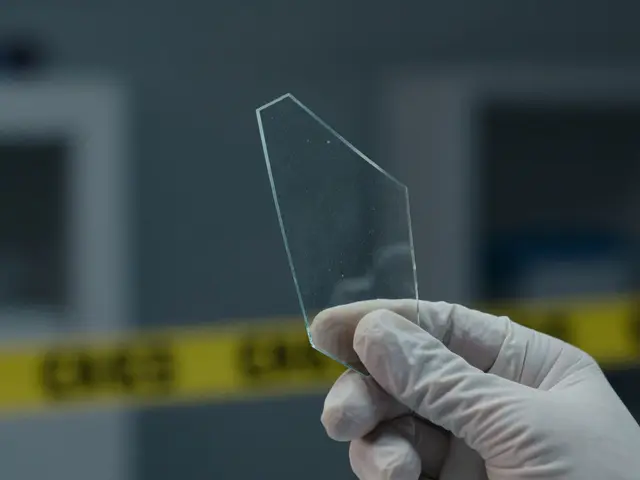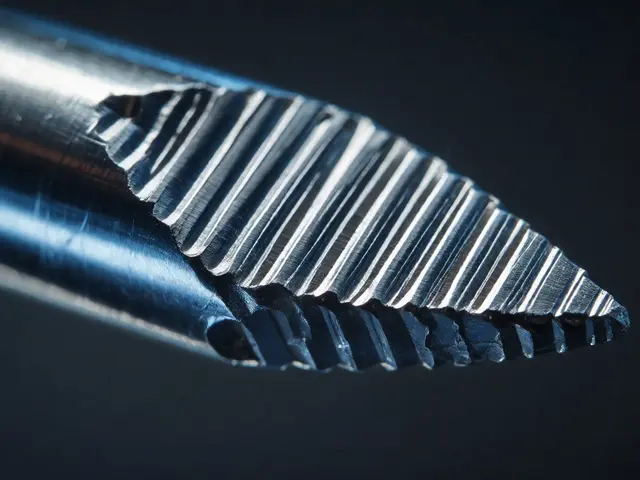
When a crime scene is processed, or a corporate data breach is investigated, the outcome often hinges on one thing: evidence. Not just any evidence - evidence that hasn’t been tampered with, lost, or contaminated. Whether it’s a hard drive from a suspect’s laptop or a locked safe containing financial records, the integrity of that evidence must be beyond question. That’s where security audits for physical and digital evidence protection come in. These aren’t just checklists. They’re lifelines for justice, compliance, and operational trust.
Why Physical Security Audits Can’t Be an Afterthought
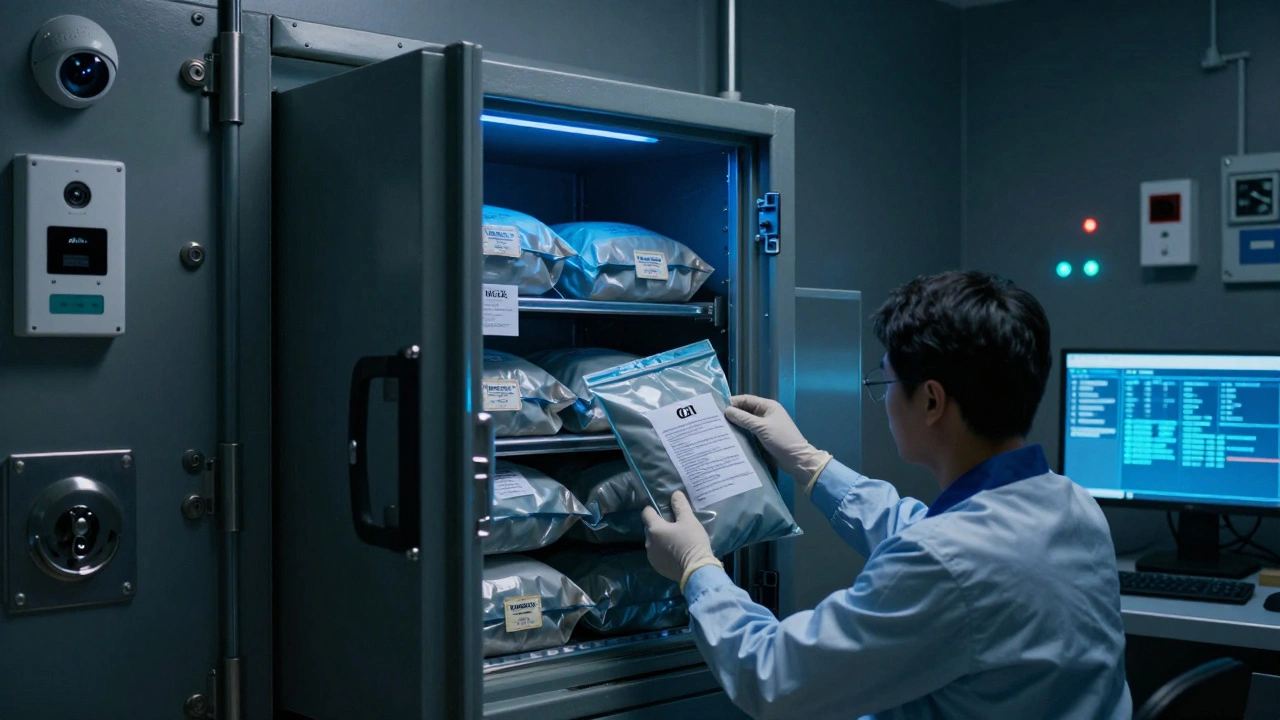
Think about a forensic lab storing DNA samples, seized electronics, or weapon evidence. If someone walks in off the street and grabs a drive from an unmonitored shelf, the whole case could collapse. Physical security audits fix that by asking hard questions: Who can get in? Where are the blind spots? Are the locks even working? A proper audit starts with a team - not just security guards, but IT staff, facility managers, and legal advisors. They map out every entry point: loading docks, employee entrances, server rooms, even ventilation shafts. Then they walk through the building with blueprints in hand, checking cameras, alarm systems, and access logs. It’s not enough to have a badge system if the back door is propped open with a brick. Safes and vaults get special attention. A safe that’s been installed but never tested for tampering is a false sense of security. Auditors check lock mechanisms, audit trails for access, and whether only authorized personnel have keys or PINs. In manufacturing or research labs, perimeter lighting and motion sensors aren’t optional - they’re the first line against theft or sabotage. Many facilities still rely on outdated surveillance. Modern audits demand AI-powered cameras that don’t just record - they analyze. Abandoned bags, loitering near evidence lockers, or someone trying to bypass a turnstile? These systems flag it in real time. No more waiting for someone to notice a glitch on a monitor six hours later.Digital Evidence: The Silent Vulnerability
Digital evidence is trickier because you can’t see it. A file might look untouched, but a single keystroke can alter metadata, timestamps, or even delete traces. That’s why digital evidence preservation follows four ironclad rules: forensic soundness, chain of custody, integrity verification, and minimal handling. Forensic soundness means using tools that are trusted in court - not random software downloaded off a forum. Tools like FTK Imager® and EnCase® don’t just copy files. They create exact bit-for-bit images of hard drives, including deleted files and hidden partitions. And they do it without touching the original. That’s where write blockers come in. These hardware devices sit between the drive and the computer. They let you read data but block any write commands. Even if someone accidentally hits ‘save’, the original drive stays pristine. No write blocker? Your evidence is already compromised. Hash values - like SHA-256 - act as digital fingerprints. Before you copy a drive, you generate a hash. After the copy, you generate another. If they match? The data is identical. If they don’t? Someone changed it. Period. These hashes are logged at every step, from seizure to courtroom.Chain of Custody: The Paper Trail That Matters
If you can’t prove who had the evidence and when, it’s inadmissible. Chain of custody isn’t a suggestion - it’s the law. Every transfer must be documented: who picked it up, where it went, why, and when. A handwritten log? Risky. A digital system with timestamps and digital signatures? That’s defensible. Imagine this: a detective takes a phone from a suspect’s home. They hand it to a lab technician. The technician runs an image. Then they send it to a forensic analyst. Each handoff is recorded in the system. No gaps. No assumptions. If someone tries to claim the evidence was switched, the system shows every touchpoint. Even small details matter. Was the phone in a Faraday bag during transport? Was it powered on? Was it near Wi-Fi? These aren’t trivia - they’re critical. A device connected to a network can auto-update, delete cloud backups, or sync new data. That’s why devices are kept offline until forensically imaged.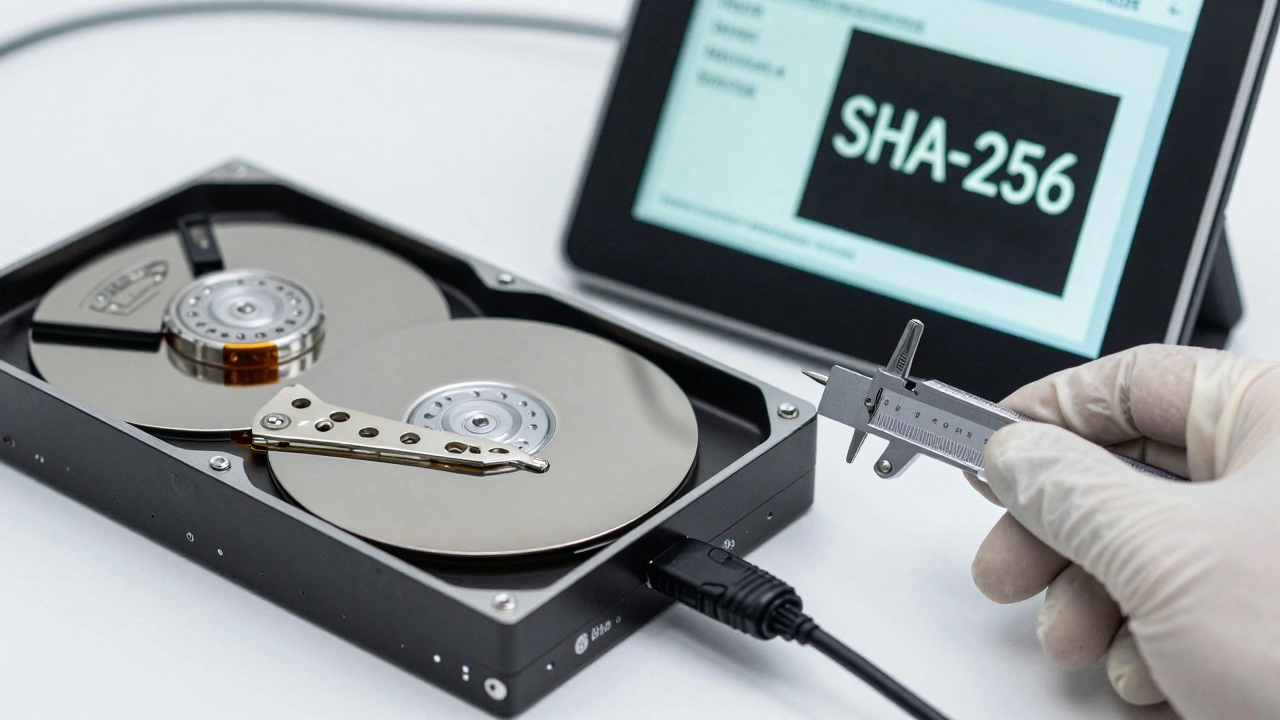
Secure Sharing: No More USB Drives
Emailing a case file. Sending a drive via courier. These are relics of a pre-digital era. Modern audits demand secure evidence-sharing platforms. These aren’t just encrypted cloud drives. They’re built for forensics. Look for platforms with end-to-end AES-256 encryption, role-based access controls, and automated audit trails. Only people with the right clearance can view, download, or annotate evidence. If someone tries to download a file, the system logs their ID, IP, time, and device. No exceptions. Compliance isn’t optional. If you’re handling health records, you need HIPAA. If you’re dealing with EU data, GDPR applies. Platforms that meet these standards auto-log consent, access, and deletion requests. They don’t just protect data - they prove you protected it.Integration Is the Key
The biggest mistake organizations make? Treating physical and digital security as separate systems. They’re not. A hacker could breach your network and delete logs - but if your physical security team caught someone tampering with the server room door, you’d have video proof. Or someone steals a drive, but your digital system shows the hash changed before it left the facility - that’s your smoking gun. A true security audit links these worlds. When a digital device is seized, the physical tag on the evidence bag should sync with the digital chain of custody record. When a camera detects an unauthorized entry, it should trigger a lock on the digital evidence server. When a user requests access to a file, the system should cross-check their physical badge access and digital permissions. This integration isn’t futuristic. It’s happening now in accredited labs. Systems like those used by the FBI’s Digital Evidence Unit or private forensic firms in Oregon’s forensic networks automate cross-checks between physical logs and digital trails. They reduce human error. They close loopholes. And they make evidence bulletproof.
What Happens When You Skip the Audit?
A lab in Ohio lost a criminal case in 2024 because a drive was stored in an unlocked cabinet overnight. The defense proved no chain of custody log existed for that 14-hour window. The evidence was thrown out. Another company, fined $2.3 million under GDPR, didn’t know their cloud evidence platform didn’t encrypt data at rest. They thought “password protection” was enough. These aren’t rare failures. They’re predictable. And they’re avoidable. Regular audits - at least twice a year - catch these gaps before they become disasters. They force you to update policies, train staff, replace outdated tools, and document everything. They turn chaos into control.How to Start
You don’t need a million-dollar budget. Start here:- Map your physical access points. Are any unmonitored? Fix them.
- Verify all digital evidence is imaged with write blockers and hashed.
- Switch from USB drives and email to a certified secure evidence platform.
- Train every person who touches evidence - even interns - on chain of custody.
- Run a mock audit. Pretend you’re the defense attorney. What would you attack?
What’s the difference between a security audit and a compliance review?
A compliance review checks if you’re following rules - like HIPAA or ISO standards. A security audit goes deeper: it tests whether those rules are actually working. Compliance says you have a logbook. A security audit checks if the logbook is accurate, complete, and if anyone actually follows it.
Can I use consumer-grade encryption for digital evidence?
No. Tools like BitLocker or FileVault are fine for personal use, but courts require forensic-grade encryption with verified algorithms - like AES-256 implemented in certified tools (e.g., Magnet Axiom). Consumer tools don’t provide audit trails, hash verification, or chain-of-custody logging - all required for legal admissibility.
How often should digital evidence be re-hashed?
Every time the evidence changes hands - from seizure to storage to analysis to transfer. Hashes are taken at collection, after imaging, before storage, after any analysis, and before transfer. Each hash is logged with the timestamp and person responsible. This creates a verifiable trail that proves the file never changed.
Do I need a dedicated evidence storage room?
Yes, if you handle more than a few cases a month. A dedicated room with controlled access, environmental monitoring (temperature, humidity), and locked cabinets prevents contamination, theft, or degradation. Even small labs should have at least one locked, monitored cabinet for digital media - never leave drives on a desk.
What if a staff member accidentally deletes a file during analysis?
You shouldn’t be analyzing the original. Forensic best practices require creating a write-blocked image first. If the image is corrupted or altered, you still have the original. If you’re working directly on the original device? You’ve already failed the audit. Always work on copies - never originals.