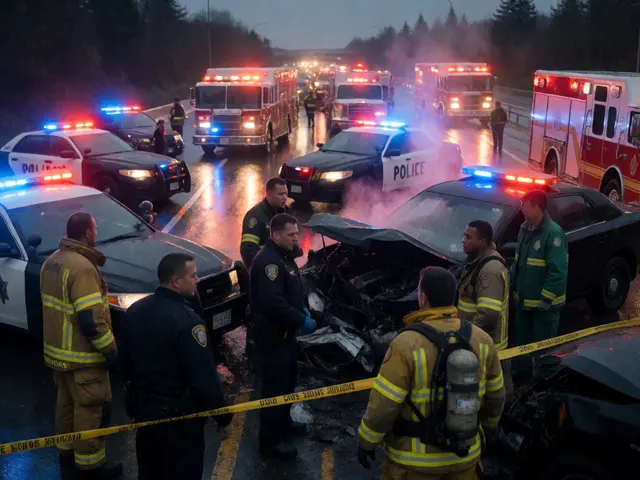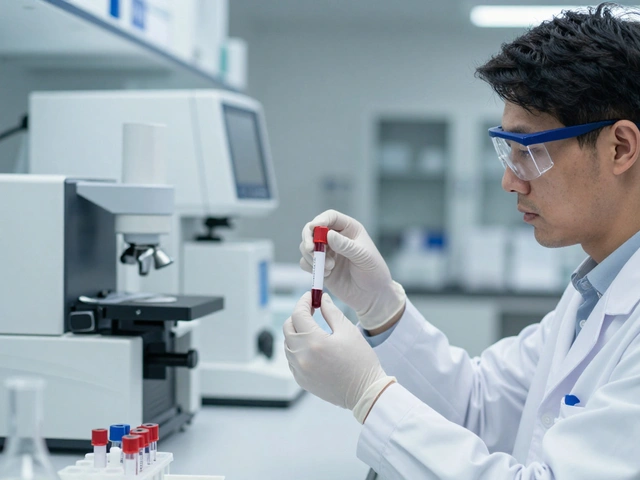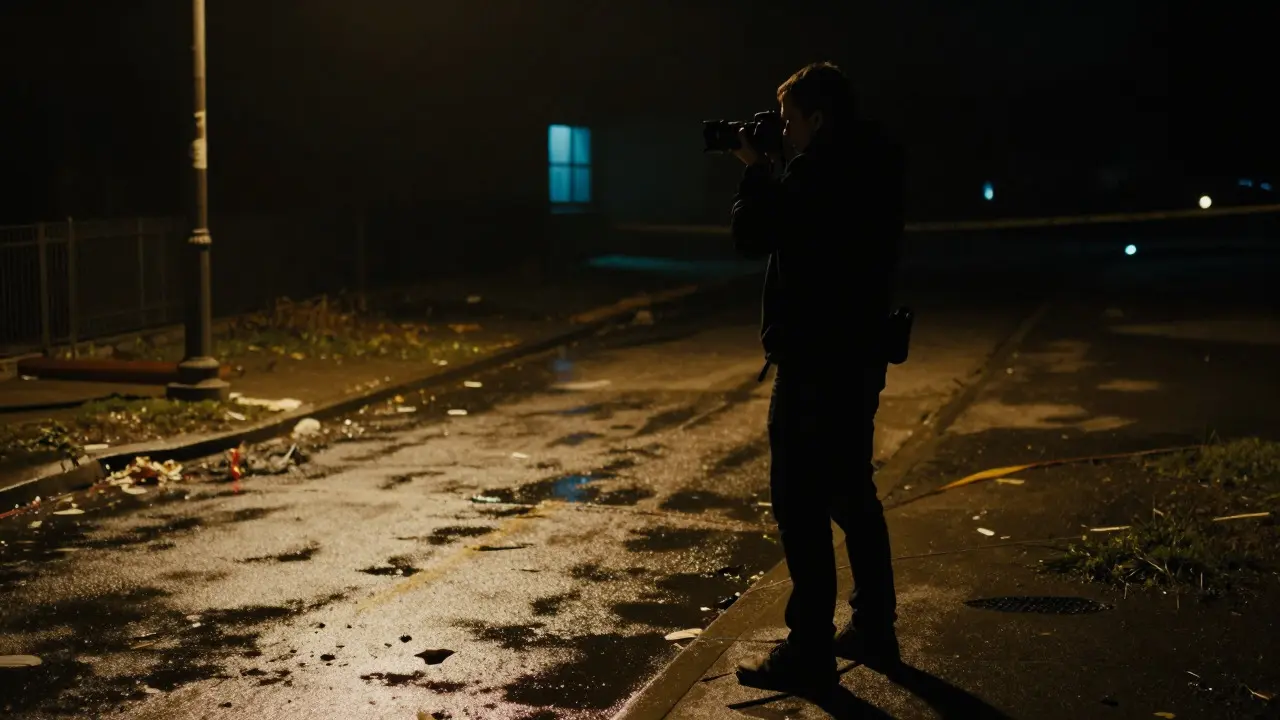
You stand at the edge of a crime scene. The light is dim, maybe flickering from a broken streetlamp or a distant window. Your camera meter bounces between underexposed and overexposed readings. Do you trust the auto-exposure and hope for the best? Or do you capture the full dynamic range and fix it later? This decision determines whether your image holds up in court or gets tossed as inadmissible due to processing artifacts.
In forensic work, file format isn't just a preference; it's a chain of custody issue. RAW is an unprocessed data file that captures the exact signal from the camera sensor without applying in-camera algorithms like sharpening or white balance. In contrast, JPEG is a compressed, processed image format that applies lossy compression to reduce file size, permanently altering pixel data. Understanding when to use each is critical for preserving evidentiary integrity.
The Core Difference: Data Fidelity vs. Convenience
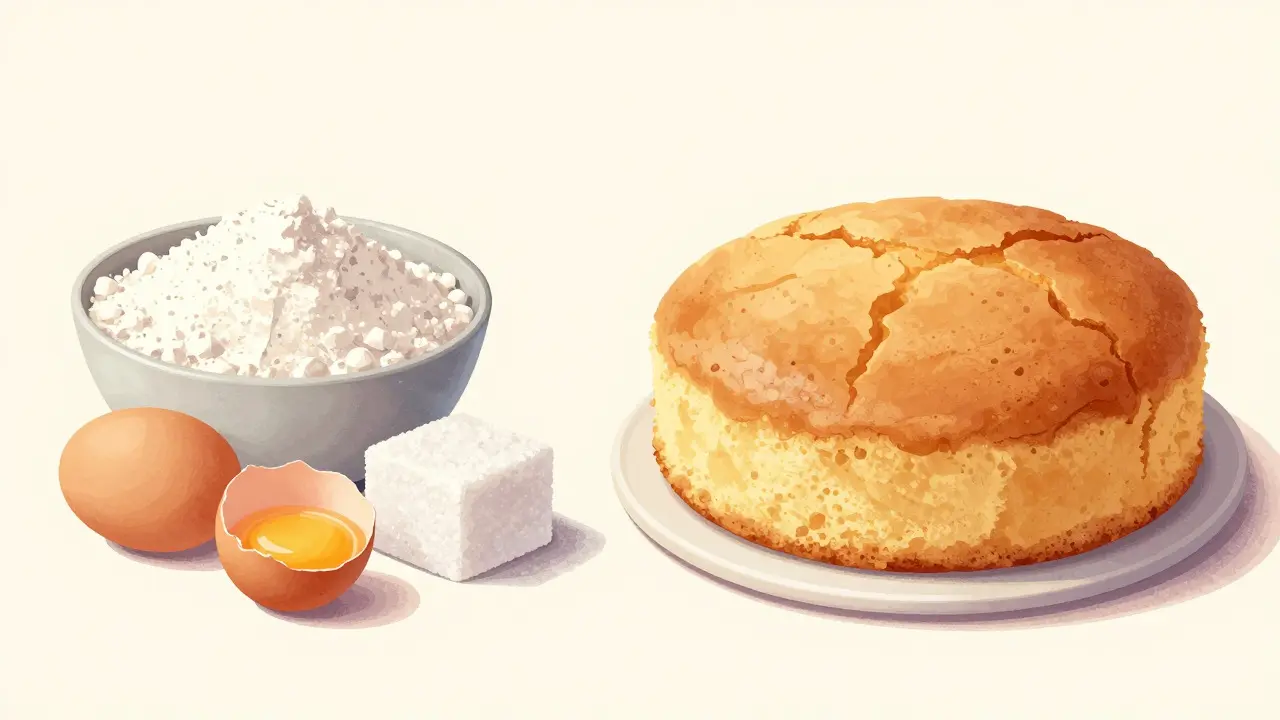
Think of a RAW file as the raw ingredients in a kitchen. You have all the flour, sugar, and eggs, but nothing is baked yet. A JPEG is the finished cake. It looks good immediately, but if you want to change the recipe (adjust exposure, color, or sharpness), you’re limited by what’s already there.
When you shoot in RAW, your camera records the linear light data directly from the Image Sensor. No noise reduction, no tone mapping, and no white balance are applied until you open the file in software. This gives you massive latitude. If you accidentally underexpose a dark corner of a room by two stops, you can pull it back up in post-production with minimal quality loss. With JPEG, that same shadow area might be crushed into pure black, losing detail forever because the in-camera processor decided those pixels were "noise" and removed them.
However, JPEG has its place. It’s smaller, faster to write to memory cards, and instantly viewable on any device. For quick documentation where high dynamic range isn’t critical-like a wide-angle overview of a large outdoor scene in bright daylight-JPEG is often sufficient. But for anything involving shadows, highlights, or fine detail, RAW is the standard.
Why Dynamic Range Matters in Scene Imaging
Crime scenes rarely have perfect lighting. You’ll encounter high-contrast environments: a bright window next to a dark hallway, or a flashlight beam cutting through darkness. This creates a challenge known as Dynamic Range, which is the ratio between the brightest and darkest parts of an image that the camera can capture simultaneously.
Human eyes adapt to this range effortlessly, but cameras don’t. Most consumer cameras have a dynamic range of about 10-12 stops. High-end forensic cameras might reach 14 stops. If your scene exceeds this range, you have to choose: expose for the highlights (losing shadow detail) or expose for the shadows (blowing out the highlights).
RAW files preserve the maximum amount of information in both ends of this spectrum. Even if a highlight looks blown out in the initial preview, the RAW data often contains recoverable detail. JPEG files, however, clip these values to 255 (pure white) or 0 (pure black), making recovery impossible. In a forensic context, missing detail in a shadow could mean missing a fingerprint, a tool mark, or a piece of evidence.
Chain of Custody and Metadata Integrity
One of the biggest concerns in forensic photography is proving that the image hasn’t been tampered with. Both RAW and JPEG files contain metadata, but they handle it differently.
JPEG files embed EXIF data (Exchangeable Image File Format) directly into the image. This includes camera settings, date, time, and GPS location. While useful, this data can be easily stripped or altered using free software. If a defense attorney questions the integrity of a JPEG, you need to prove the original file hasn’t been modified. This usually involves providing the hash value (MD5 or SHA-1) of the file at the time of acquisition.
RAW files are more complex. They typically consist of two parts: the raw sensor data and a thumbnail JPEG. The raw data itself is less prone to subtle alterations because it’s not designed for immediate viewing. However, when you process a RAW file into a TIFF or JPEG for submission, you must document every step. Software like Adobe Lightroom or Capture One allows you to create XMP sidecar files that store your adjustments separately from the image data. This separation helps maintain a clear audit trail.
Best practice: Always copy the original RAW file to a secure storage medium immediately after shooting. Calculate the hash value. Store the hash in your case notes. If you process the image, keep the original untouched. Submit the processed version only if necessary, alongside the original RAW file or a detailed log of changes.
Practical Scenarios: When to Choose Which
Let’s break down real-world situations to help you decide quickly in the field.
- Low-Light Indoor Scenes: Always use RAW. Noise is higher in low light, but RAW allows you to apply noise reduction selectively during post-processing. JPEG applies global noise reduction, which can smear fine details like hair fibers or fabric textures.
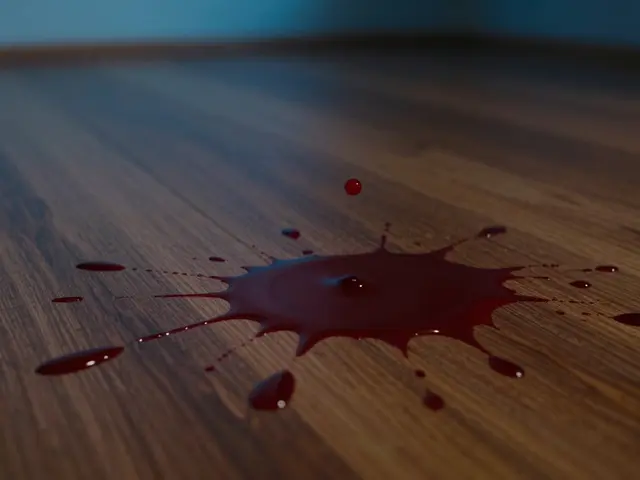
- Bright Outdoor Daylight: JPEG is acceptable for wide-area overviews. The dynamic range is manageable, and file sizes are smaller, allowing you to shoot more frames. However, if you’re photographing specific evidence like a blood spatter pattern against a bright background, switch to RAW to ensure you capture the full contrast.
- Macro Photography: RAW is essential. Macro shots require precise focus and often involve manual white balance adjustments. RAW lets you tweak white balance without degrading image quality. JPEG locks in the white balance, so if you get it wrong in the field, you’re stuck with it.
- Videography Integration: If you’re also recording video, check your camera’s capabilities. Some cameras cannot record video and save RAW stills simultaneously. In these cases, prioritize the task at hand. If video is primary, use high-bitrate H.264 or ProRes. If stills are primary, use RAW.
Storage and Workflow Considerations
RAW files are large. A single 24-megapixel RAW file can be 25-30 MB, compared to 8-10 MB for a JPEG. This impacts your workflow in several ways:
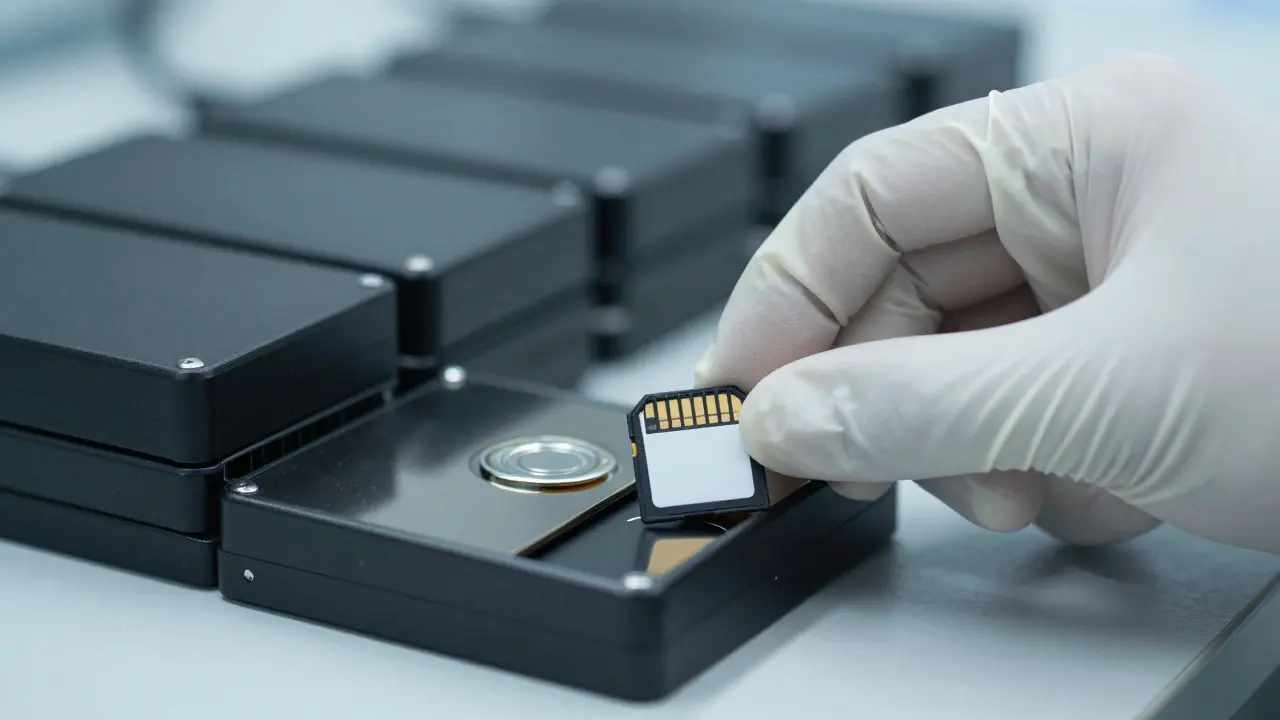
- Memory Card Capacity: You’ll fill cards faster. Carry multiple high-speed SD cards (UHS-II or UHS-III) to avoid running out of space mid-scene.
- Data Transfer Speed: Transferring RAW files takes longer. Use a fast card reader and a computer with SSD storage to speed up the backup process.
- Long-Term Archiving: RAW formats evolve. Older cameras used proprietary RAW formats that required specific software to read. Newer standards like DNG (Digital Negative) are open-source and more future-proof. Consider converting proprietary RAW files to DNG shortly after acquisition to ensure long-term accessibility.
Always implement a redundant backup system. Copy files to two separate hard drives and one cloud-based solution. Verify the hashes after each transfer. This triple-redundancy approach minimizes the risk of data loss, which is unacceptable in legal proceedings.
Common Pitfalls to Avoid
Even experienced photographers make mistakes that compromise evidence. Here are the most common ones:
- Auto White Balance in JPEG: In mixed lighting (e.g., fluorescent office lights and natural daylight), auto white balance can produce inconsistent colors across images. In RAW, you can correct this globally in post-production. In JPEG, you’re locked into the camera’s guess.
- Over-Sharpening in Camera: Many cameras offer in-camera sharpening options. Turn these off for forensic work. Sharpening adds halos around edges, which can distort measurements and details. Apply sharpening in post-production only when needed for presentation, and document the amount used.
- Ignoring Histograms: Always check the histogram on your camera’s LCD screen. If the graph touches the left edge, you’re underexposing. If it touches the right edge, you’re overexposing. In RAW, slight clipping is recoverable. In JPEG, it’s permanent.
- Mixing Formats Without Documentation: If you switch between RAW and JPEG during a scene, note why. Did you run out of card space? Was the lighting too bright for RAW? Documenting these decisions shows thoroughness and preempts questions about inconsistency.
Comparison Table: RAW vs. JPEG in Forensics
| Attribute | RAW | JPEG |
|---|---|---|
| File Size | Large (25-30 MB per image) | Small (8-10 MB per image) |
| Data Loss | None (lossless) | Yes (lossy compression) |
| Post-Processing Flexibility | High (exposure, WB, noise reduction) | Limited (basic adjustments only) |
| Dynamic Range | Full sensor range preserved | Reduced due to in-camera processing |
| Metadata Handling | Separate sidecar files possible | Embedded EXIF data |
| Best For | Low light, macro, high contrast | Bright daylight, wide overviews |
| Risk of Alteration | Lower (raw data intact) | Higher (easier to edit subtly) |
Frequently Asked Questions
Can I submit a RAW file directly to the court?
Generally, no. Courts prefer standard formats like TIFF or high-quality JPEG for display. Submit the processed TIFF or JPEG, but include the original RAW file as supporting evidence. Provide a log of all adjustments made during processing to show transparency.
Is JPEG always bad for forensics?
No. JPEG is perfectly acceptable for well-lit, low-contrast scenes where detail preservation isn’t critical. The key is knowing when to use it. If you’re confident the image captures all necessary detail, JPEG saves storage space and speeds up workflow.
What is the best software for processing forensic RAW files?
Adobe Lightroom and Capture One are popular choices. Both allow non-destructive editing, meaning the original RAW file remains unchanged. Ensure you export a TIFF for final submission and keep the XMP sidecar file with your case notes.
How do I verify that a RAW file hasn’t been altered?
Use a hashing algorithm like MD5 or SHA-256 to generate a unique digital fingerprint of the file. Record this hash in your case notes immediately after copying the file to secure storage. If the file is ever questioned, re-calculate the hash and compare it to your recorded value. If they match, the file is identical to the original.
Should I use RAW+JPEG mode?
Yes, if your camera supports it. This mode saves both a RAW and a JPEG version of each shot. It’s a safety net: if you realize later that you needed the RAW data, it’s there. The downside is doubled storage usage, so plan your card capacity accordingly.