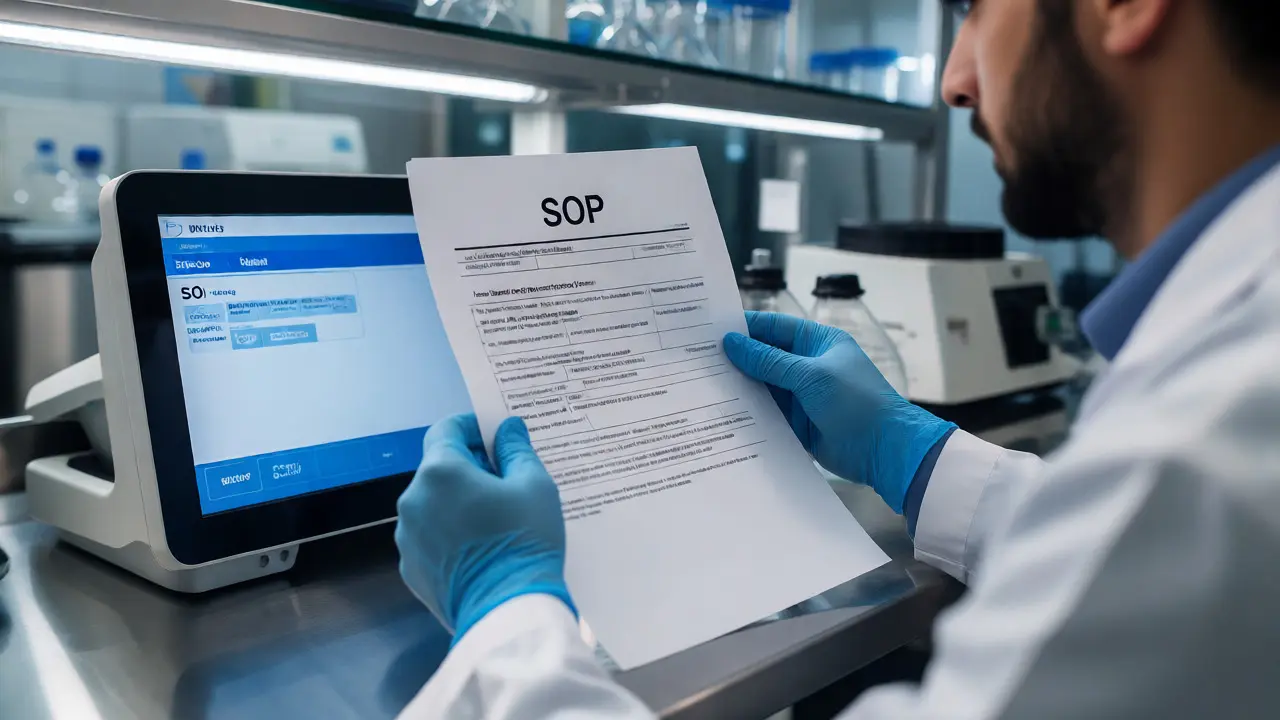
Imagine walking into your lab on a Monday morning. A technician grabs a SOP from the shared drive to run a critical test. The document looks right, but it’s actually three revisions behind. The result gets flagged during an audit as non-conforming because the procedure used didn’t match the approved method. This isn’t just paperwork annoyance; it’s a direct hit to your lab accreditation. If you can’t prove exactly which version of a document was in use at the time of testing, you’re vulnerable.
Document control is the backbone of any compliant laboratory. It’s not about hoarding PDFs; it’s about ensuring that the right information reaches the right people at the right time, and that every change is tracked. Whether you are aiming for ISO/IEC 17025 compliance or following FDA guidelines, mastering versioning and access controls is how you sleep well at night.
Why Your Current System Might Be Failing You
Most labs start with a folder structure on a network drive. It feels intuitive until you have five people saving "SOP_Final_v2_John" and "SOP_Final_v3_John." Suddenly, no one knows which file is the truth. Auditors hate ambiguity. They want a clear chain of custody for your knowledge.
The biggest risk isn’t losing documents; it’s using outdated ones. When a method changes-say, a new calibration step is added to a GC-MS protocol-and the old version remains accessible on the floor, technicians will inevitably use it out of habit or convenience. This leads to inconsistent data. In forensic labs, this could mean a case dismissal. In clinical labs, it could mean a misdiagnosis. Proper access control ensures that obsolete documents are either archived immediately or marked clearly so they cannot be mistaken for current instructions.
The Anatomy of Effective Versioning
Versioning isn’t just about incrementing numbers. It’s about context. A robust system answers three questions instantly: What changed? Why did it change? Who approved it?
You need a standardized naming convention. Avoid vague titles like "Updated Procedure." Instead, use a format that includes the document ID, revision number, and effective date. For example: DOC-QA-004_Rev3_2026-10-01.pdf. This makes sorting easy and prevents confusion when files sit side-by-side.
But the filename alone isn’t enough. Every document needs a revision history table embedded within it. This table should list:
- Revision Number (e.g., Rev 0, Rev 1)
- Date of Change
- Description of Change (Be specific: "Added safety step for handling hydrofluoric acid," not "Minor edits")
- Author/Editor Name
- Approver Name and Signature Date
If you’re moving away from paper, digital signatures are acceptable under most standards, provided they are linked to the user’s identity and timestamped. Never allow anonymous edits. If John Smith changes a limit of detection value, his name must appear next to that change forever.
Managing Access Without Creating Bottlenecks
Security and accessibility often feel like opposites. You want documents secure from unauthorized tampering, but you also want technicians to find them quickly. If your system requires a manager’s password to view a daily checklist, people will stop looking. They’ll print out old copies or keep personal binders, defeating the purpose of central control.
Adopt a role-based access model. Here’s a practical breakdown:
| Role | Read Access | Edit Access | Approval Authority |
|---|---|---|---|
| Technician | Current Approved Docs Only | No | No |
| Lab Manager | All Active & Archived | Drafts & Revisions | Yes (Operational) |
| Quality Officer | All Active & Archived | All Drafts | Yes (Final Compliance) |
| Auditor (External) | View Only (Time-Limited) | No | No |
This matrix ensures that technicians see only what they need-the live, approved versions-without cluttering their view with drafts or archived files. Meanwhile, managers can work on updates without disrupting the workflow on the bench.
Paper vs. Digital: Choosing Your Platform
There is no shame in paper if you do it right. Many small labs still rely on physical binders with controlled copy stamps. This works if you strictly limit the number of printed copies. Each binder should have a log sheet inside the cover. Every time someone takes the binder out, they sign it out. When a new revision comes in, the Quality Officer physically retrieves all copies, stamps the old ones "SUPERSEDED," and distributes the new ones. It’s labor-intensive, but it’s bulletproof against digital glitches.
Digital systems, however, offer scalability. Tools like SharePoint, specialized LIMS (Laboratory Information Management Systems), or dedicated document control software automate the heavy lifting. They handle check-ins/check-outs, auto-archive old versions, and send notifications when a document expires.
| Feature | Paper-Based System | Digital System |
|---|---|---|
| Cost | Low initial, high labor cost | Higher initial, lower long-term labor |
| Searchability | Manual browsing required | Instant keyword search |
| Version History | Physical logs in binder covers | Automated metadata tracking |
| Risk of Error | High (human error in distribution) | Low (automated workflows) |
| Audit Trail | Signature sheets | Digital logs (who viewed/printed) |
If you choose digital, ensure your backup strategy is solid. Cloud storage is great, but know where your data resides. For sensitive forensic evidence chains, local servers might be preferred due to security protocols.
The Lifecycle of a Controlled Document
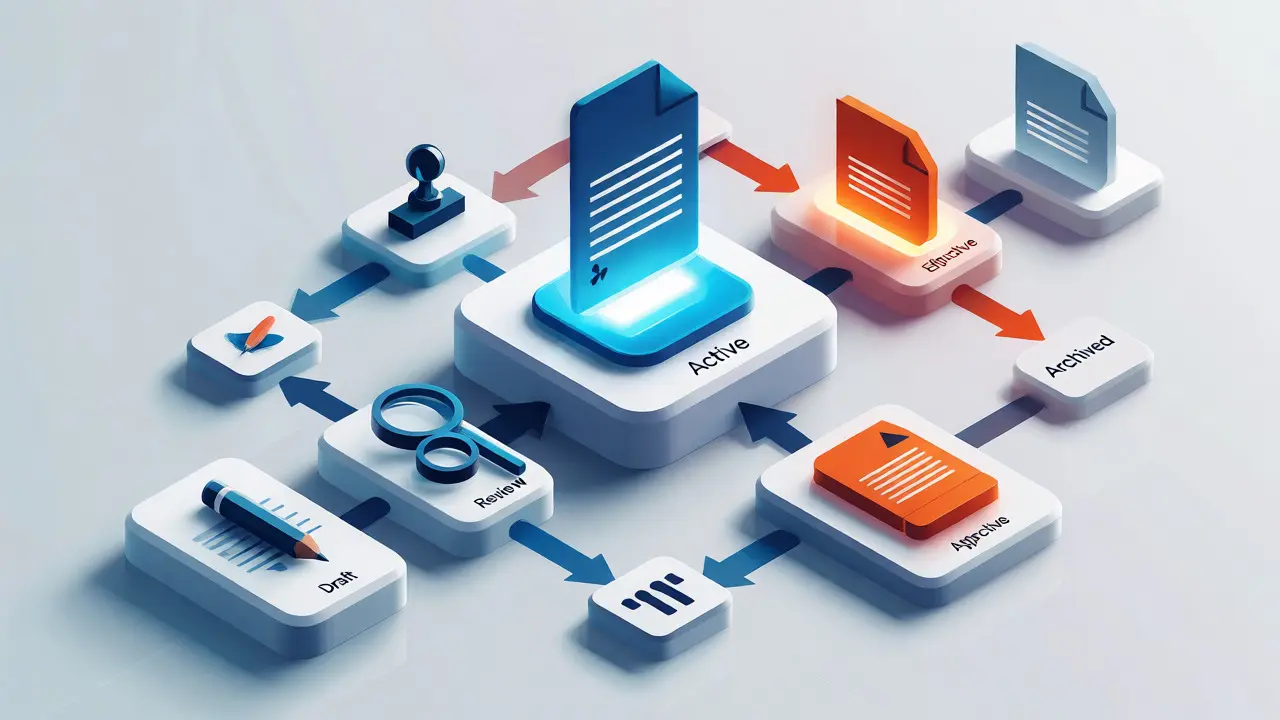
Understanding the lifecycle helps prevent gaps. A document doesn’t just exist; it moves through stages:
- Draft: Created by a subject matter expert. Not visible to general staff.
- Review: Sent to peers or managers for technical accuracy checks.
- Approval: Signed off by the authorized approver. Status changes to "Active."
- Effective: Available for use. Old versions are automatically hidden or archived.
- Obsolete: Retained for reference or legal reasons but marked clearly as "Do Not Use."
- Archived: Moved to long-term storage after retention period expires (often 5-10 years depending on regulation).
The transition from Active to Obsolete is where most failures happen. If you update a chemical handling guide, you must actively communicate that change. Don’t just swap the file. Send an email blast. Hold a brief huddle. Require technicians to acknowledge they’ve read the update. An acknowledgment log is gold during an audit-it proves awareness, not just availability.

Common Pitfalls and How to Dodge Them
One common mistake is "version creep." This happens when minor typos trigger a full revision cycle, causing fatigue. Staff stop paying attention because everything looks different constantly. Group minor corrections together. Save major process changes for significant revisions. Use a "Redline" feature in Word or PDF editors to show exactly what changed between versions, making review faster.
Another trap is ignoring external documents. Do you rely on manufacturer manuals for equipment? Those are controlled documents too. If the manufacturer issues a service bulletin, does your lab track it? Assign a person to monitor vendor sites or set up RSS feeds for key equipment. Update your internal SOPs to reflect these external changes.
Finally, don’t forget training records. A document control system is useless if staff aren’t trained on the new version. Link your document management system to your training module. If a technician hasn’t acknowledged the new SOP, they shouldn’t be able to sign off on results generated using that method.
Key Takeaways for Immediate Action
- Audit your current state: Walk the floor. Are there uncontrolled binders? Loose papers? Flag them immediately.
- Standardize naming: Implement a strict file naming convention today. No more "Final Final New.docx."
- Define roles: Decide who can edit, who approves, and who views. Stick to it.
- Cleanse the archive: Move all superseded documents to a separate, restricted folder labeled "Archive."
- Train on the process: Teach your team why versioning matters. Make them partners in quality, not victims of bureaucracy.
How many versions of a document should I keep?
You typically need to keep the current active version and the immediate previous version for reference. However, regulatory requirements vary. ISO 17025 generally requires you to retain records for the duration defined by your contract or law, often 5 to 10 years. Always check your specific accreditation body's rules regarding retention periods for obsolete documents.
Can I use cloud storage like Dropbox for document control?
Yes, but with caution. Standard consumer cloud folders lack built-in approval workflows and detailed audit trails. You would need to implement strict manual processes for checking documents in and out, or use third-party plugins that add version control features. For accredited labs, specialized document control software is usually safer than generic cloud drives.
What if a technician uses an old version of a SOP?
This is a non-conformance. You must investigate the impact on the data. Did the old version produce invalid results? If yes, you may need to re-test samples. Document the incident, root cause analysis (why did they have the old copy?), and corrective action (how will you prevent recurrence?). Transparency here builds auditor trust.
Do emails count as controlled documents?
Generally, no. Emails are communication tools, not permanent records of procedure. However, if an email contains a temporary deviation or a critical instruction, it should be transcribed into a formal controlled document or attached to a job record. Relying on email threads for procedural steps is risky because they get buried and lost.
How do I handle temporary deviations from a SOP?
Create a temporary deviation form. This form references the original SOP, describes the deviation, explains the reason, and lists the approvals. Attach this form to the specific batch record or sample report. Once the deviation period ends, revert to the standard SOP. This keeps your main document clean while documenting exceptions.