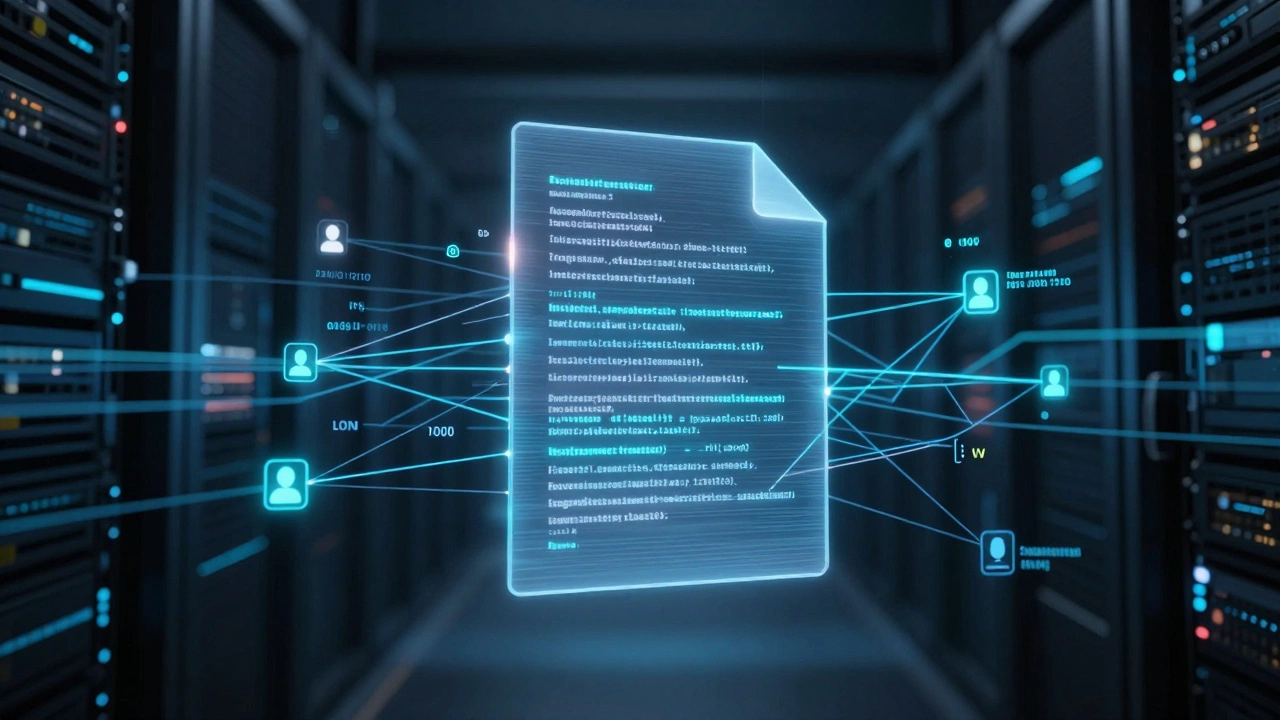
Imagine a scenario where a sensitive project file vanishes from your company’s shared drive. The employee denies deleting it. Their manager claims they never touched it. Without a reliable record of who did what, you are left with he-said-she-said accusations and potential legal liability. This is where document activity tracing becomes the difference between a solvable incident and a career-ending mystery.
In modern digital forensics, cloud collaboration logs serve as the primary source of truth. They are not just simple history files; they are complex, structured records that capture every significant action performed on cloud-hosted documents. From who opened a file to which device was used to share it externally, these logs provide the granular detail needed to reconstruct the full lifecycle of data activity.
What exactly are cloud collaboration logs?
Cloud collaboration logs are specialized audit and security records that capture every significant action performed on cloud-hosted documents and related collaboration objects (files, folders, shares, workspaces) together with precise metadata about who did what, when, from where, and via which device or client application.
The Anatomy of a Document Activity Log
To use these logs effectively in an investigation, you first need to understand what data they actually contain. A robust log entry is far more than a timestamp and a username. It is a rich dataset that tells a story.
When a user interacts with a document in platforms like Microsoft 365, Google Workspace, or specialized tools like TeamDrive, several distinct pieces of information are recorded:
- Event Type: Specific actions such as 'File Created,' 'Document Modified,' 'Permission Changed,' 'Shared Externally,' or 'Deleted.'
- Actor Identity: The unique user ID or service principal responsible for the action.
- Contextual Metadata: The role of the user, their access rights at the time, and the specific document identifier (often a global ID).
- Client Context: Critical forensic details including the IP address, device ID, and browser or app version used.
- Precise Timestamps: Exact time and date of the event, usually synchronized to UTC to avoid timezone confusion during cross-border investigations.
For example, TeamDrive emphasizes traceability through its built-in Audit Trail. It records changes to documents, the time of change, the identity of the user, the user role, access rights, the behavior (such as rename or move), and the device used. Each change is written to a transaction log file accompanied by a date and timestamp, the user ID, the device ID, and the global ID of the document. This level of granularity allows investigators to pinpoint not just that a file was moved, but exactly which laptop initiated the command.
Native Audit Logs vs. Centralized Logging Platforms
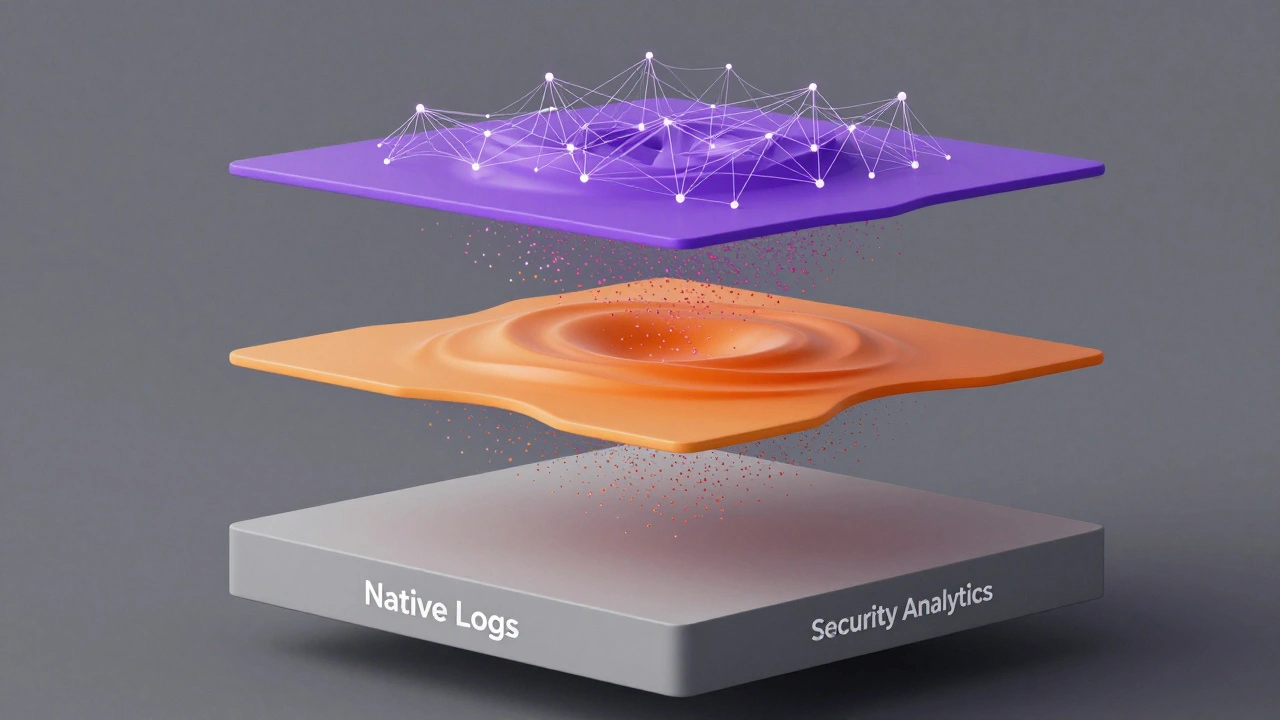
A common misconception among forensic professionals is that the native audit log provided by the collaboration platform is sufficient for all investigations. While native logs are excellent for quick administrative checks, they often lack the scalability and advanced correlation capabilities needed for complex forensic cases.
Let's look at the three layers of logging infrastructure typically found in enterprise environments:
| Layer | Example Tools | Primary Use Case | Forensic Value |
|---|---|---|---|
| Native Collaboration Logs | Microsoft Purview, Google Admin Console | Routine admin tasks, basic compliance checks | High semantic richness (e.g., "shared with external user"), but limited search depth and retention controls. |
| General Cloud Log Management | Google Cloud Logging, IBM Cloud Logs | Centralized storage, aggregation across multiple sources | Excellent for scale and long-term retention. Requires mapping event schemas to interpret document-specific actions. |
| Security Analytics Platforms | Trend Micro Vision One, Splunk | Threat detection, behavioral analytics, incident response | Correlates document activity with network and endpoint data to identify attack paths and anomalies. |
Microsoft Purview, for instance, provides a unified audit log for Microsoft 365. It allows administrators to monitor activities across Exchange, SharePoint, OneDrive, and Teams. However, for deep forensic analysis, organizations often export these logs into platforms like Google Cloud Logging or IBM Cloud Logs. These platforms offer fully managed real-time log management at exabyte scale, providing the storage and search capabilities necessary to handle millions of events per day without performance degradation.
Distinguishing Logs from Traces in Forensics
In the world of observability, the terms "logs" and "traces" are often used interchangeably, but they serve different purposes in an investigation. Understanding this distinction can be crucial when trying to reconstruct a complex sequence of events.
Logs are time-stamped records that provide a sequential account of events. They tell you what happened, when it happened, and the state of the application during the event. For example, a log might say: "User A uploaded File X at 10:00 AM."
Traces, on the other hand, follow the path of a request as it traverses various components of a distributed system. They give a high-level overview of how different services interact. If User A uploads File X, a trace might show the request hitting the API gateway, then the authentication service, then the storage backend, and finally the database update. Google Cloud Trace focuses on measuring how long it takes applications to handle incoming requests and complete operations such as remote procedure calls (RPCs).
Why does this matter for forensics? If a user reports that a document failed to save, logs might show an error code. But traces can reveal if the failure occurred due to a latency spike in the authentication service or a timeout in the storage layer. Combining event-level document logs with end-to-end traces allows teams to both reconstruct who performed which document actions and understand how those actions propagated through backend services. This is especially useful in large cloud collaboration platforms built on microservices, where a single user action can trigger dozens of backend processes.
Implementing Effective Document Activity Tracing
Having the technology is one thing; using it correctly is another. Many organizations fail in their forensic readiness because they do not properly configure their logging pipelines. Here is a practical approach to setting up effective document activity tracing.
Step 1: Enable Comprehensive Logging
Start by ensuring that audit logging is turned on for all relevant services. In Microsoft 365, this means enabling the unified audit log in Microsoft Purview. In Google Workspace, ensure that Admin Audit Logs are active. Do not rely on default settings alone; verify that specific event types like "External Sharing," "Permission Changes," and "Hard Deletes" are being captured.
Step 2: Define Retention Policies
Regulatory frameworks such as GDPR, HIPAA, and financial regulations require detailed records of data access and modification for specific periods. Configure your log retention policies to meet or exceed these requirements. Short retention periods can lead to critical evidence disappearing before an investigation even begins. Platforms like IBM Cloud Logs allow you to define retention rules that automatically archive old data while keeping recent data easily searchable.
Step 3: Integrate with Security Analytics
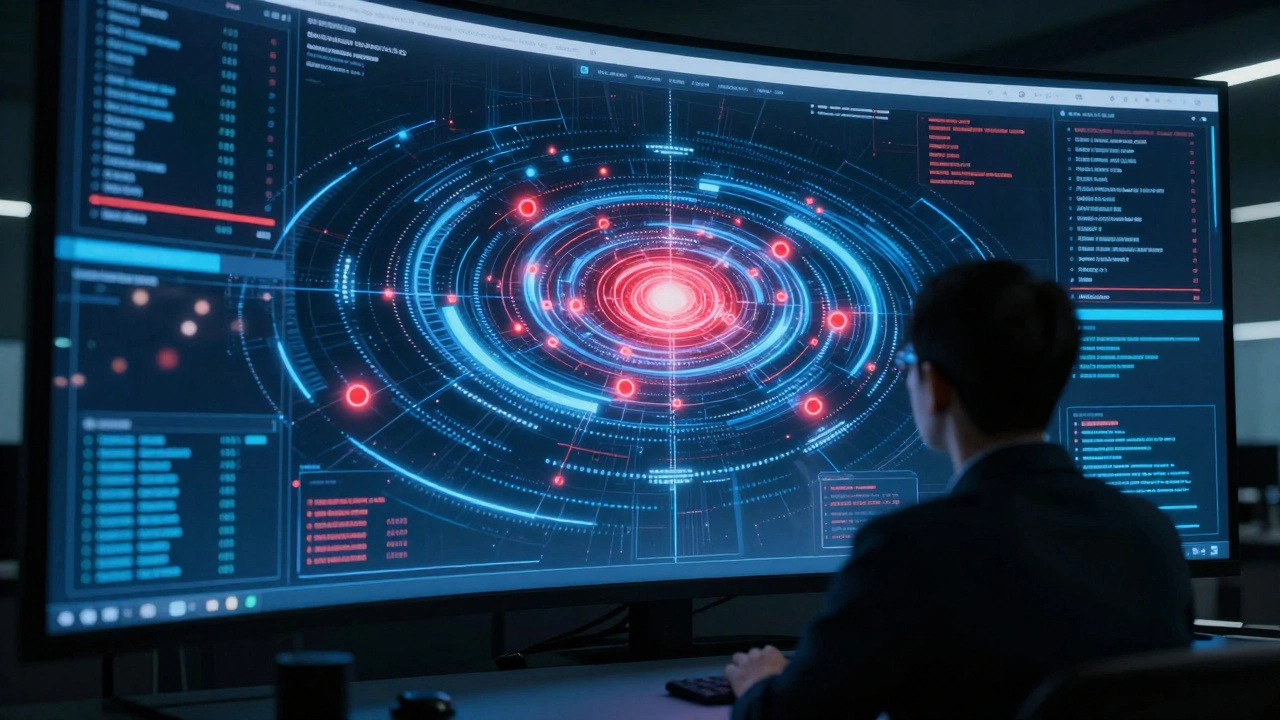
Isolated logs are hard to analyze. Integrate your collaboration logs with a centralized security analytics platform. Trend Micro Vision One, for example, ingests Azure Activity Logs to detect threats and generate visual representations of attack paths. By feeding document activity logs into such a platform, you can correlate file access with login attempts and network traffic. This helps identify patterns like mass deletion of files or unusual sharing behaviors that might indicate insider threat or account compromise.
Step 4: Normalize and Standardize
Different vendors use different formats for their logs. To make analysis easier, normalize the data into a consistent schema. This involves extracting key fields like User ID, Action, Timestamp, and Object ID from various sources and storing them in a unified format. This step is critical for creating dashboards and automated alerts that work across multiple collaboration tools.
Common Pitfalls in Document Activity Forensics
Even with the best tools, investigations can go wrong if you overlook common pitfalls. Here are three areas where forensic teams frequently stumble.
- Ignoring Service Principals: Many actions in cloud environments are performed by automated scripts or service accounts, not human users. If your logs only track human identities, you will miss critical automation-related events. Ensure your logging configuration captures service principal activities.
- Overlooking Client Context: An IP address alone is not enough. Users may access documents from mobile devices, public Wi-Fi, or compromised endpoints. Including device IDs and browser fingerprints in your logs adds a layer of verification that can help distinguish between legitimate remote work and unauthorized access.
- Failing to Monitor Permission Changes: Changing permissions is often a precursor to data exfiltration. An attacker might quietly grant themselves read access to a sensitive folder before copying the data. Make sure your alerting rules flag any changes to file or folder permissions, especially those involving external users or elevated privileges.
The Future of Cloud Collaboration Logging
As cloud environments become more complex, the demands on logging infrastructure continue to grow. We are seeing a shift toward AI-driven detection and deeper integration with extended detection and response (XDR) strategies. Vendors like Wiz emphasize that cloud security logs are central for detection and response, enabling teams to track user actions and resource changes to identify suspicious patterns.
Future enhancements will likely include more context-rich document activity events, standardized schemas across providers, and tighter correlation with identity and network telemetry. This evolution aims to make document activity tracing more effective for both compliance and security use cases, reducing the manual effort required to sift through thousands of log entries.
For forensic investigators, staying ahead of these trends means continuously updating your knowledge of vendor-specific log structures and exploring new integration possibilities. The goal is not just to collect data, but to transform it into actionable intelligence that protects your organization’s most valuable assets.
How long should I retain cloud collaboration logs?
Retention periods depend on regulatory requirements and internal policies. For GDPR, you may need to retain logs for as long as necessary to demonstrate compliance. For financial regulations like SOX, seven years is common. Always consult with legal counsel to determine the appropriate retention period for your industry. Platforms like Google Cloud Logging and IBM Cloud Logs allow configurable retention to meet these needs.
Can I recover deleted files using activity logs?
Activity logs themselves do not store the content of deleted files. They record the fact that a deletion occurred, who did it, and when. To recover the file, you would need to use the platform's backup or version history features. However, the logs are essential for determining if the deletion was accidental or malicious, which guides your recovery strategy.
What is the difference between an audit log and an access log?
An audit log typically records administrative actions and significant changes, such as permission modifications or deletions. An access log records every attempt to view or download a file, regardless of whether it succeeded or failed. For comprehensive forensics, you need both. Access logs help identify reconnaissance activity, while audit logs show impactful changes.
How do I handle logs from multiple cloud providers?
Use a centralized log management platform like Google Cloud Logging or IBM Cloud Logs to aggregate logs from different sources. Normalize the data into a common schema to facilitate searching and correlation. This approach ensures you have a unified view of document activity across your entire hybrid cloud environment.
Are cloud collaboration logs admissible in court?
Yes, provided they are collected and preserved according to proper chain-of-custody procedures. You must demonstrate that the logs were not altered after the event. Using tamper-evident storage and maintaining detailed documentation of your log collection process strengthens their admissibility in legal proceedings.