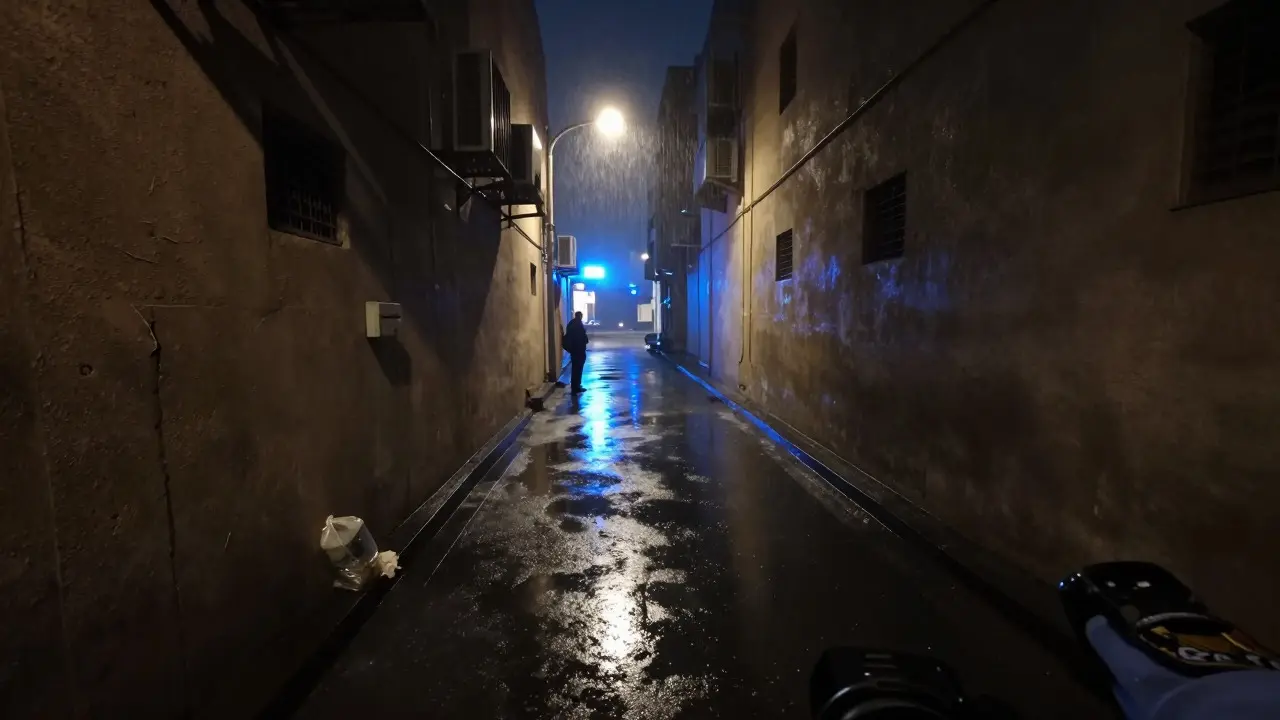
Imagine standing in a dimly lit alley at 2 AM. The air smells of rain and exhaust. Your body-worn camera is recording every step, every breath, every glance. You are not just an observer; you are the primary witness to the first moments of a crime scene. Yet, for years, this footage lived in isolation-separate from sketches, separate from photos, and often disconnected from the narrative of what actually happened.
The challenge isn't capturing the video; it's making that video speak the same language as your other evidence. When integrating scene documentation with body-worn camera (BWC) footage, you are bridging two distinct worlds: the dynamic, real-time audio-visual record and the static, deliberate physical evidence collection. If these two streams don't align, gaps appear. In those gaps, defense attorneys find room to argue. So, how do we close them?
Why Integration Matters More Than Ever
Traditional scene documentation relies on still images, measurements, and written notes. It is precise but frozen in time. Body-worn cameras capture movement, sound, and context. They show where an officer looked before pulling out a weapon. They record the ambient noise of a chaotic crowd or the silence of an abandoned building. Alone, each method has blind spots. Together, they create a 3D reconstruction of events that neither could achieve solo.
Consider a traffic stop. A photo shows the car stopped. A sketch shows the positions of the driver and passenger. But only the BWC footage shows the driver’s hand trembling, the delay before reaching for the ID, and the exact moment the officer decided to draw their sidearm. Without integrating the timestamped video with the spatial data of the scene, the justification for use of force remains subjective. With integration, it becomes objective.
The Core Components of Digital Scene Reconstruction
To integrate effectively, you need three core components working in harmony:
- Time-Synchronized Media: Video and audio files must retain accurate metadata. This includes GPS coordinates, timestamps, and device IDs.
- Spatial Data: LiDAR scans, photogrammetry models, or detailed scale drawings that define the geometry of the scene.
- Chain of Custody Logs: Digital records proving the video hasn't been altered since the moment it was recorded.
When these elements overlap, you get a verifiable timeline. For example, if a suspect claims they were facing away from the officer, the BWC angle combined with the scene layout can prove or disprove that claim instantly.
Step-by-Step Integration Workflow
You don’t need a Hollywood-level tech budget to start integrating. Here is a practical workflow used by forward-thinking agencies in Oregon and beyond:
- Immediate Offload and Verification: As soon as possible after the incident, offload the BWC footage to a secure server. Verify the file hash (MD5 or SHA-256) immediately. This locks the integrity of the file. If you wait days, questions about tampering become harder to dismiss.
- Scene Capture with Spatial Context: While documenting the scene physically, use a laser measure or mobile LiDAR app to capture key distances. Take photos from multiple angles, including wide shots that include landmarks visible in the BWC field of view.
- Metadata Alignment: Match the BWC timestamp with the scene documentation time. Note any discrepancies. Did the camera clock drift? Was there a gap in recording? Document these anomalies in your report.
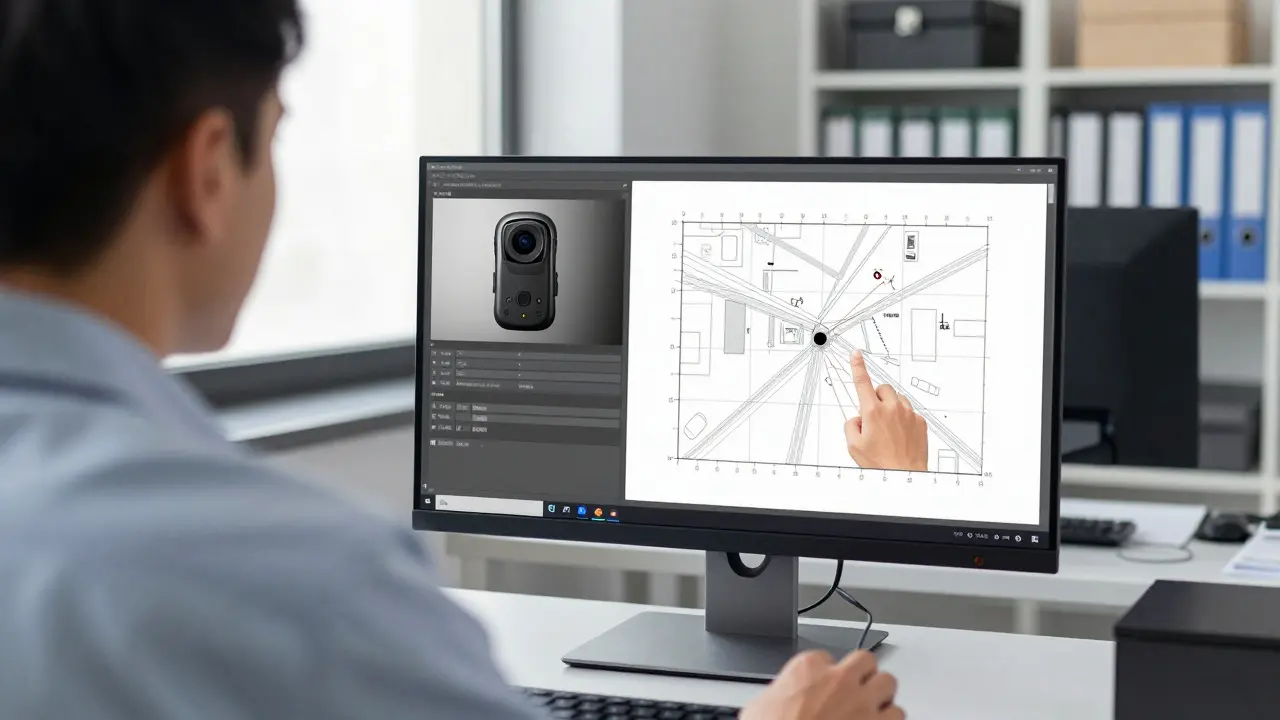
- Overlay and Analysis: Use software that allows you to overlay the BWC video onto a 2D or 3D scene model. Even simple tools can help visualize line-of-sight issues or blind spots.
- Narrative Synthesis: Write your report referencing both sources. Instead of saying "the suspect ran left," say "as seen in BWC clip at 00:14, the subject moved toward the dumpster, consistent with the debris pattern documented in Photo 4."
Common Pitfalls and How to Avoid Them
Even experienced investigators make mistakes when merging media types. Here are the top three traps:
1. Ignoring Audio Context Video without audio is half the story. Background conversations, sirens, or even the click of a gun safety being engaged can be critical. Always preserve the original audio track. Do not compress it heavily, as this can distort subtle sounds that might be crucial in later analysis.
2. Mismatched Timestamps If your BWC says 2:15 PM and your scene log says 2:17 PM, you have a problem. This usually happens due to daylight saving time errors or manual clock adjustments. Standardize your devices to sync via NTP (Network Time Protocol) whenever possible. If syncing isn't available, note the offset clearly in your documentation.
3. Over-Reliance on One Source Don't let the video replace the physical inspection. Sometimes, what the camera misses-a faint scent, a specific texture, a hidden object under a loose floorboard-is revealed only through tactile examination. The video provides context; the physical exam provides detail. Both are non-negotiable.
Tools and Technologies That Make Integration Easier
You don't need to build a custom system from scratch. Several commercial and open-source tools facilitate this process:
| Tool Type | Example Software | Key Feature | Best For |
|---|---|---|---|
| Video Forensics | EnCase Cyber, Cellebrite | Metadata extraction, hash verification | Courtroom admissibility |
| 3D Scene Modeling | Foxit ScanTrax, Leica BLK360 | LiDAR scanning, point cloud generation | Complex indoor scenes |
| Timeline Syncing | Adobe Premiere Pro, DaVinci Resolve | Multi-camera sync, audio alignment | Creating demonstrative exhibits |
| Evidence Management | Veritas One, Evidence.com | Automated ingestion, chain of custody | Agency-wide standardization |
Note that while high-end LiDAR scanners cost tens of thousands of dollars, smartphone-based apps like Polycam or RealityScan offer surprisingly accurate results for basic outdoor scenes. The key is consistency, not necessarily cost.
Legal Implications and Admissibility
In court, judges ask one question: Is this reliable? To answer yes, you must demonstrate that the integration process was systematic and repeatable. Keep your methods documented. If you use a specific software version for syncing, note it. If you calibrated your measuring tools, attach the calibration certificate. This level of detail transforms your evidence from "an officer's opinion" to "a scientifically supported reconstruction."
Furthermore, consider the perspective of the jury. They are not forensic experts. A well-integrated exhibit-where the video plays alongside a clean, annotated diagram-helps jurors understand complex spatial relationships quickly. Clarity wins cases.
Building a Culture of Integrated Documentation
Technology is only half the battle. The other half is training. Officers need to understand that their BWC footage is not just a disciplinary tool; it is a primary source of truth. Train them to pause and look around before speaking, ensuring the camera captures the environment, not just their face. Teach them to verbally describe key actions: "Moving to the rear door now," "Checking the left window." These verbal anchors make syncing with scene notes much easier later.
Investors in this culture see fewer appeals, faster case resolutions, and higher public trust. When the community sees that every step is documented and verified, confidence in the process grows.
Frequently Asked Questions
How long should body-worn camera footage be retained?
Retention policies vary by jurisdiction, but most agencies keep footage for 30 to 90 days unless flagged for litigation. Once a case is filed, extend retention indefinitely until final appeal resolution. Always check local statutes and departmental policies.
What is the best way to sync BWC footage with scene photos?
Use shared reference points. Photograph a unique object in the scene (like a crack in the pavement or a specific sign) while simultaneously noting its position relative to the camera view. Use video editing software to align clips based on these visual cues and timestamp overlaps.
Can body-worn camera footage be edited for courtroom presentation?
Yes, but only for demonstrative purposes. The original file must remain untouched. Create a copy for editing, adding zooms, slow motion, or annotations. Label the edited version clearly as "Demonstrative Exhibit" to avoid confusion with raw evidence.
Do I need specialized software to integrate BWC and scene data?
Not necessarily. Basic integration can be done with free tools like VLC for playback and GIMP for image annotation. However, for high-stakes cases involving complex spatial analysis, investing in dedicated forensic video or 3D modeling software reduces error risk significantly.
How does GPS data in BWC footage help with scene documentation?
GPS data provides absolute location coordinates. When overlaid on a map or 3D model, it helps verify the accuracy of distance measurements taken manually. It also helps establish the path officers took, which can be critical in pursuit or foot chase scenarios.