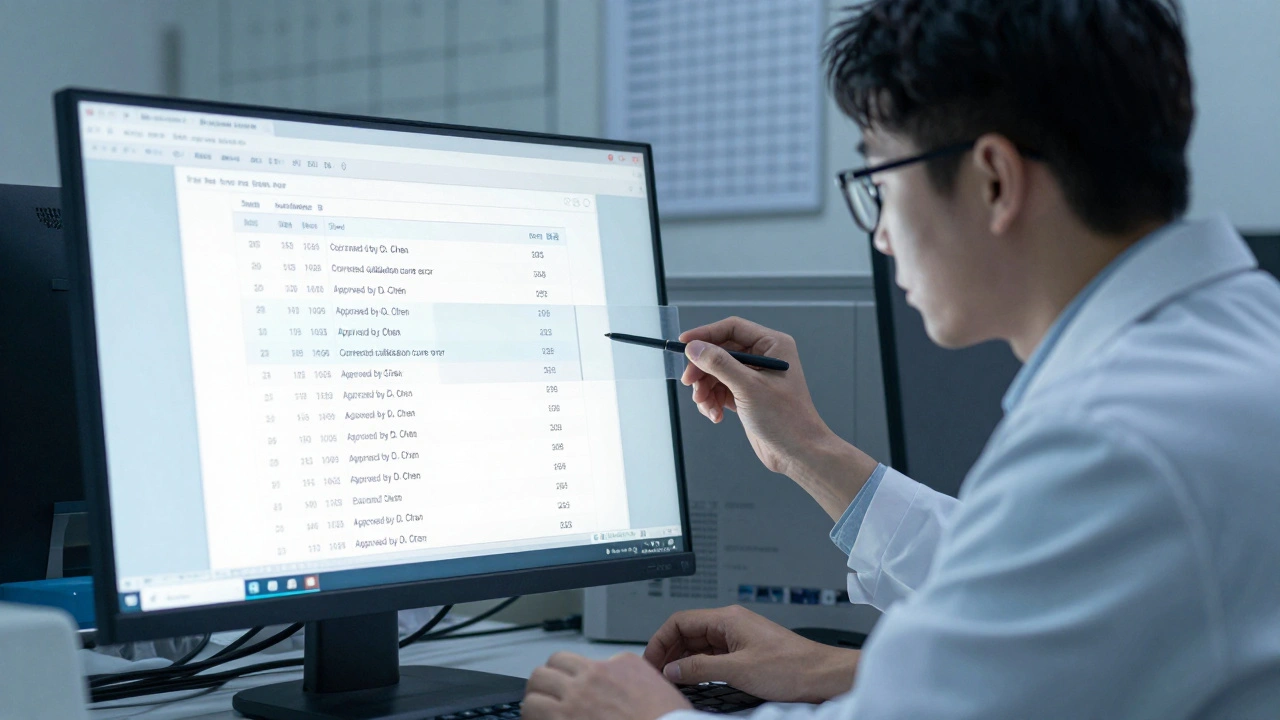
When you're working on a forensic report, every change matters. A single word altered, a timestamp moved, or a footnote added can change the entire meaning of your findings. In high-stakes investigations, you can’t afford to guess which version of a report is the final one. You need to know exactly who changed what, when, and why. That’s where version control comes in-not as a tech buzzword, but as a necessity.
Why Forensic Reports Need Version Control
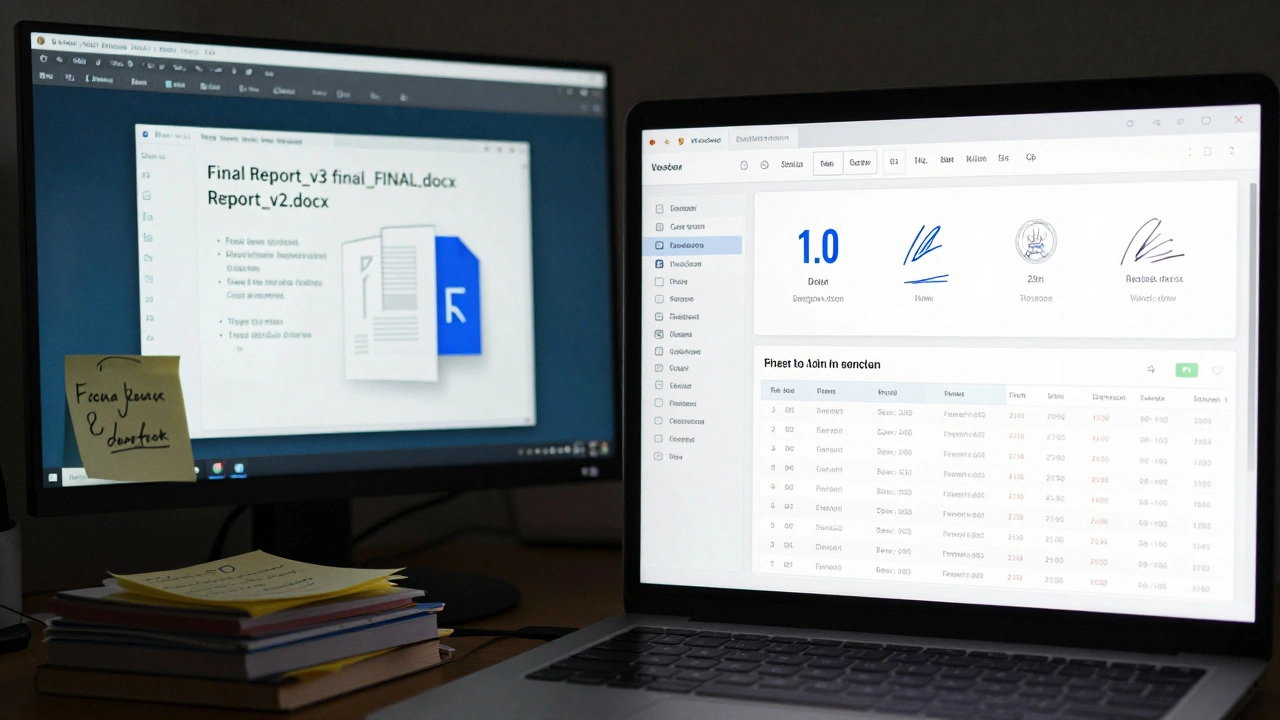
Forensic reports aren’t just documents-they’re evidence. They may be used in court, reviewed by regulators, or referenced years later during appeals. If you’re relying on email attachments named "Final_Report_v3_final_FINAL.docx," you’re already at risk. There’s no audit trail. No way to prove a change was made in good faith. No record of who approved the edits. Version control solves this by turning every edit into a permanent, timestamped event. Instead of saving copies with confusing names, you save the story of the document. Each change is recorded with:- Who made the change
- When it was made
- What exactly changed
- Why it was changed (via a commit message)
How Version Control Works for Reports
Think of your forensic report like a codebase in software development. You don’t send out 17 different Word files-you work from one central source, and every change is tracked. Here’s how it breaks down:- Add: You start tracking the report by uploading the first draft into the system. It becomes "Version 0.1" with a timestamp.
- Revision: Every time you save a change, the system creates a new version. Version 0.2, 0.3, 1.0-all saved automatically.
- Check-in Message: When you save, you’re prompted to write a short note: "Updated chain-of-custody log after interview with witness #4." That note becomes part of the permanent record.
- Branching: If two analysts are working on different sections, they can work on separate branches. One can revise the lab analysis while another updates the timeline, then merge them later without conflict.
- Revert: Someone accidentally deletes a key finding? Roll back to Version 0.7. No need to dig through backups.
- Head: The "Head" is always the latest approved version. Everyone on the team sees the same thing.
Manual vs. Automated Version Control
Some teams still use manual methods: renaming files as "Report_v1," "Report_v2_FINAL," or keeping a spreadsheet with version numbers, authors, and change summaries. It sounds simple-but it’s fragile. A manual system relies on human discipline. Someone forgets to update the spreadsheet. Someone saves over the wrong file. Someone emails a draft to a colleague without labeling it. Within weeks, you have five versions floating around, and no one remembers which one was submitted to the DA’s office. Automated version control removes that risk. Tools like Git (used in software) or enterprise document systems like SharePoint with versioning, or even forensic-specific platforms like CaseWare or OpenText, automatically:- Assign version numbers
- Log every edit
- Require user authentication
- Lock files during editing to prevent overwrites
- Generate audit logs for compliance
Building Your Audit Trail
An audit trail isn’t just a list of changes. It’s a narrative. For a forensic report, your audit trail should answer these questions:- Who accessed the file and when?
- Did they view it, edit it, or approve it?
- Was the change made before or after the peer review?
- Is there a digital signature from the lead analyst or supervisor?
| Version | Date | Author | Change Summary | Approved By |
|---|---|---|---|---|
| 0.1 | 2025-01-12 | M. Rivera | Initial draft from lab data | - |
| 0.2 | 2025-01-15 | J. Patel | Added reference to NIST 800-92 | M. Rivera |
| 0.3 | 2025-01-18 | M. Rivera | Corrected calibration curve error | J. Patel |
| 1.0 | 2025-01-20 | M. Rivera | Final version for submission | D. Chen (Lab Director) |
Common Mistakes in Forensic Document Tracking
Even teams that know version control is important mess it up. Here’s what goes wrong:- Using "Final" in filenames - There’s no such thing as "Final" until it’s locked in the system. Always use version numbers.
- Not using commit messages - "Updated report" tells you nothing. "Corrected concentration value based on retest on 1/15/2025" does.
- Allowing editing without check-in - If someone edits a file locally and forgets to upload, you lose the change. Systems should require check-in before closing.
- Ignoring access controls - Only lead analysts should approve final versions. Junior staff should only draft or comment.
- Not syncing across devices - If your lead analyst works from home and the lab uses a different system, you’re asking for version drift. Use cloud-based, synchronized platforms.
What to Look for in a Version Control System
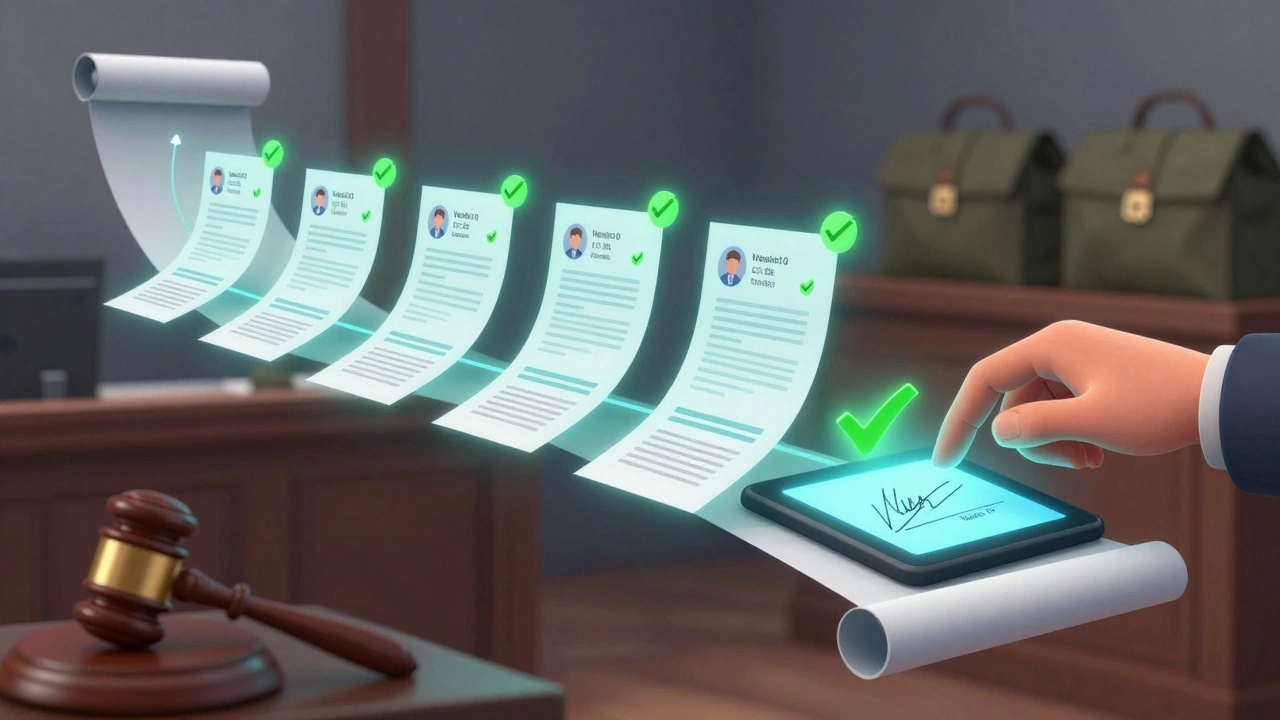
Not all systems are built for forensic work. Here’s what you need:- Role-based access - Can you restrict editing to supervisors only?
- Digital signatures - Can approvals be signed and timestamped electronically?
- Exportable audit logs - Can you generate a PDF or XML report of all changes for legal teams?
- Integration with case management - Does it link to your case ID, evidence numbers, and witness logs?
- Offline capability - Can analysts work without internet and sync later?
Real-World Impact
In 2025, the Oregon State Crime Lab implemented version control across all forensic reports. Within six months:- Document-related errors dropped by 73%
- Time spent resolving "which version is correct?" questions fell from 12 hours per case to under 30 minutes
- External auditors gave them a perfect score on compliance checks
Start Small. Stay Consistent.
You don’t need to overhaul your entire workflow tomorrow. Pick one report type-a drug analysis, a ballistics report, a digital evidence log-and start tracking it. Use a free tool like Git if you’re tech-savvy, or ask your IT team to enable versioning in your current document system. Train your team: no more "Final_v3.docx." Only numbered versions. Always. Every time. Because in forensics, the truth isn’t just in the data-it’s in the record of how you got there.Can I use Google Drive or Dropbox for forensic report version control?
Google Drive and Dropbox track file versions, but they lack the forensic-grade controls you need. They don’t enforce digital signatures, restrict editing by role, or generate legally defensible audit logs. They’re fine for casual use, but not for court-admissible reports. Use a system designed for compliance, like CaseWare or SharePoint with versioning enabled.
What if someone accidentally deletes a version?
In a proper version control system, versions aren’t deleted-they’re archived. Even if you "delete" a file, the system keeps a history. You can always restore Version 0.4 from three months ago. The key is to never turn off versioning or purge old revisions.
Do I need to be a tech expert to use version control?
No. Modern forensic document systems have simple interfaces-just click "Save" and write a short note. You don’t need to type commands or understand branches. The system does the heavy lifting. Training takes one hour.
How long should I keep version history?
Most forensic standards (like NIST and ISO 17025) require retaining version history for at least 10 years after case closure. Some states require 15. Your system should auto-archive versions and not allow deletion before the retention period ends.
Can version control prevent tampering?
It doesn’t prevent tampering-it proves it happened. If someone alters a report, the system records the change, who did it, and when. That’s more powerful than trying to stop tampering. In court, the history itself becomes evidence of integrity-or misconduct.
Version control isn’t about technology. It’s about accountability. In forensic reporting, the only thing more important than the findings is the proof that they were handled right.